
AI Education Solutions
ShengTong Education AI Education Solution (Children's Palaces & Science Museums)
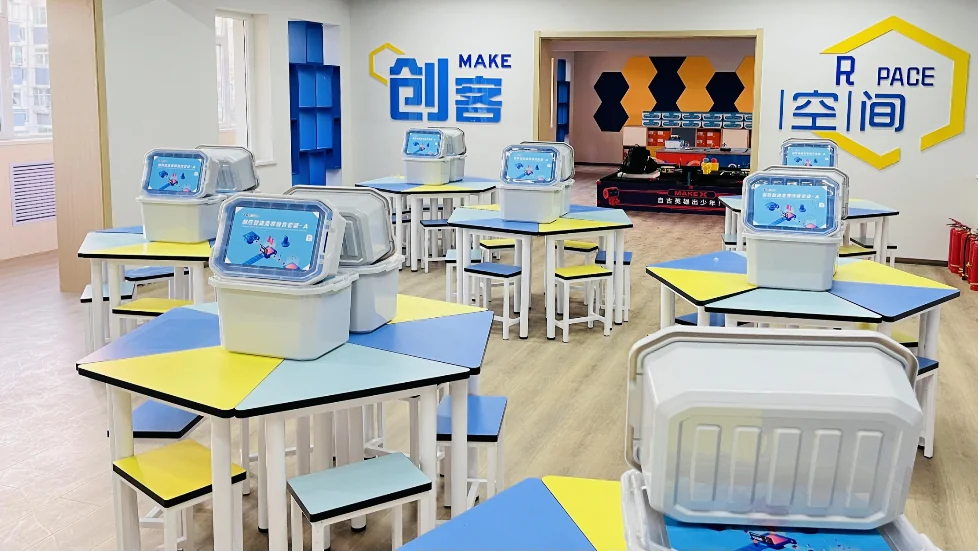
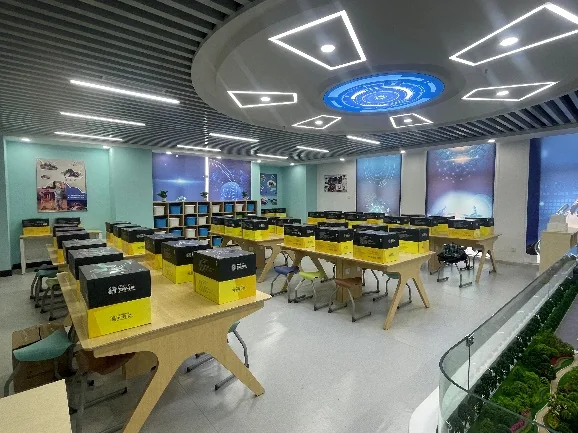
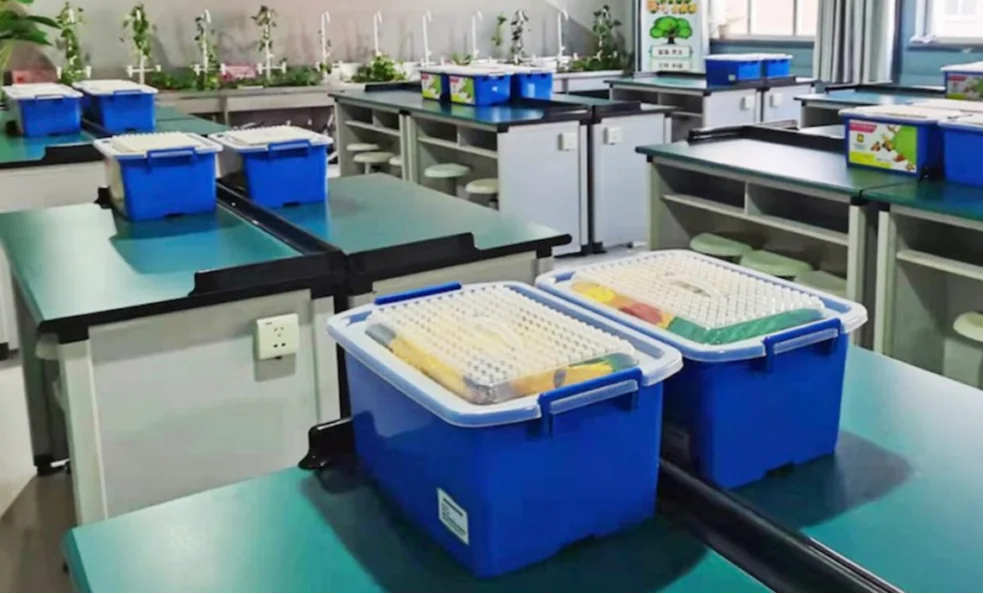
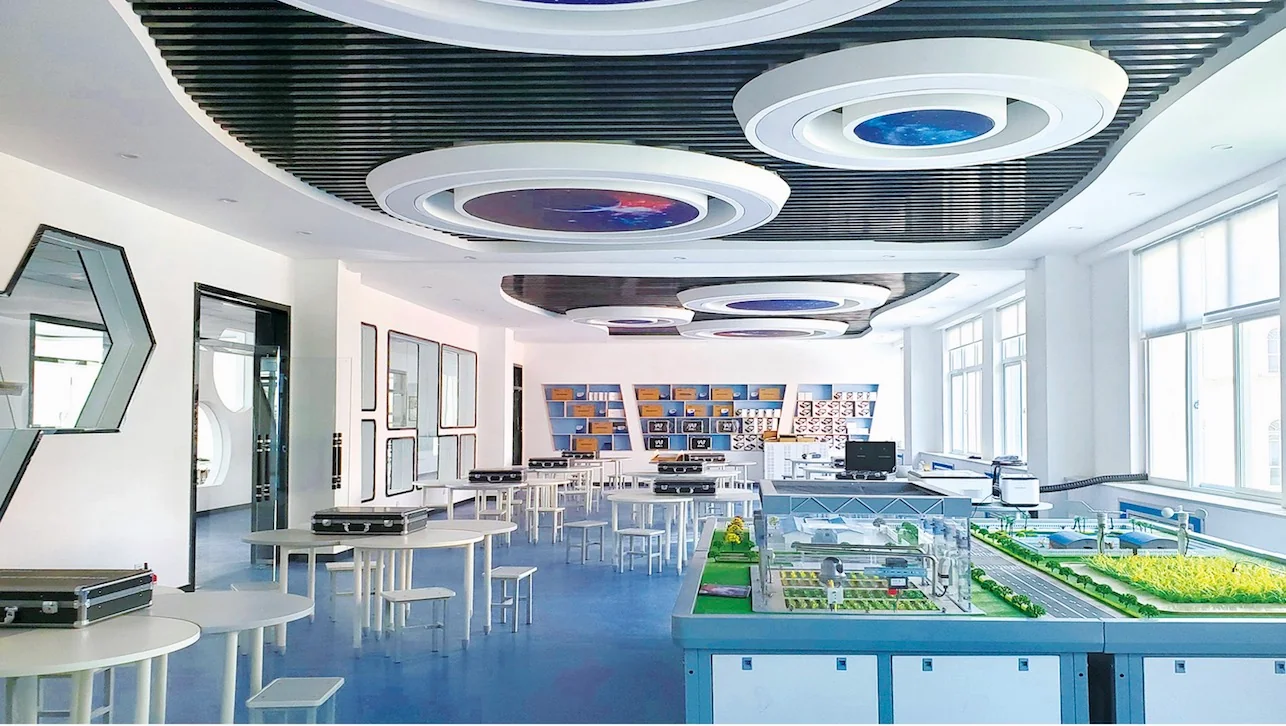
Creative Graphical Programming
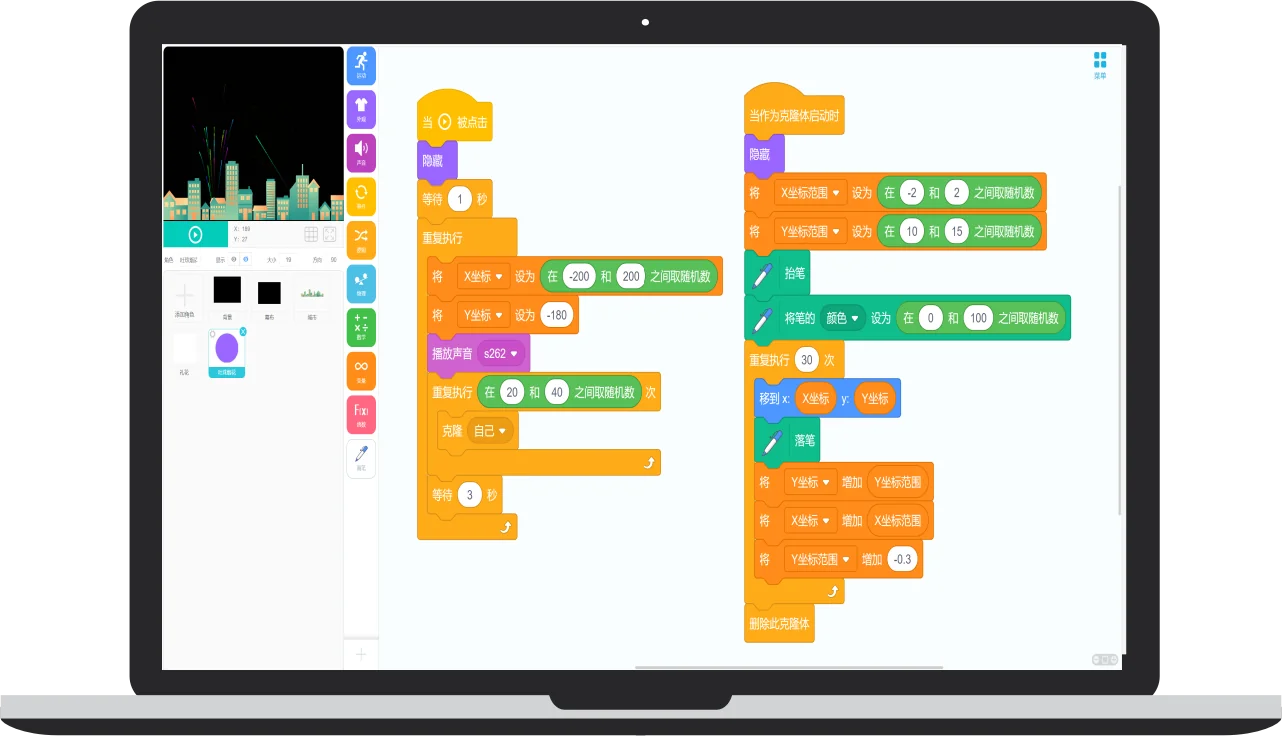
Built around designing animations and games, the course blends themes from language, math, physics, art, and IT to spark an interest in programming and sharpen logical thinking, giving children their first taste of independent, exploratory learning. Input is done by dragging blocks with the mouse — no typing skills needed; being comfortable with a mouse is enough to start programming.
Course Outline (Customizable)
- Code Jurassic
- Magic Castle
- Programming in Action
- Monster City
- Space Battle
- Programming in Action
- Codey Rocky in Action
- Amazing Sensors
- Smart Life in Action
- IoT Home
- First Look at AI
- AI in Action
AI Python Programming
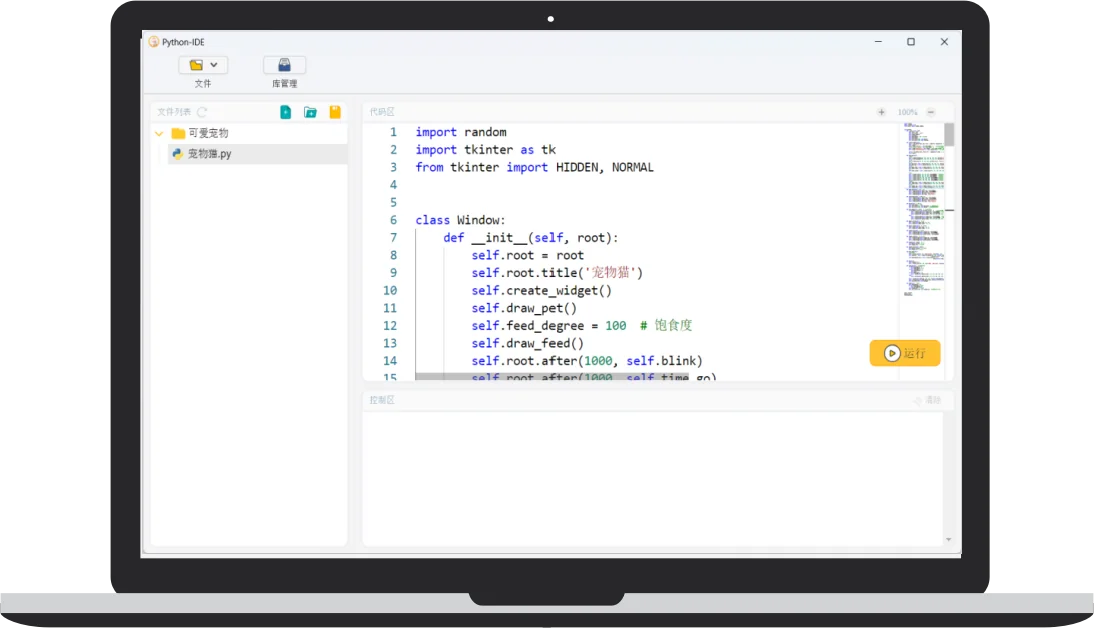
This course teaches children to write English code with a keyboard and build 2D games in Python, such as Snake, Flying Bird, and Thunder Fighter. Moving from easy to advanced, it helps children master basic Python syntax, build a feel for programming, and understand related AI technologies.
Course Outline (Customizable)
- Language Experience
- Programming Basics
- Data Processing
- The Beauty of Logic
- Modular Programming
- Object-Oriented Programming
- Game On
- Snake
- Flying Bird
- Thunder Fighter I
- Thunder Fighter II
- Data Analysis
Informatics Competition C++ Course
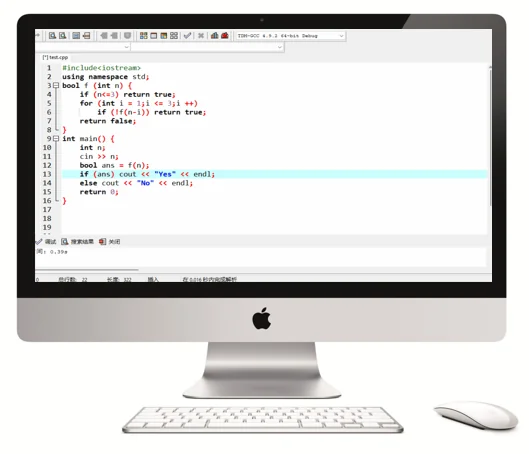
This course helps students master C++ fundamentals and common algorithms and data structures, developing their ability to understand and analyze problems and improving math and logical thinking, so they are ready to take part in entry-level informatics competitions and improve their results.
Course Outline (Customizable)
- Unit 1 Sequence & Branches
- Unit 2 Branches & Loops
- Unit 3 More Loops
- Unit 4 Secrets of Numbers
- Unit 5 Arrays & Sorting
- Unit 6 Functions
- Unit 7 Structures & Files
- Unit 8 High-Precision Arithmetic & Brute Force
- Unit 9 High-Precision Arithmetic & Brute Force
- Unit 10 Sorting & Searching
- Unit 11 Data Structures
- Unit 12 Linked Lists & Trees
- Unit 13 Applications of Trees
- Unit 14 Introduction to Search
- Unit 15 Greedy & Binary Search
- Unit 16 Search Strategy Optimization
- Unit 17 Graphs & Trees
- Unit 18 Graphs & Trees
- Unit 19 Exam Practice - Brute Force & Greedy
- Unit 20 Exam Practice - Greedy & Data Structures
- Unit 21 Search Algorithms & Linear DP
- Unit 22 Linear DP & Knapsack DP
- Unit 23 Interval DP & Binary Lifting
- Unit 24 Comprehensive Exam Practice
Platform Configuration
ShengTong Education has independently developed the one-stop teaching and academic management system “Yi Xiao” (One School), integrating teaching, practical training, assessment, competitions, and management to build the digital hub of AI education for institutions. The platform fits the K12 stepped AI teaching system, gathers 800+ quality courses, and connects the three portals of students, teachers, and management, fully covering the five teaching scenarios of teaching, learning, practicing, competing, and creating. With a complete system, clear class hours, and ready-to-use design, it effectively lowers the threshold of AI teaching and improves teaching competitiveness and outcome conversion.
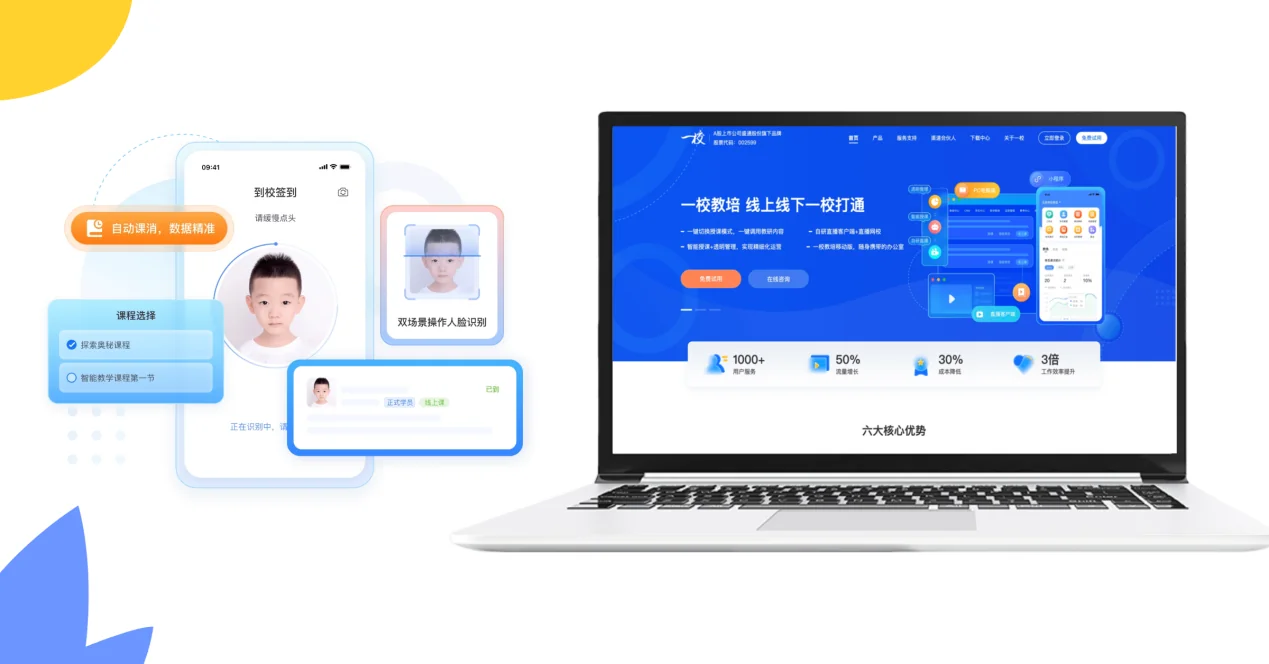
ShengTong Education AI Platform
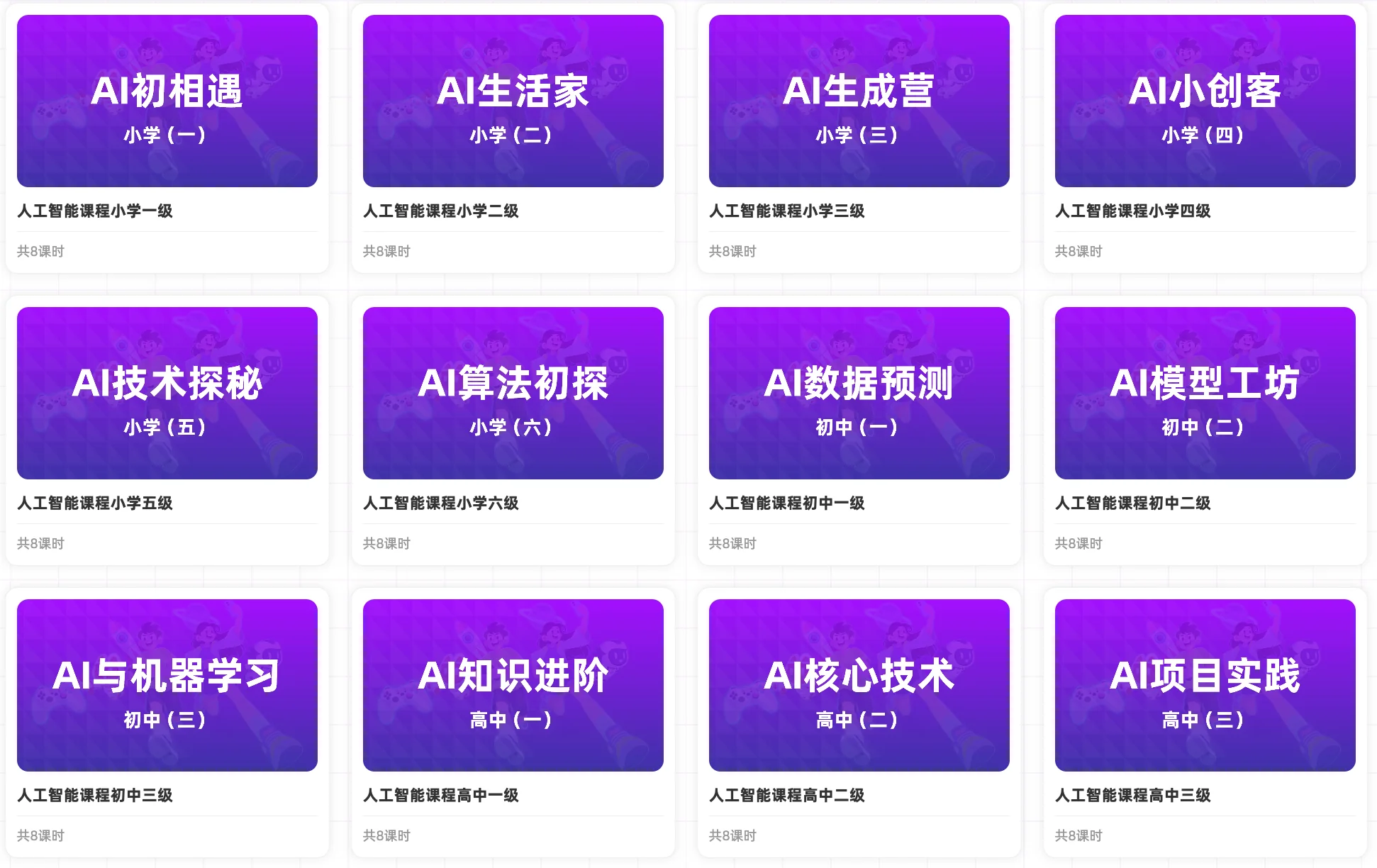
AI Literacy Courses
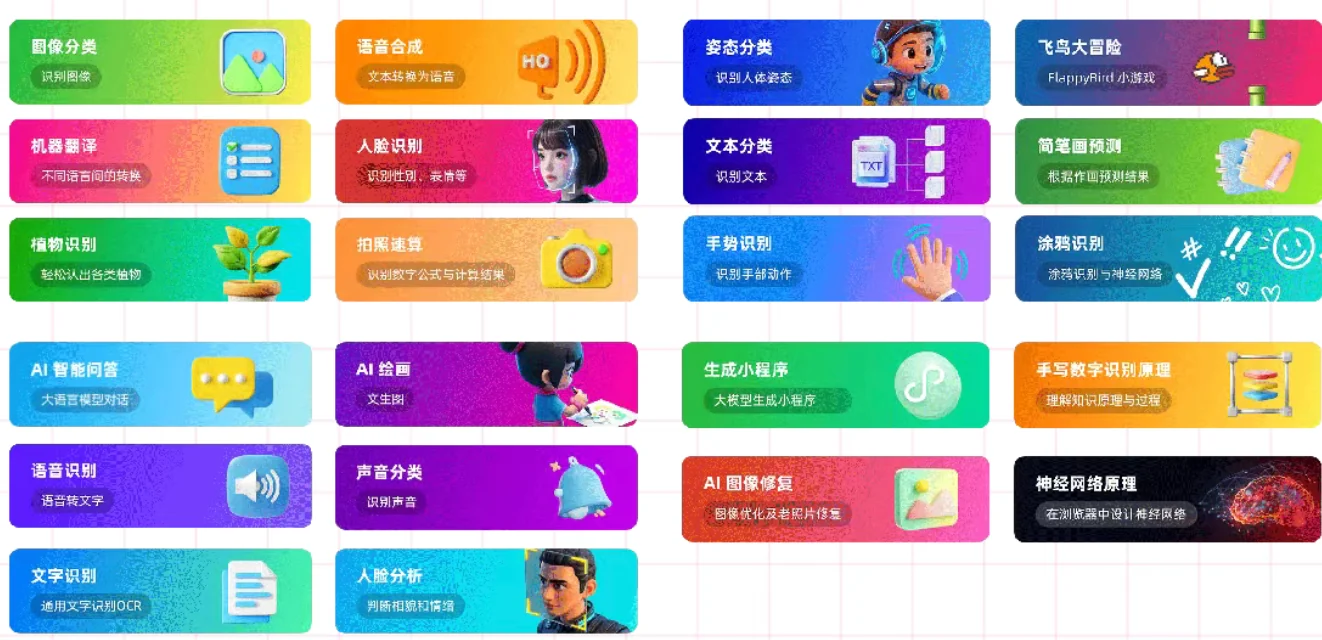
AI App Experience
Three Dimensions of Empowerment|A new ecosystem for school AI education
AI Empowerment
Injects quality AI courses and precision teaching as the “infrastructure” of the smart campus, providing precise support for lesson prep, homework, and diagnosis, moving education from feature stacking to deep application.
Efficiency Revolution
Data-driven teaching: the AI platform analyzes learning conditions automatically and pinpoints weaknesses, raising lesson-prep efficiency by 50% and cutting homework grading time by 70%, freeing teachers from repetitive work to focus on instructional design.
Asset Accumulation
Builds a school-based AI knowledge system that breaks resource barriers; AI continuously updates quality cases to form the own “teaching resource asset library”, ensuring teaching results are safely passed on and laying a digital foundation.
Interactive AI Education
Interactive AI Education is a course built on artificial intelligence technology. It combines robot hardware with animation software programming: learners study the basic concepts, syntax, and programming logic of block-based environments, and learn the technical principles behind image processing, object detection, face recognition, and gesture recognition used by robots, understanding how AI applies in real courses.
Product & Registration Certificate
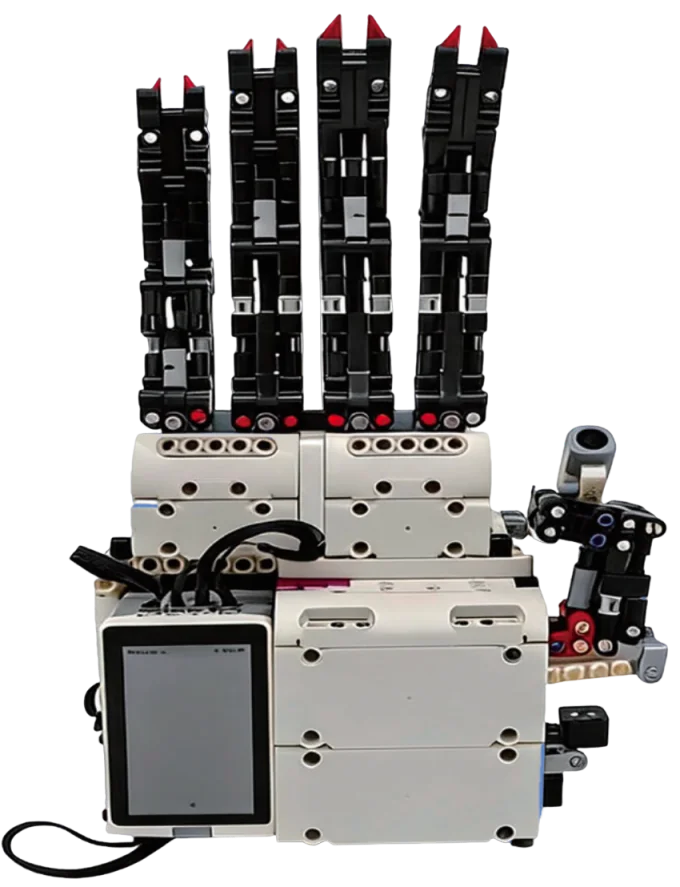
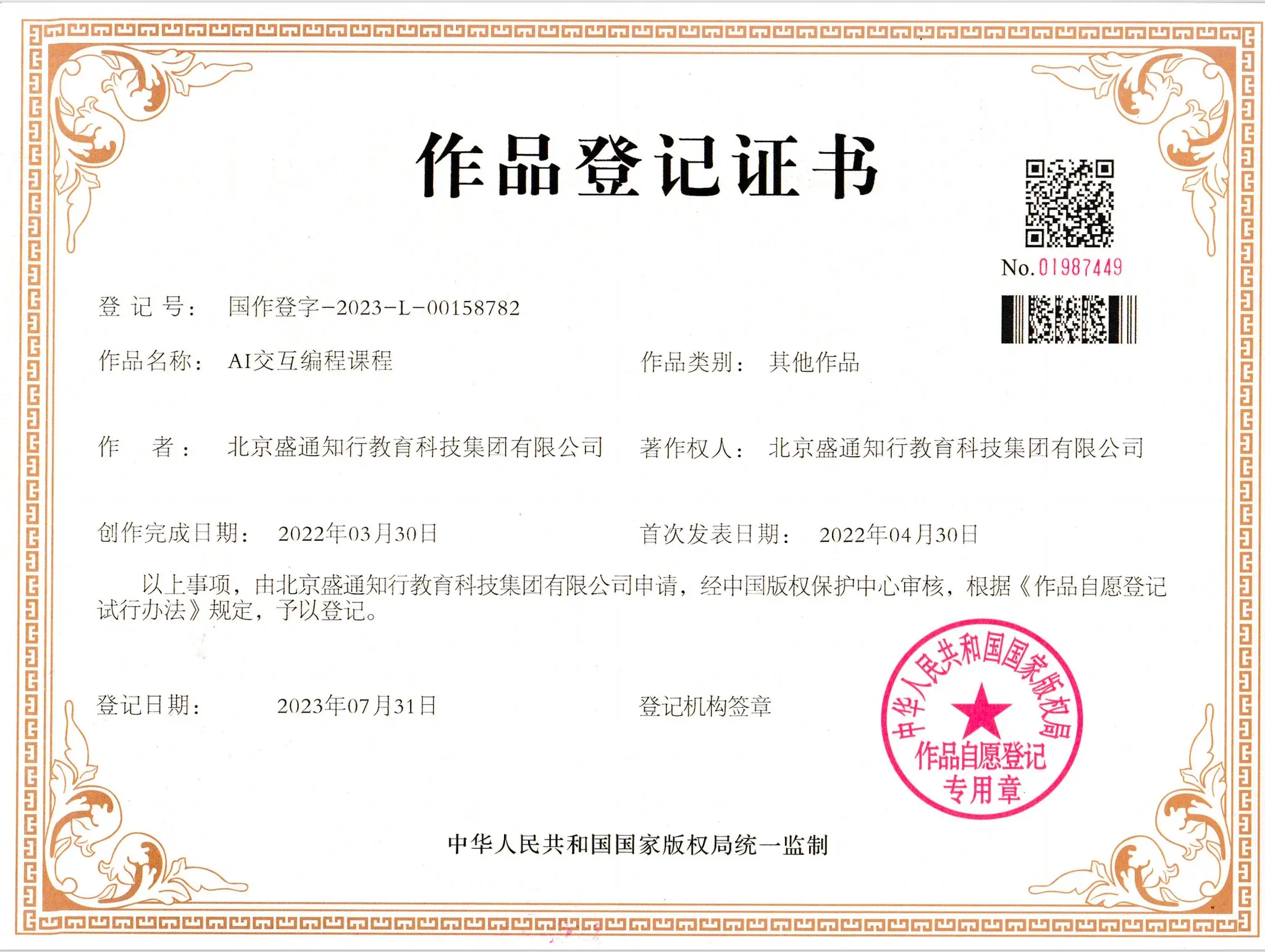
Product Specs
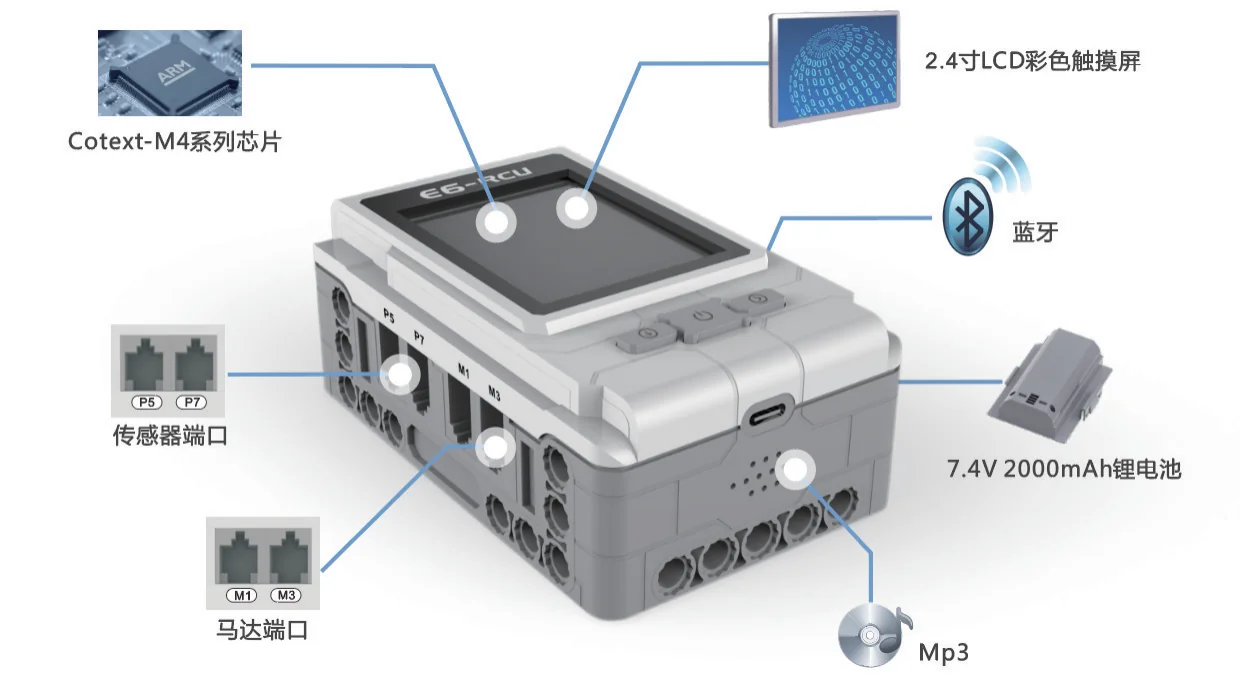
| Parameter | Description |
|---|---|
| E6 Controller | 2.4-inch HD color LCD touchscreen / 34 pin holes for easy building / Cortex-M4 chip / Built-in Bluetooth / 8 sensor ports + 4 motor ports / Extra 16M Mp3 player / Built-in lithium battery / 16M memory |
| Main Processor | 32-bit ARM processor, STM32F407 series |
| Display | ≥2.4-inch LCD display, supports Chinese |
| Program Storage | Built-in 16MB program memory |
| Power Supply | Supports built-in lithium battery charging |
| Programming Support | Supports Python; runs py and bin files directly |
Course Outline (Customizable)
| No. | Course | Theme | No. | Course | Theme |
|---|---|---|---|---|---|
| 1 | Hello World | Lighting World | 9 | Electric Gripper | Smart Living |
| 2 | LED Flow Lights | Lighting World | 10 | Automatic Door | Smart Living |
| 3 | Flashlight | Lighting World | 11 | Obstacle-Avoiding Robot | Smart Living |
| 4 | Traffic Lights | Lighting World | 12 | Anti-Fall Robot | Smart Living |
| 5 | Gear Shifting | Transportation | 13 | Lift Gate | Smart Living |
| 6 | Little Train | Transportation | 14 | Transport Forklift | Industrial Engineering |
| 7 | Helicopter | Transportation | 15 | Synchronized Control | Industrial Engineering |
| 8 | Siren Police Car | Transportation | 16 | Robotic Arm | Industrial Engineering |
| No. | Course | Theme | No. | Course | Theme |
|---|---|---|---|---|---|
| 17 | Wire Maze | Fun Games | 25 | Run! | Sports Competition |
| 18 | Lottery Machine | Fun Games | 26 | Push-Up Robot | Sports Competition |
| 19 | Bumper Car Design | Fun Games | 27 | Basketball Shooter | Sports Competition |
| 20 | Toy RC Car | Fun Games | 28 | Skiing Robot | Sports Competition |
| 21 | Exercise Bike | Smart Lifestyle | 29 | Smart Speaker | Sound of Music |
| 22 | Safe | Smart Lifestyle | 30 | Ultrasonic Guitar | Sound of Music |
| 23 | Vacuum Cleaner | Smart Lifestyle | 31 | Rotating Music Box | Sound of Music |
| 24 | Sound Meter | Smart Lifestyle | 32 | Dancing Robot | Sound of Music |
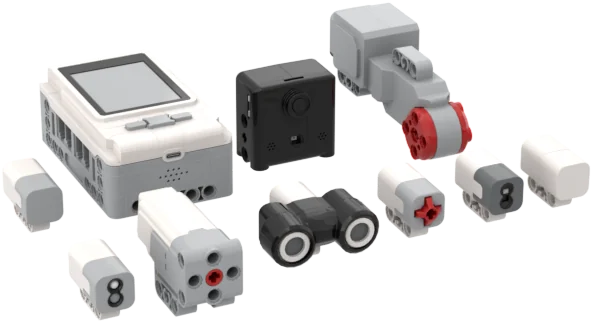
Electronic Parts
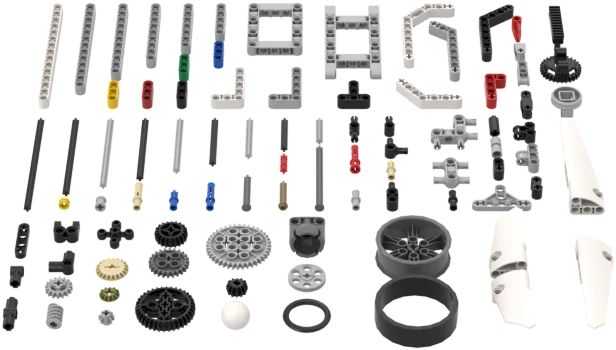
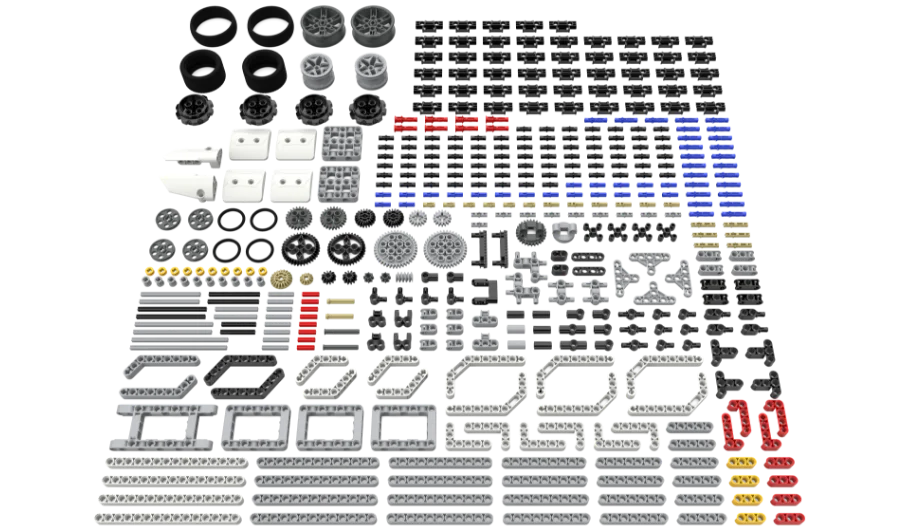
Brick Parts
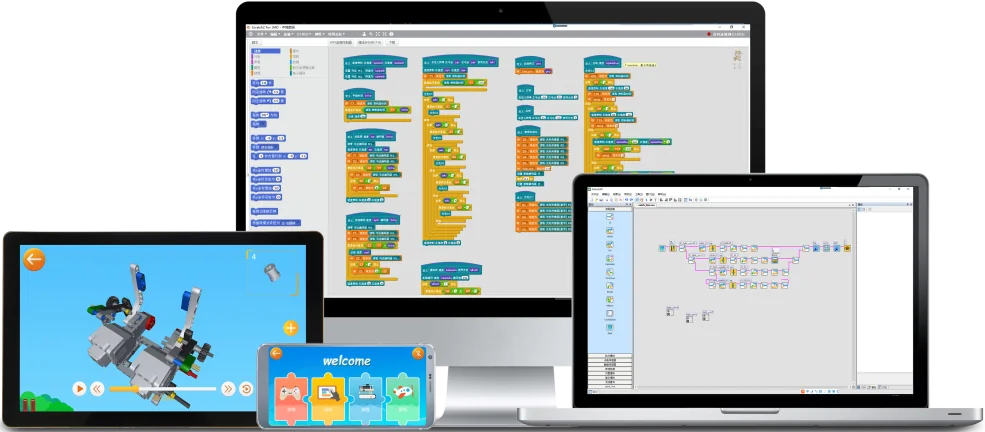
Operating System
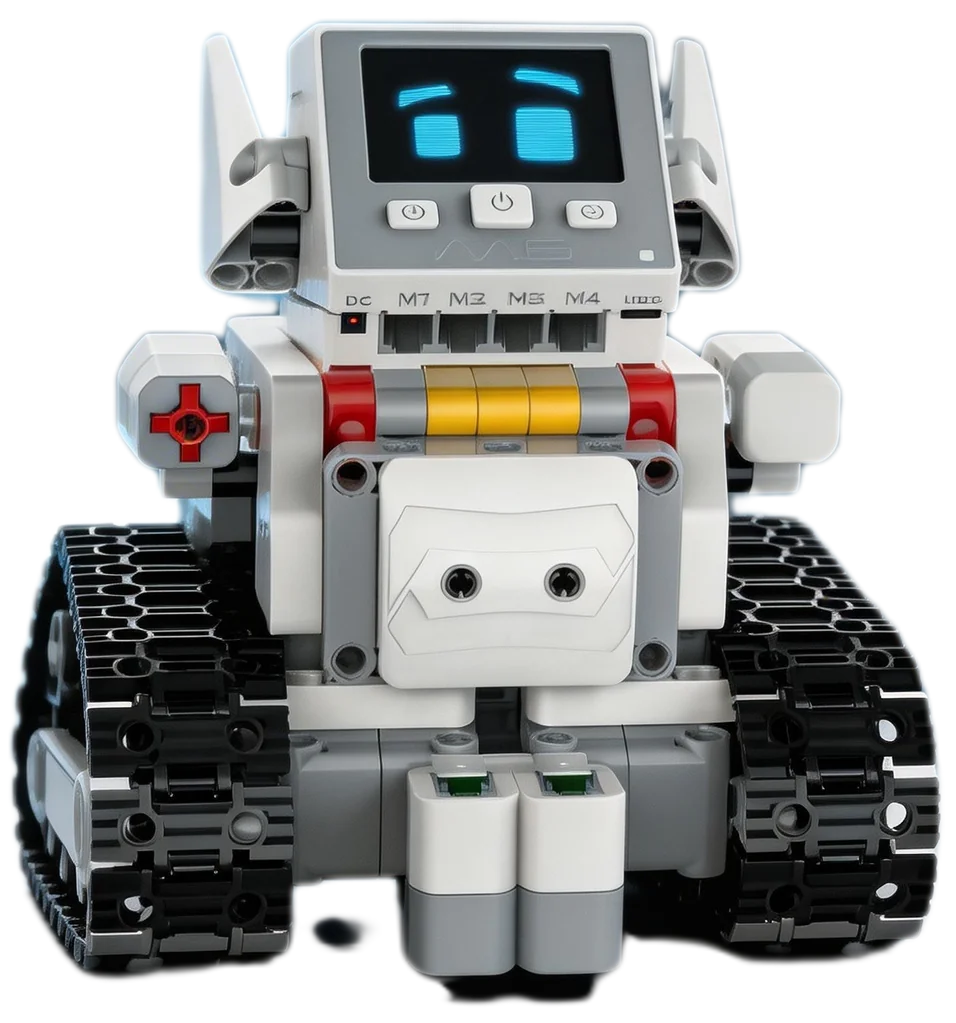
Defender Xiaoweiqi
The Defender Xiaoweiqi is an educational product designed for teenagers to learn programming. Using its controller, sensors, actuators, and bricks you can build all kinds of models, then bring their functions and movements to life through an intuitive graphical programming interface, mastering programming skills with ease through practice. It also offers rich tutorials and cases to help unleash creativity and imagination and explore the fun of programming.
Product & Registration Certificate
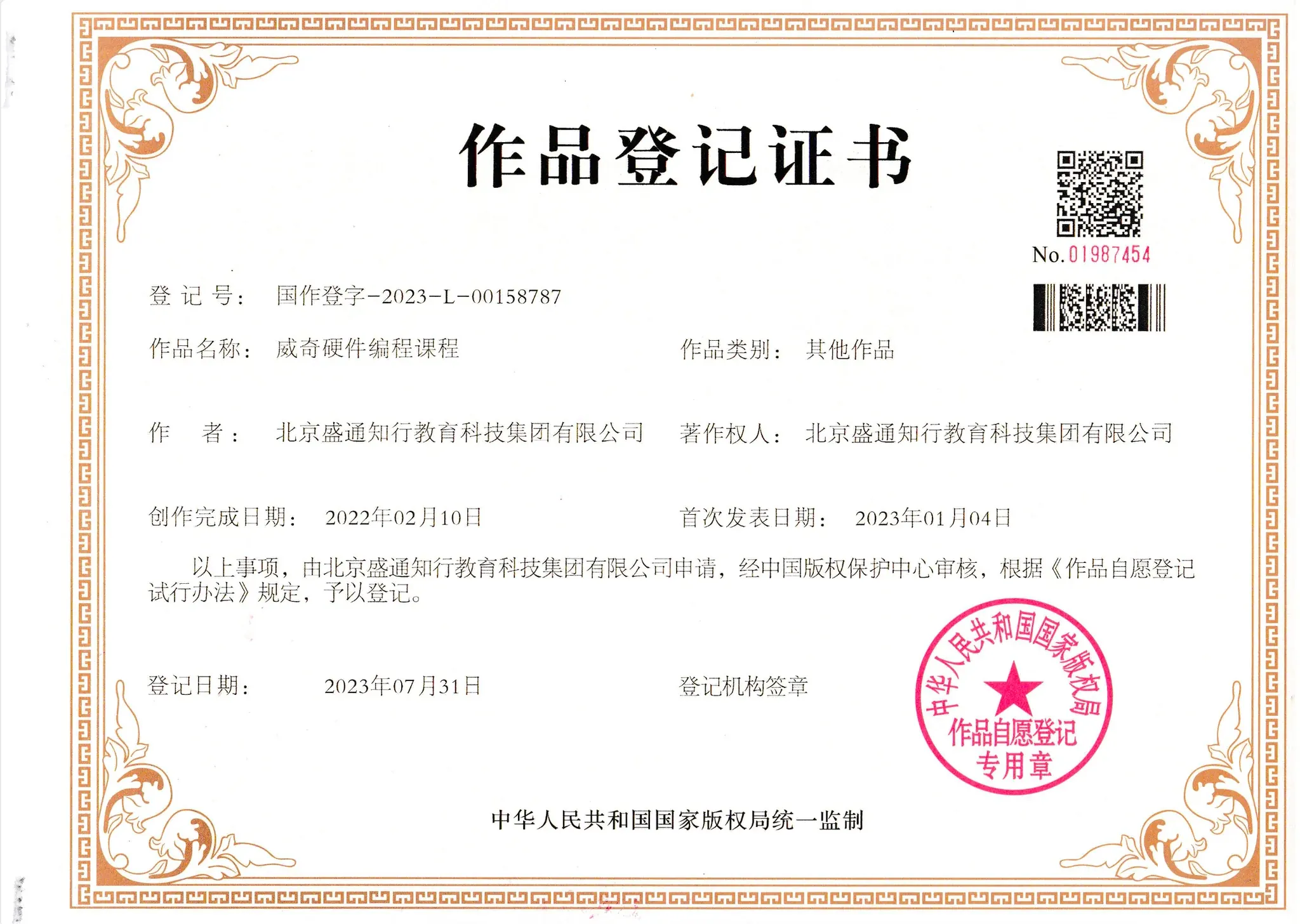
Product Specs
| Part Type | Core Functions & Specs |
|---|---|
| M6 Controller | Main control: 32-bit ARM Cortex-M4 processor with 8M memory / Display: 2.4-inch HD color LCD with touch support / Interfaces: ≥5 RJ11 sensor ports and ≥4 motor ports for ample expansion / Communication & power: built-in Bluetooth module and lithium battery / Development: works with Python and C, supports bin files / Structure: standard 10mm brick spacing, screwless assembly, compact and easy to build |
| Medium Motor | High-torque output / Dual-shaft design / Quiet and durable / Built-in encoder |
| Optical Sensor | Continuous, stable output / Fast response / Threshold indication / Resistant to sunlight interference |
| Touch Sensor | Photoelectric switch principle / High detection sensitivity / Status indication / Stable touch feedback |
| Color Light Module | Seven colors / Frosted tri-color design / Fast color switching / Low power |
Course Outline (Customizable)
Mechanical StructuresStage 1
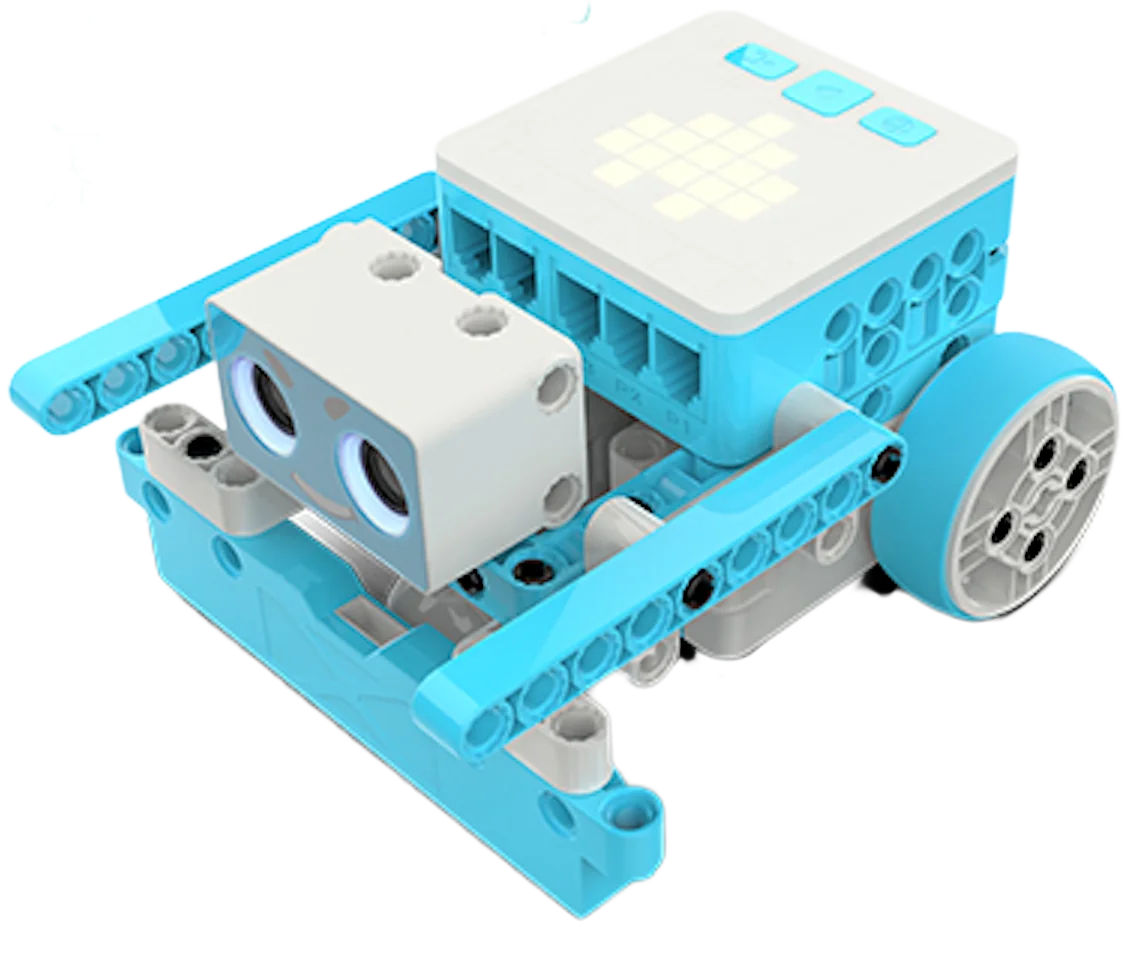
Alpha ALPHA-X Online Robotics Course
This is a graphical robotics course for teenagers, covering parts of the basic knowledge and instructions of graphical programming. Through the course, children can easily grasp the basic structures and instructions of graphical programming and robot building, and give full play to their creativity, combining multidisciplinary knowledge to create fun programming and building projects such as games, animations, and machines.
Course Outline (Customizable)
Basic Understanding
Unit Introduction
This unit is the stage where learners first combine building with programming, helping them understand basic hardware operation and learn to control hardware through programming to achieve the desired effects.
Course Names
- Fan
- Pitcher
- Spinning Coffee Cups
- Ferris Wheel
- Sleigh
- Unit Assessment
Subject Knowledge
White-List Competition Program
As the technical support provider for many Ministry of Education “white-list” competitions, ShengTong Education Group offers full support in event planning, rule design, programming tools, and more. The following is an example:
Team Requirements
- (1) Categories: junior primary (grades 1-3), senior primary (grades 4-6), and middle school
- (2) Participants: individual entry, one contestant per team
- (3) Coaches: each team may register 1-2 coaches
Competition Field & Venue Specs
- 1. The competition field map is 140cm*250cm (L×W) with a 3cm blank margin around the edge of the map and about 5cm-high guardrails around the field.
- 2. The start zone and work zone are standard 25cm*25cm squares. As shown in the figure by the blue frame lines, including the blue frame lines.
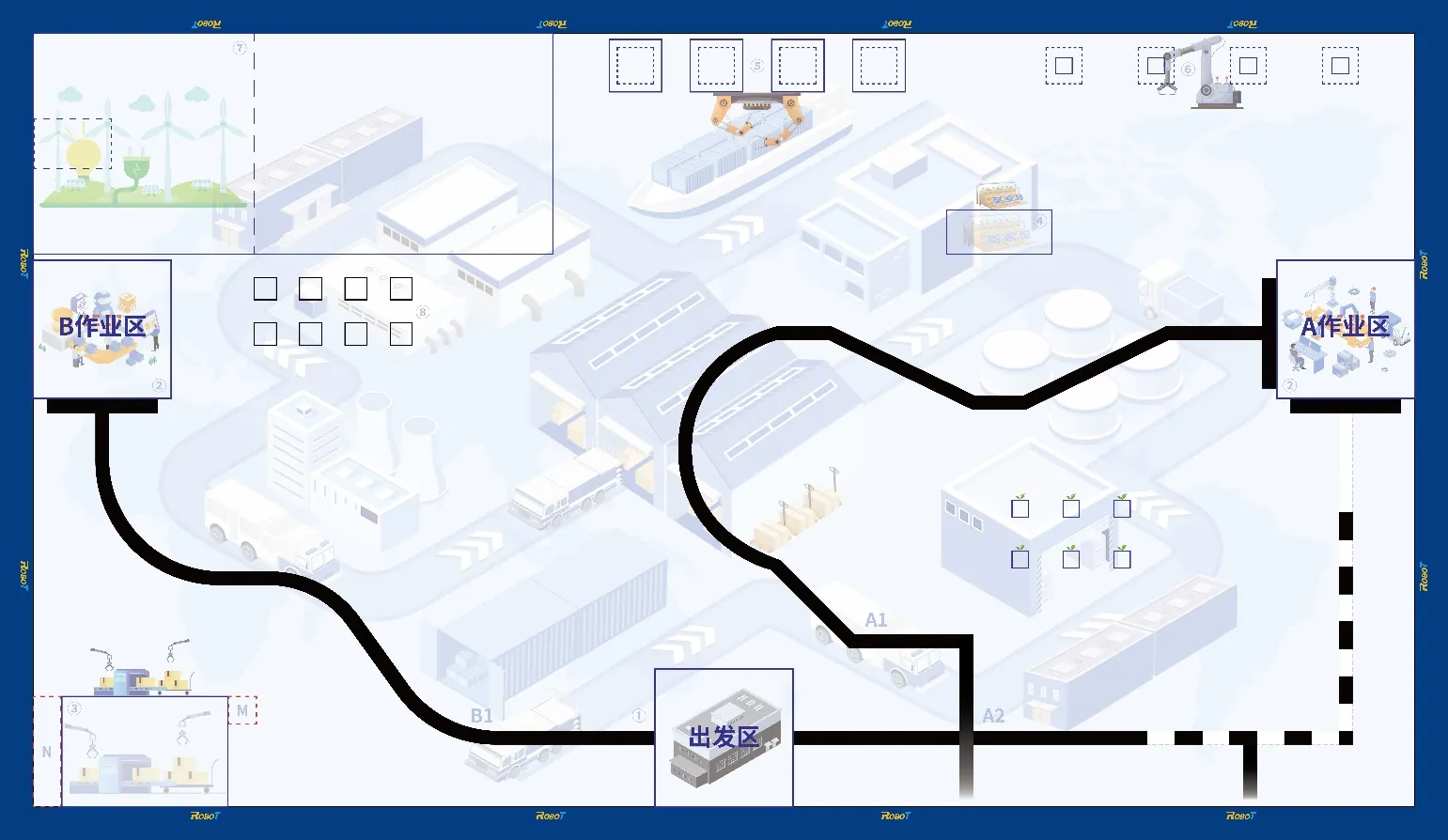
Task Description
The competition runs in two rounds. In each round, teams use both autonomous programs and remote control to operate one robot to complete the tasks set in the task zone; the robot may decide the order of tasks itself. Autonomous tasks must be completed by the robot running its program on its own; remote tasks may be completed with a wireless gamepad. Timing never stops: junior and senior primary groups have 180 seconds in total; the middle-school group 150 seconds. Contestants may abandon autonomous tasks at any time; after abandoning, they may start again by remote control directly from the start zone, but cannot retry the abandoned autonomous task.
Robot Design Requirements
| Item | Requirement |
|---|---|
| Dimensions | The maximum size of the robot in the start zone is 25cm×25cm×25cm (L×W×H); it may extend after the competition starts. |
| Controller | Each robot may use only one controller. |
| Sensors | Robots must use sensors to follow the line, with no more than three per category. Integrated line-following cards are not allowed. |
| Motors | The junior primary group may use no more than 4 motors (including servos) in total, with driving motors at a maximum speed of 130 rpm; the senior primary group no more than 6 (inclusive), also capped at 130 rpm; the middle-school group no more than 7 (inclusive), also capped at 130 rpm. When a motor drives a wheel, only a single motor may independently drive a single wheel on the ground. |
| Remote Control | Remote control is only allowed via wireless gamepad, restricted to Bluetooth and 2.4G. |
| Power | Power voltage must not exceed 9V for the junior and senior primary groups, and 12V for the middle-school group. |
| Structure | Robots must be assembled with bolts or bolt-like and rivet structures, or 10mm bricks; mixing building methods is not allowed. Other structural connections are forbidden — for example, glue or rubber bands may not be used as main structural connectors. 3D-printed and wooden structural parts are not allowed; rubber bands and similar auxiliary materials may be used, but not as structural materials. |
Field Kit
2026-AIIC Engineering Design Robot Field Props
| Name | U8C Code | Illustration | Size | Color | Quantity |
|---|---|---|---|---|---|
| 20° Slope Prop | 1530071 | 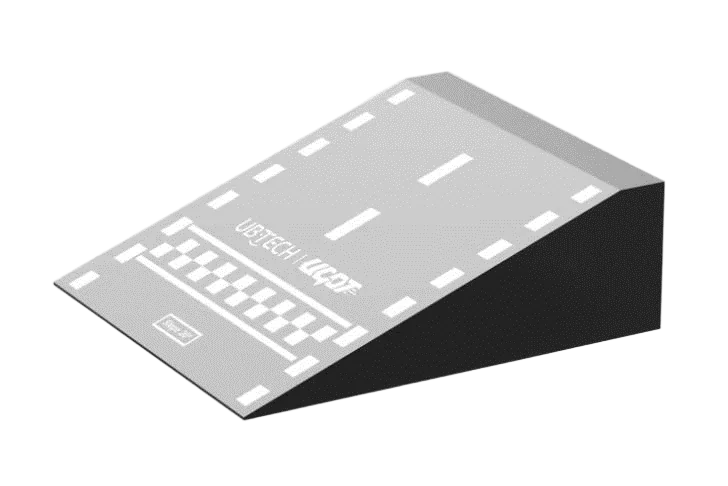 | 400*150*412mm | 2 | |
| 10° Slope Prop | 1530071 | 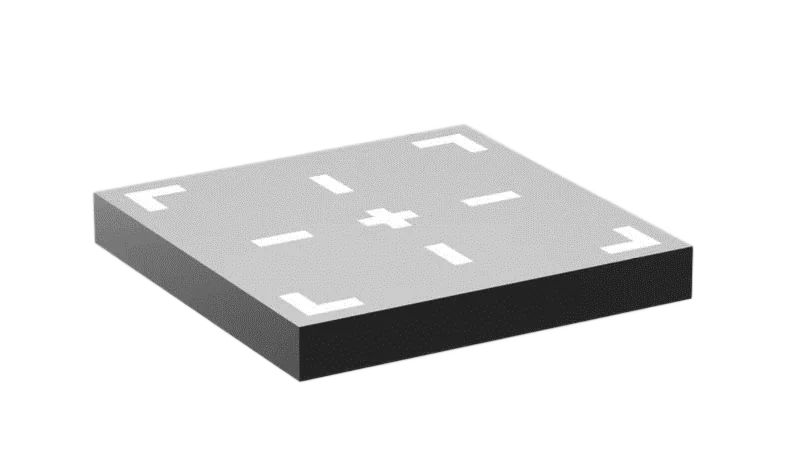 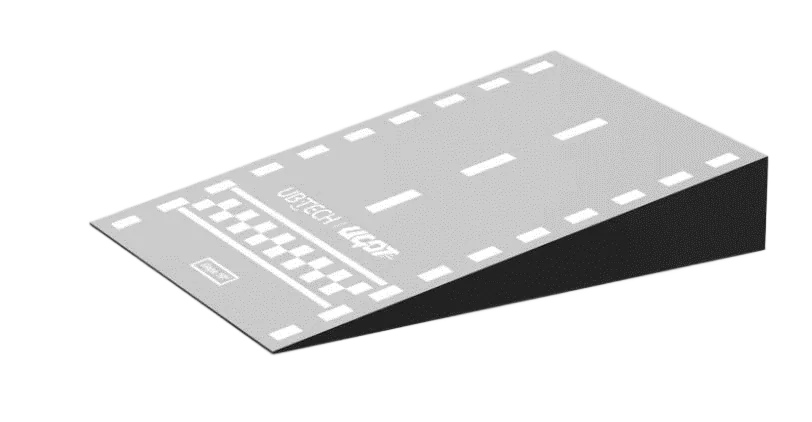 | 400*100*567mm | 1 | |
| 50mm-High Platform Prop | 1530071 | 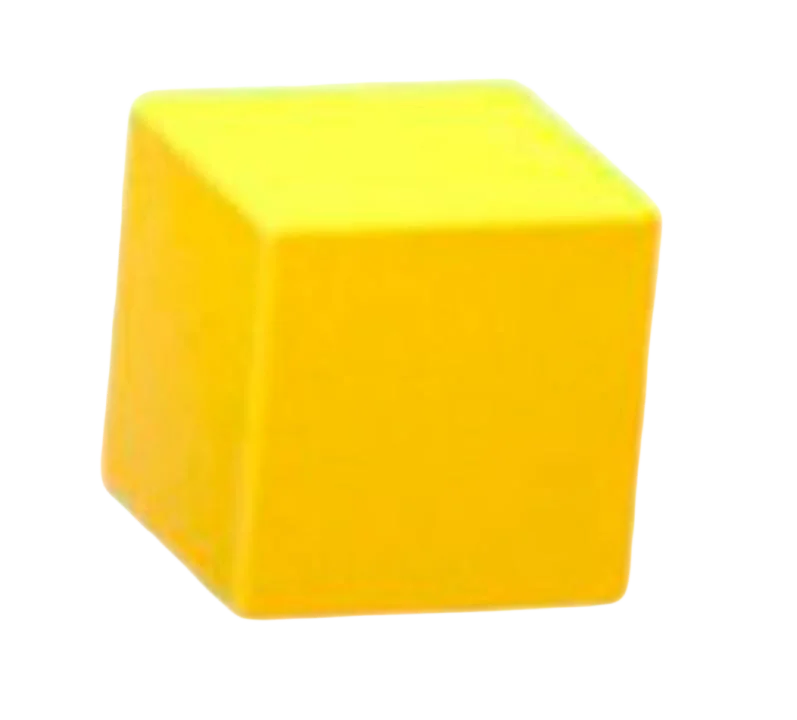 | 400*400*50mm | 3 | |
| 50mm Cube | 1530071 | 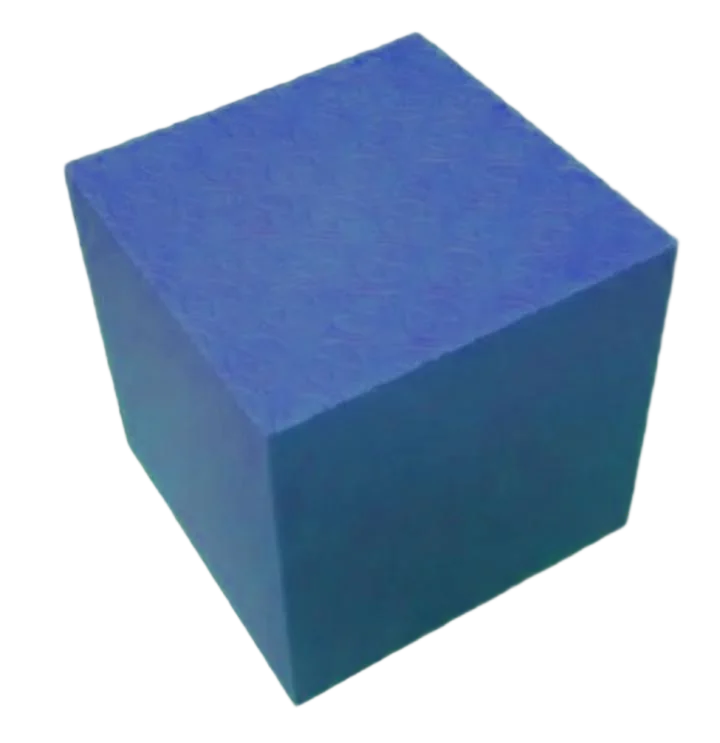 | 50mm*50mm | Yellow | 4 |
| 50mm Cube | 1530071 |  | 50mm*50mm | Blue | 4 |
| 40mm EVA Basketball | 1530071 | 40mm*40mm | Blue | 8 | |
| 2026-AIIC Engineering Design Robot Special Competition Map | 1530072 | 1 | |||
| Spare Parts Library Education System V1.0 | JMC-NY-1507+1230009 | 1 | |||
| Enlightenment Brick Pack | 1010005 | 1 | |||
| Extension Brick Pack | 1020005 | 1 |