
Coding Robot UARO
A Coding World You Can See and Touch
A new concept course where children assemble robots with their own hands and program them. No computer needed—place coding blocks on the Coding Board in logical order, and the static blocks "come to life," letting children understand basic programming logic through hands-on play.
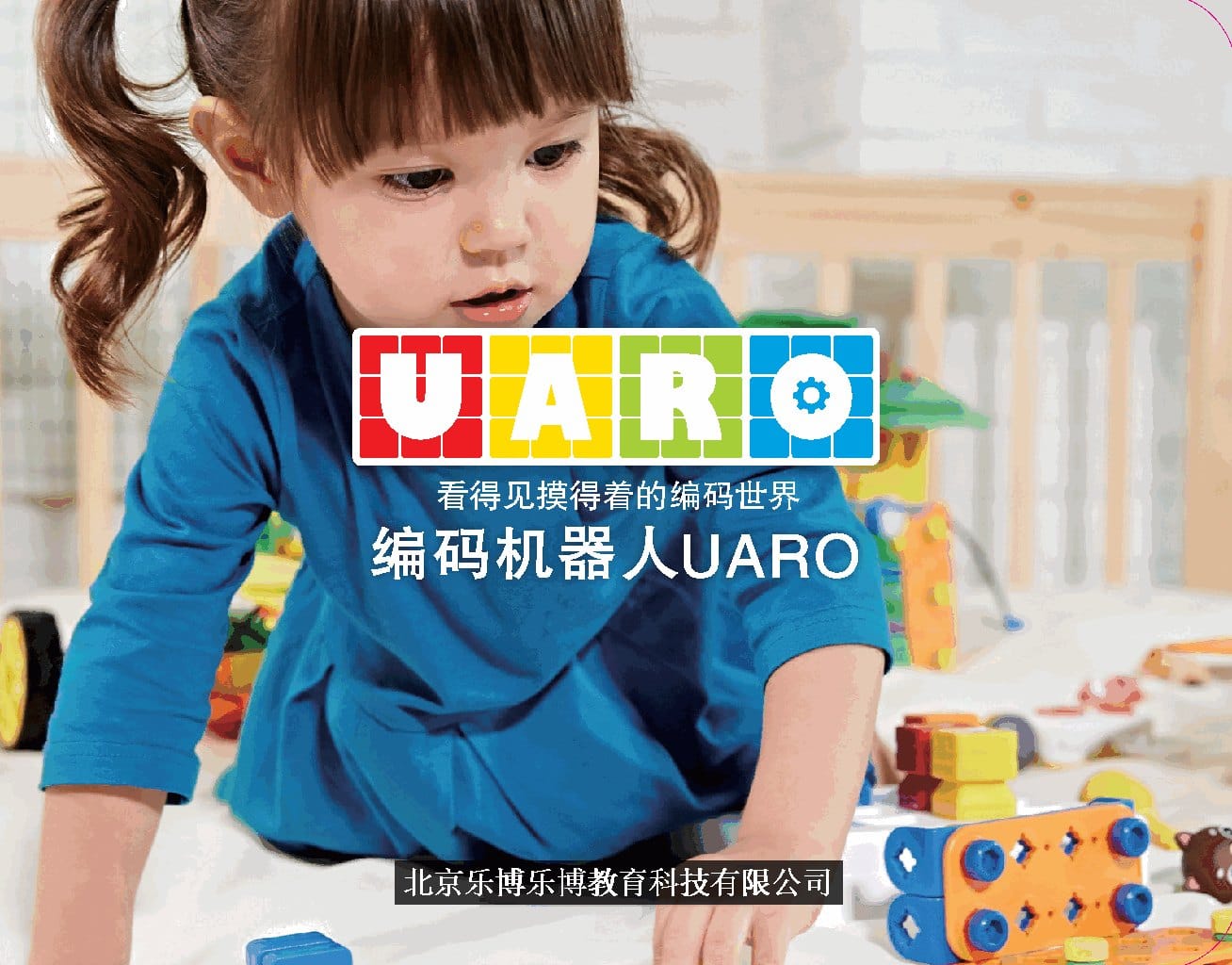
See How UARO Comes to Life
Build → Program → Move. Tap below to play the official product demo video.
Build It
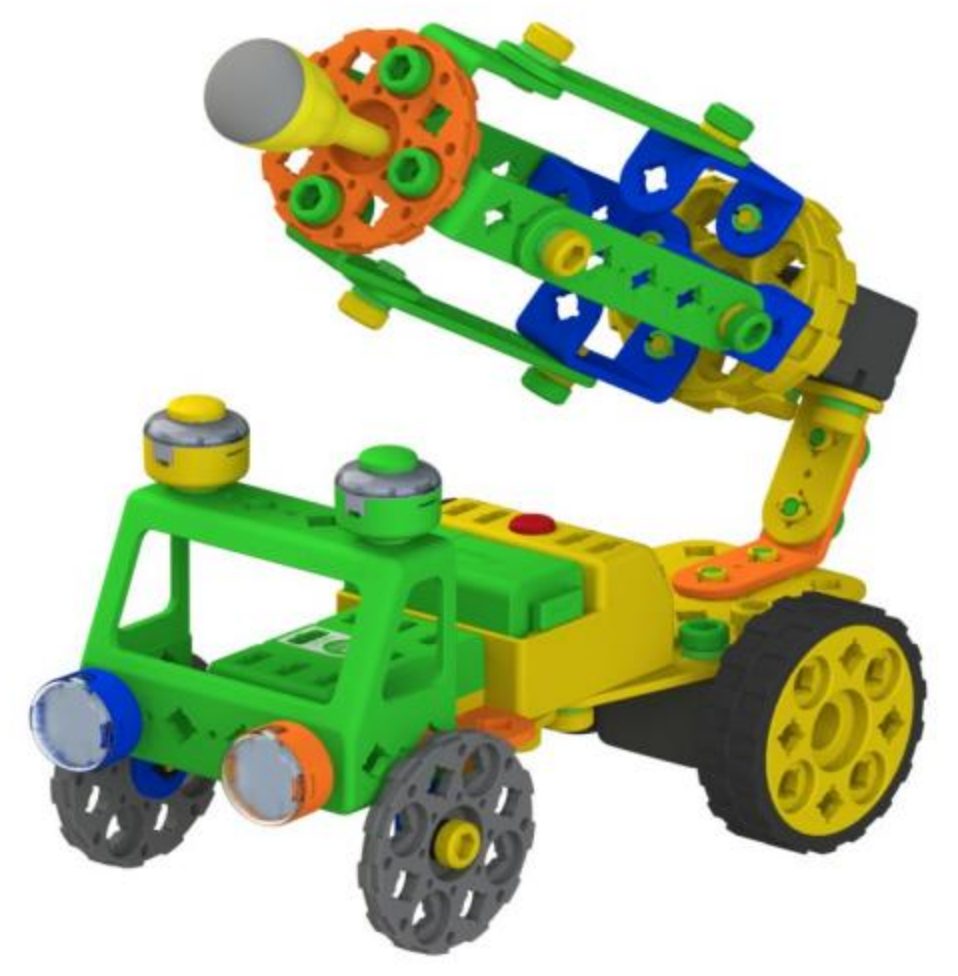
Use patented special bolts and nuts to turn large building frames into robots of all shapes.
Program It
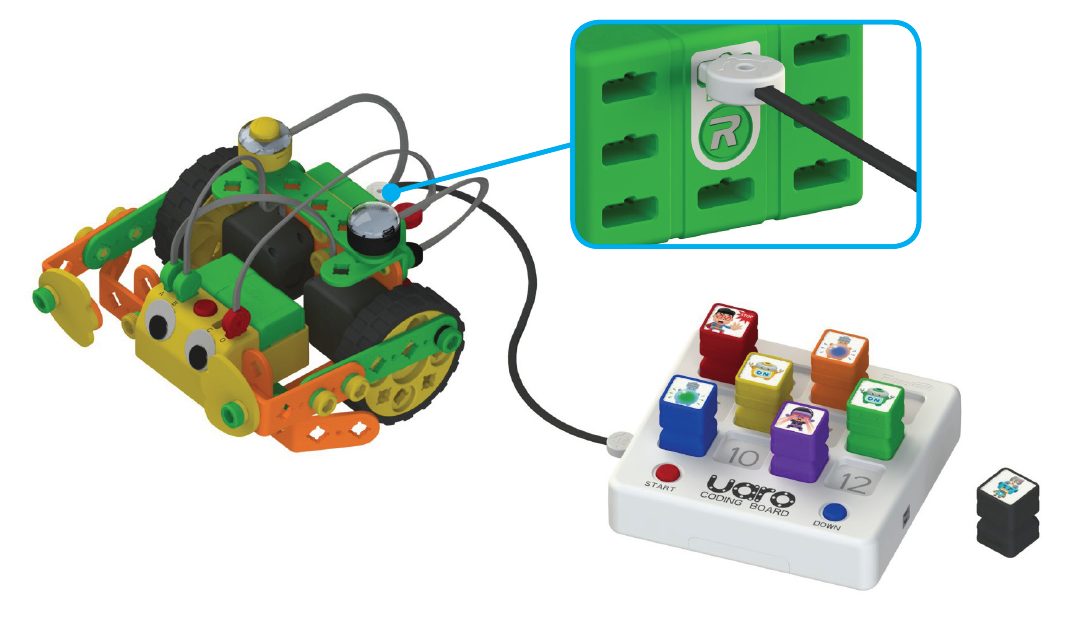
Place coding blocks on the Coding Board in program logic, then press <span class="kbd">DOWN</span> to download the program to the CPU.
Make It Move
Press the touch sensor and the robot performs the programmed actions, and can also light up and sing.
A Complete, Touchable Hardware System
From structural parts to smart electronic accessories, every piece is designed so young children can grip, twist, and understand.
Patented Bolts & Nuts
Sturdier structures that stay tight through repeated assembly; twisting screws trains hand muscles and hand-eye coordination.
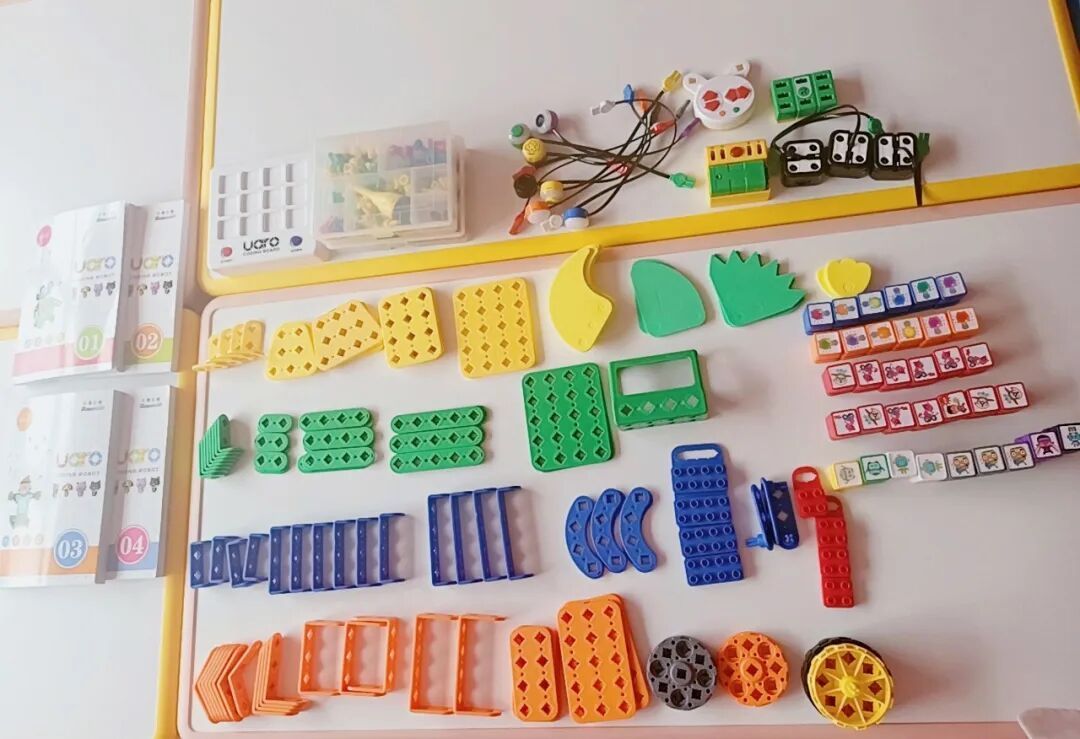
Large Building Frames
Sized for small hands, with bright colors and clear holes to freely build robots in different shapes.
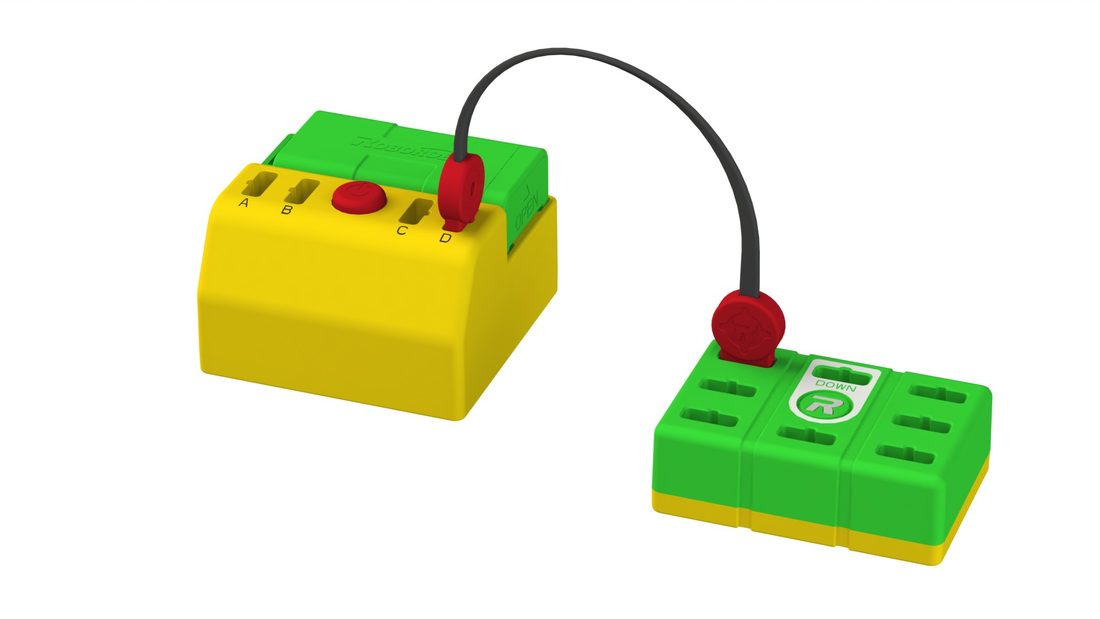
CPU Main Board
The robot's "brain". Features a DOWN port (connects to the programming board / firmware / Bluetooth), an LED display window, and multiple sensor interfaces.
Battery Box
Built-in battery pack and power switch, with A / B / C / D ports; the CPU LED window lights up when connected correctly.
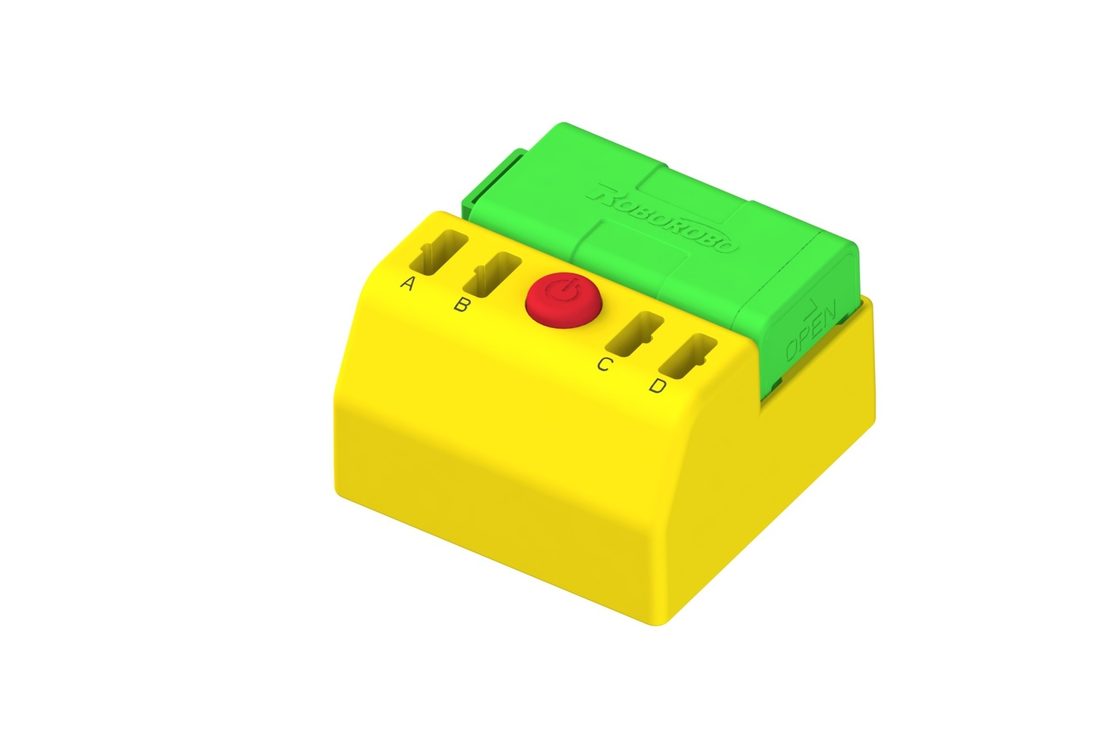
Power & Ports
DC motor, battery box, and expansion ports connect freely; IN / OUT ports are shared, with clear wiring direction.
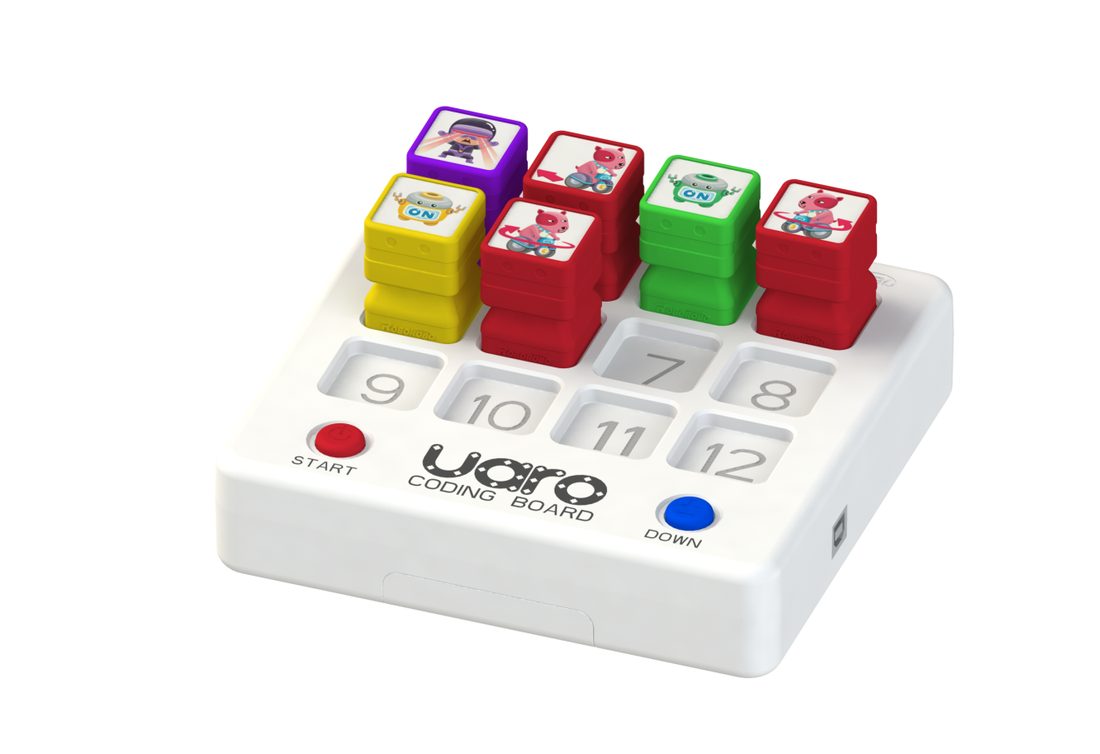
Coding Board
The patented core component. Place coding blocks on the board, press START to run and DOWN to download—no port setup needed.
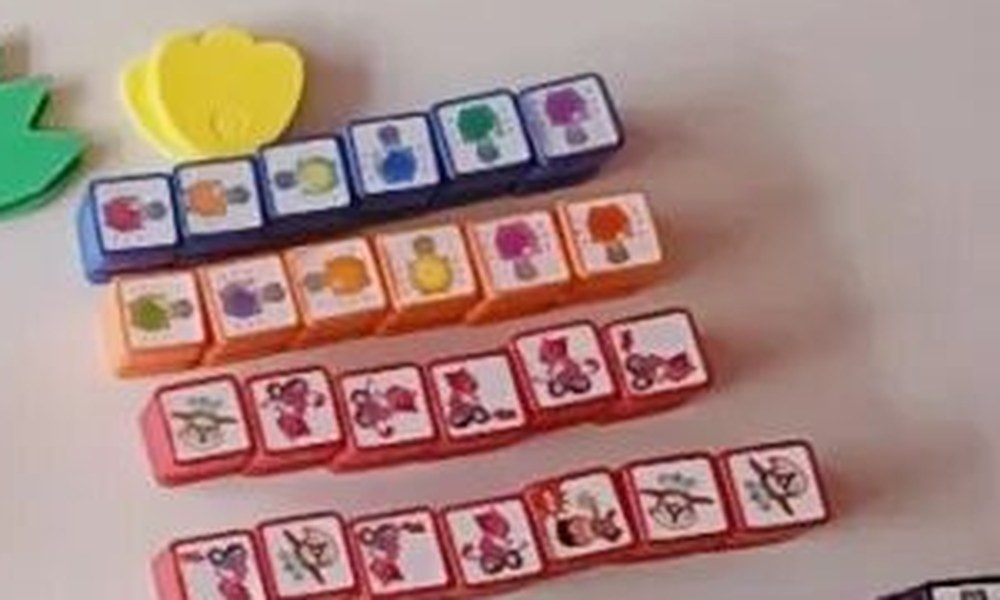
Coding Blocks
11 types of blocks (move / stop / motor / LED / time / remote / touch / infrared / music), with cartoon images that map one-to-one to program commands.
Smart Accessories
LED lights, touch (collision) sensors, infrared sensors, music board, remote receiver, Bluetooth module—making the robot see, hear, and move.
Four Stages, from Building to Coding
The curriculum progresses through LEVEL 1–4, each step adding new parts and a new concept so children are always challenged but never overwhelmed.
Assembly · Get Hands Moving
Practice assembling large building blocks, learn to use screws/nuts and screwdriver rotation direction, and feel the joy of smart accessories making the robot move.
Remote Control · Command the Robot
Use the wireless remote and CPU to command the robot, getting a first sense of "program" and understanding the same shape can behave differently with different programs.
Coding Board · Touch-Based Programming
Experience programs intuitively through the Coding Board and coding blocks: arrange blocks in logical order according to the task, then download to the robot with one press.
App · Free Programming
Add the Bluetooth module and use the UARO app on a phone / tablet to design programs for the robot, boosting creativity and problem-solving with a more open programming style.
Curriculum System · Four-Level Progression
Each level has clear learning goals, dedicated parts, and themed projects, letting children learn by doing and discover through play.
Assembly Basics
- Practice assembling large building blocks, improve attention and creativity
- Use screws and nuts to boost hand-eye coordination
- Experience the fun of smart accessories making the robot move
Remote Control & First Taste of Programming
- Use the remote control and CPU to command your own robot
- Get a first sense of robot "program" concepts
- Choose the right program for the shape and function
Coding Board Programming
- Experience programs intuitively through the Coding Board and coding blocks
- Use the Coding Board and blocks to set the right program for the task
- Observe robot actions and develop logical thinking through play
App Free Programming
- More coding blocks for richer robot coding functions
- Design programs for the robot via tablet or phone app
- A more free programming style to boost creativity and problem-solving
Why Learn Coding with Robots?
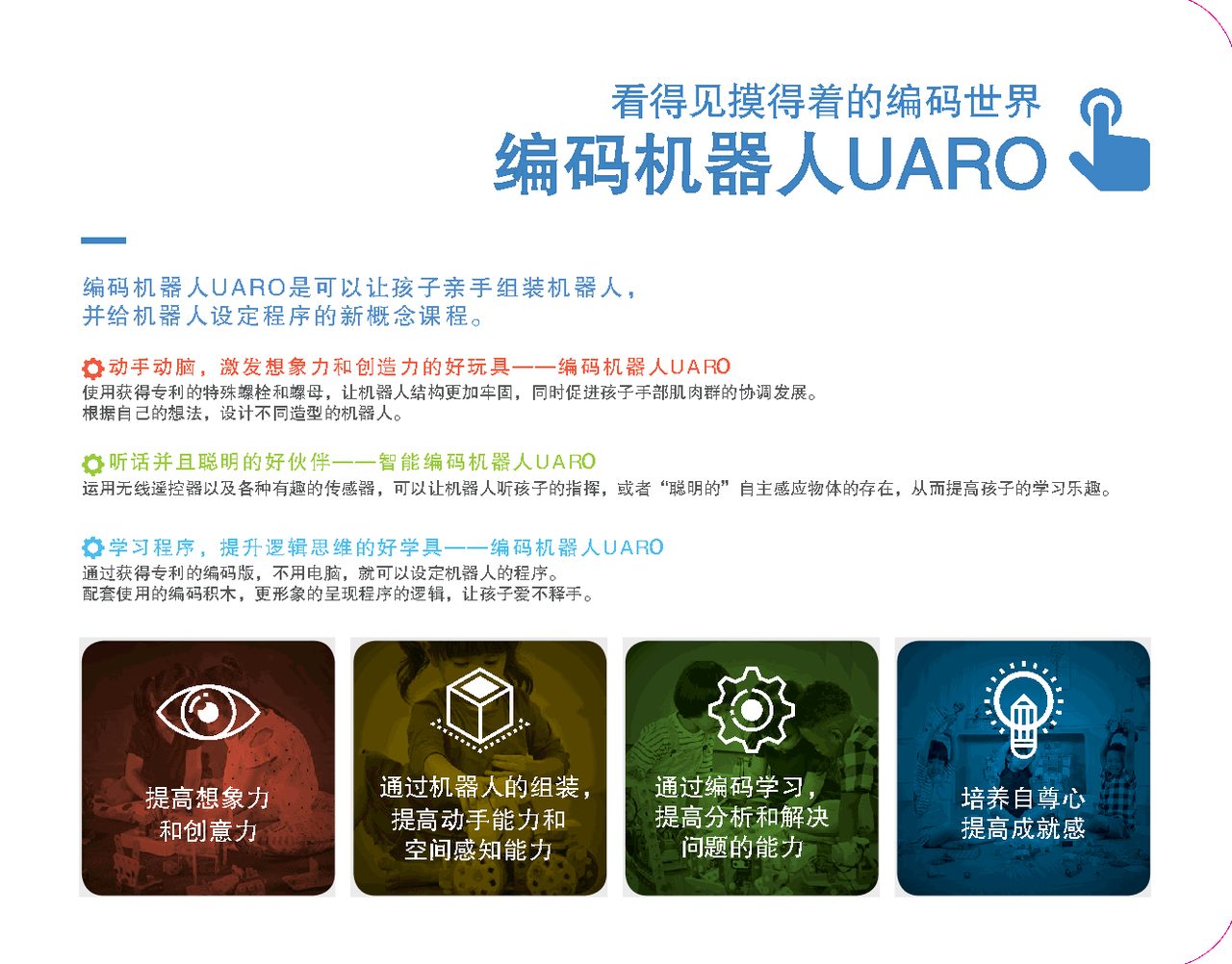
Coding education is not about learning conventional program knowledge, but about strengthening everyday thinking structure—children set their own goals, keep learning, ask questions, and solve problems to achieve them.
Boost Creativity
Design and assemble robots from imagination, then program them—creativity grows in the process of "making it real".
Problem-Solving Skills
From building to control is an integrated learning process; when problems arise, debug and try again.
Logical Thinking
Arranging blocks into a sequence of commands is the most intuitive logic training.
STEAM & Learning Through Play
Combines science, technology, engineering, art, and math, turning learning into play.
Programs You Can See and Touch
Just as concrete objects help children understand math, understanding abstract program concepts needs a tangible medium. Through the Coding Board and coding blocks, children touch and see program modules, perceiving programs through sight, touch, and sound.
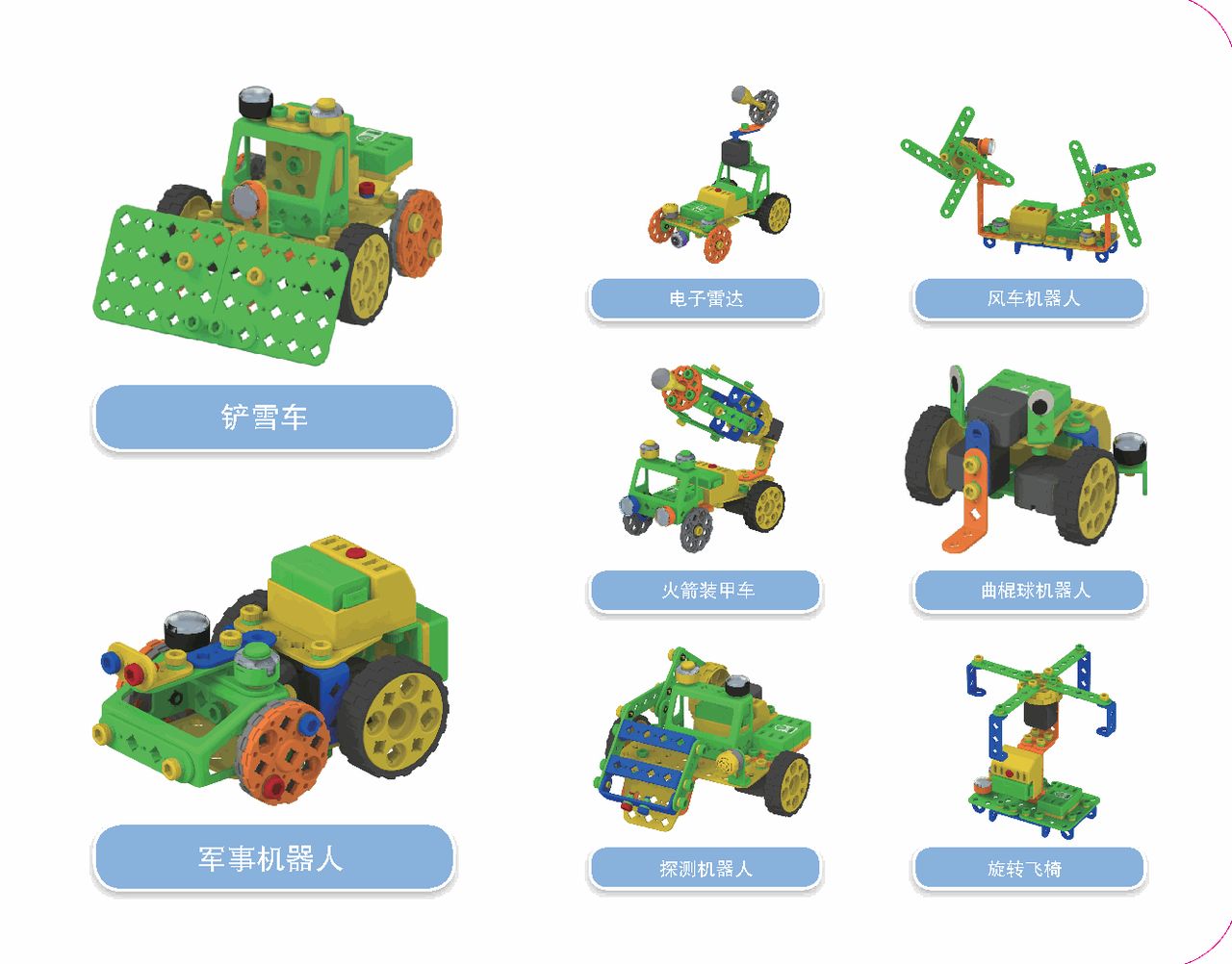
Project Gallery & Classroom Scenes
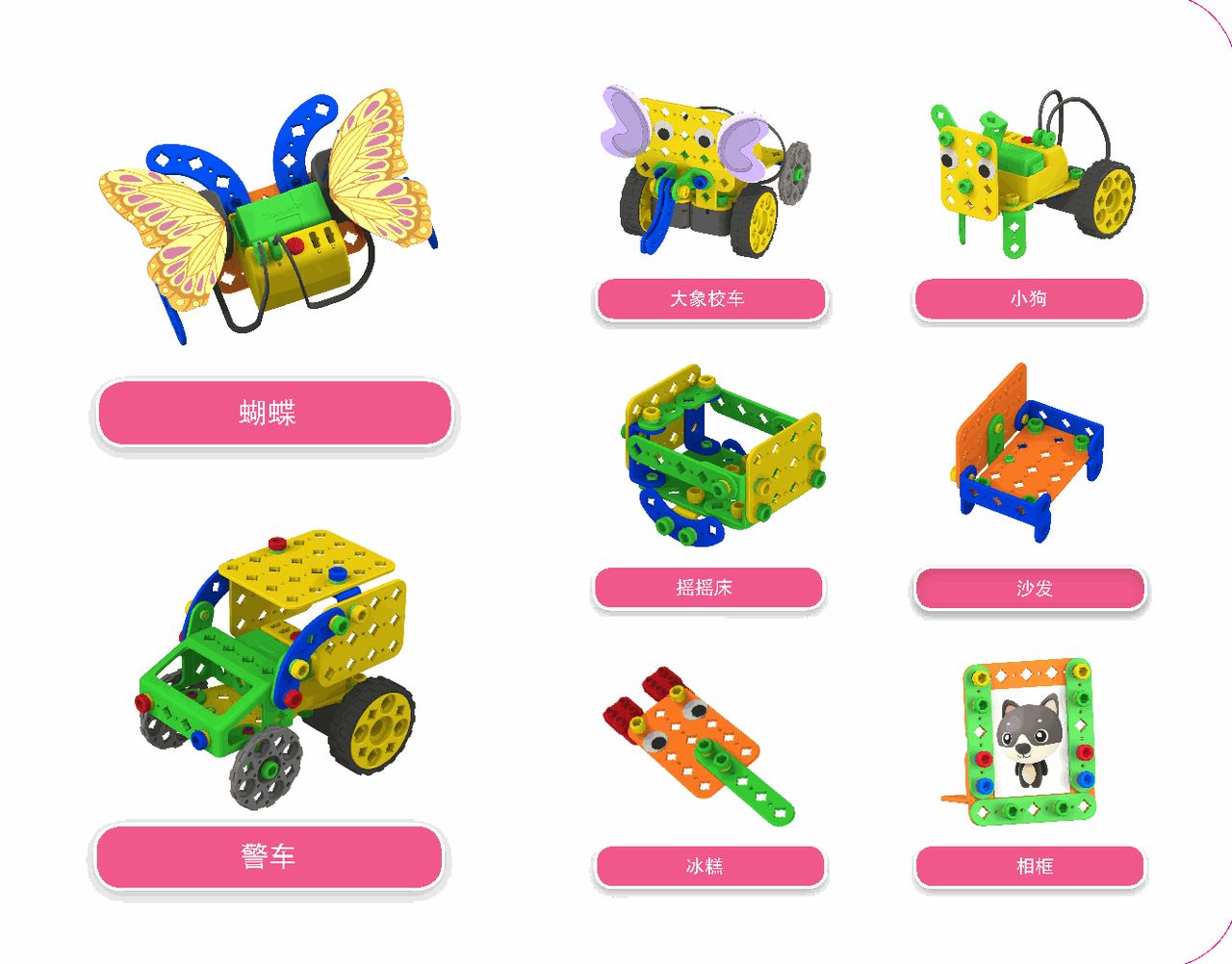
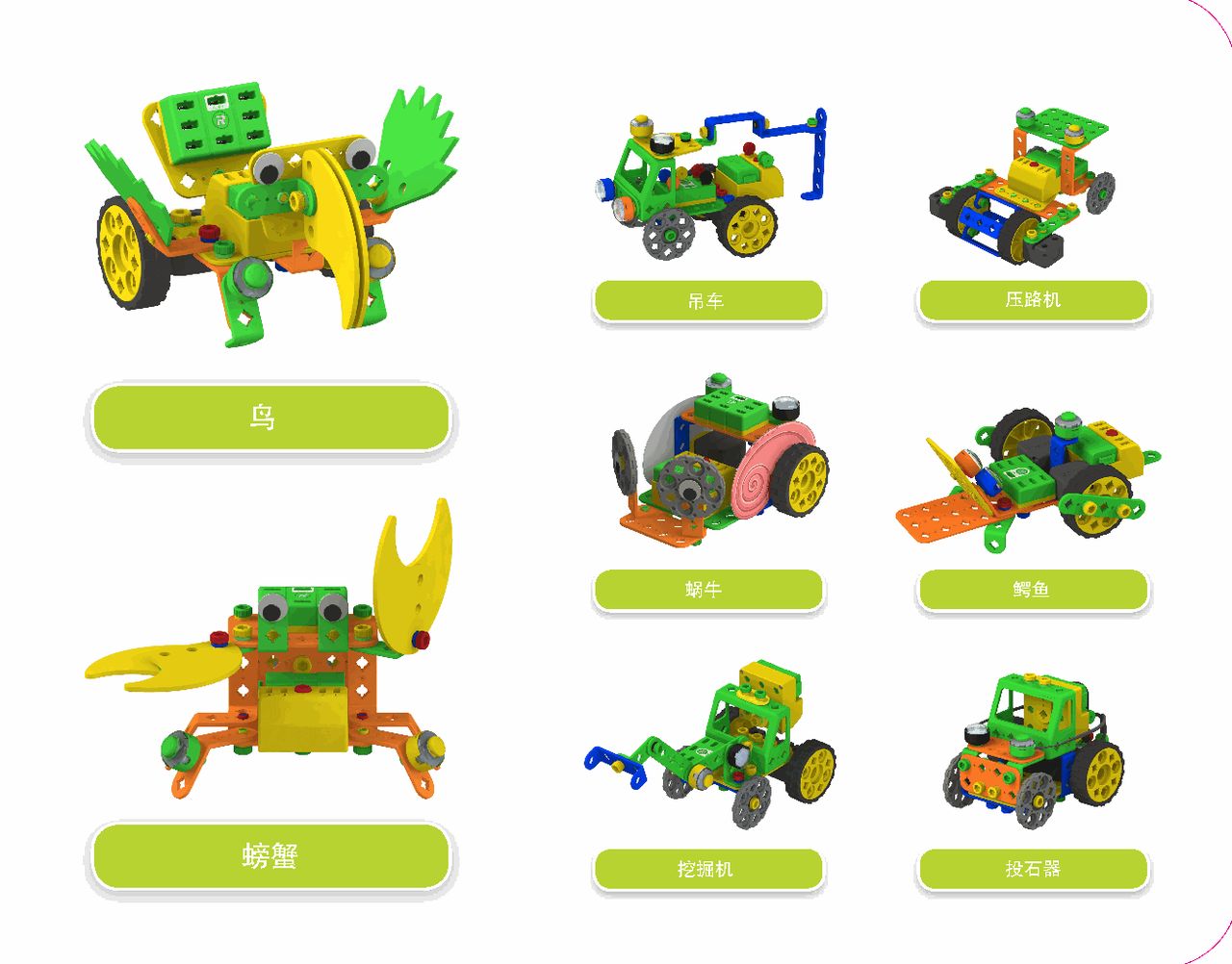
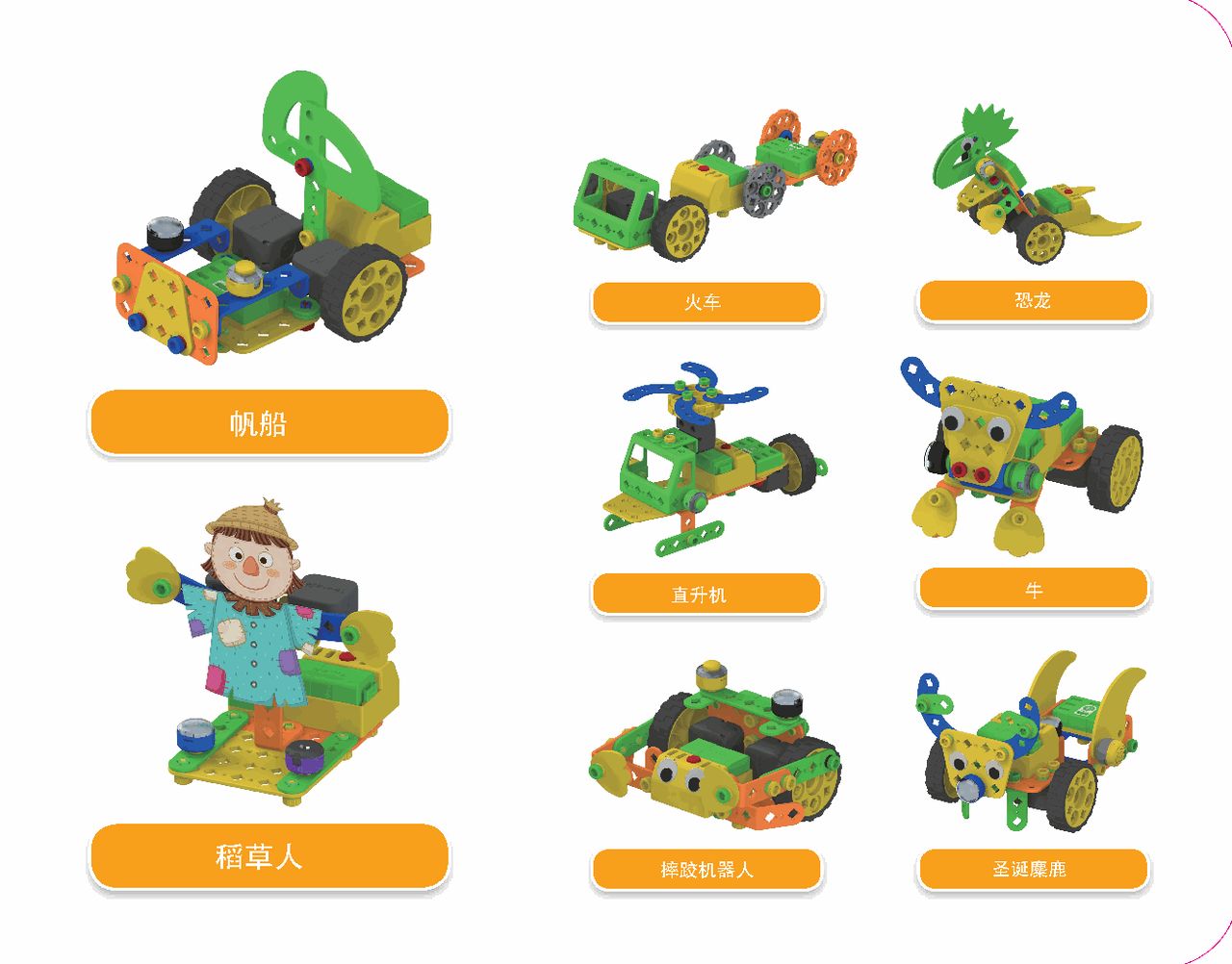
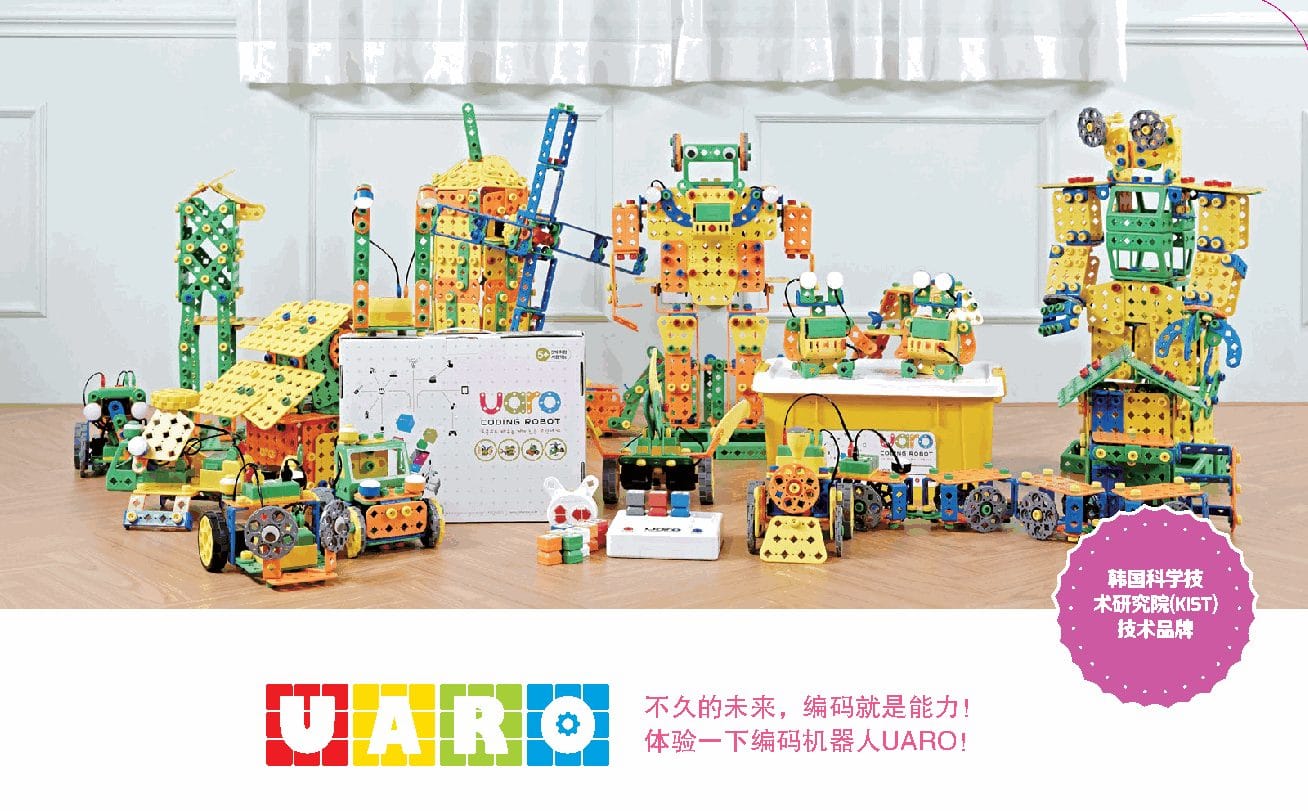
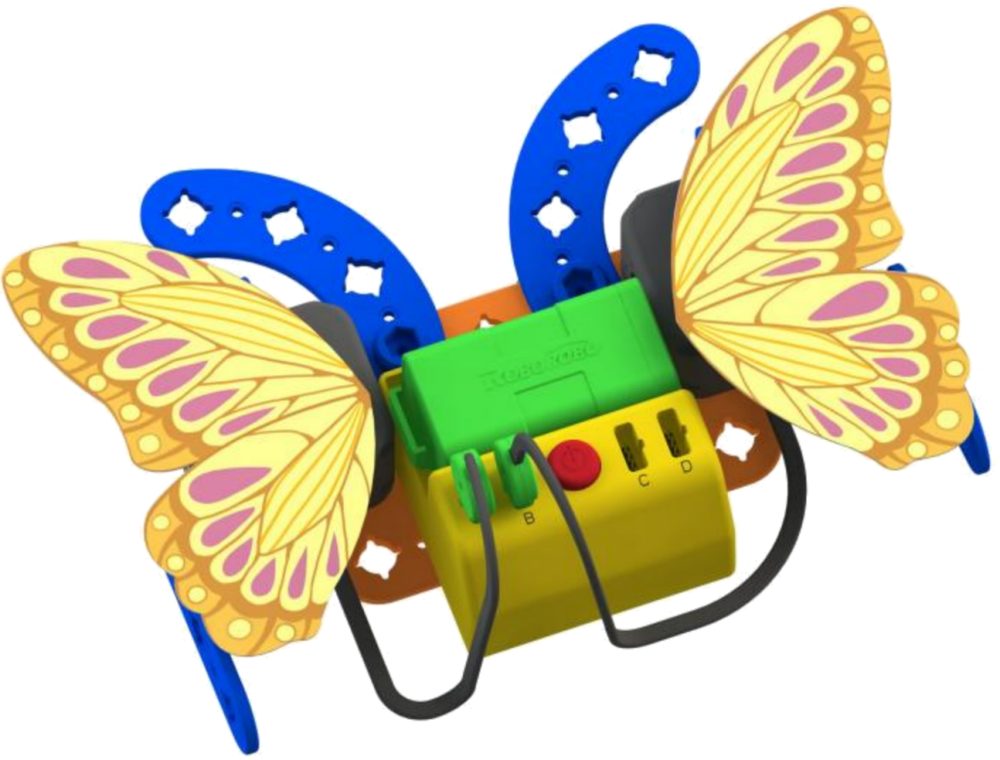
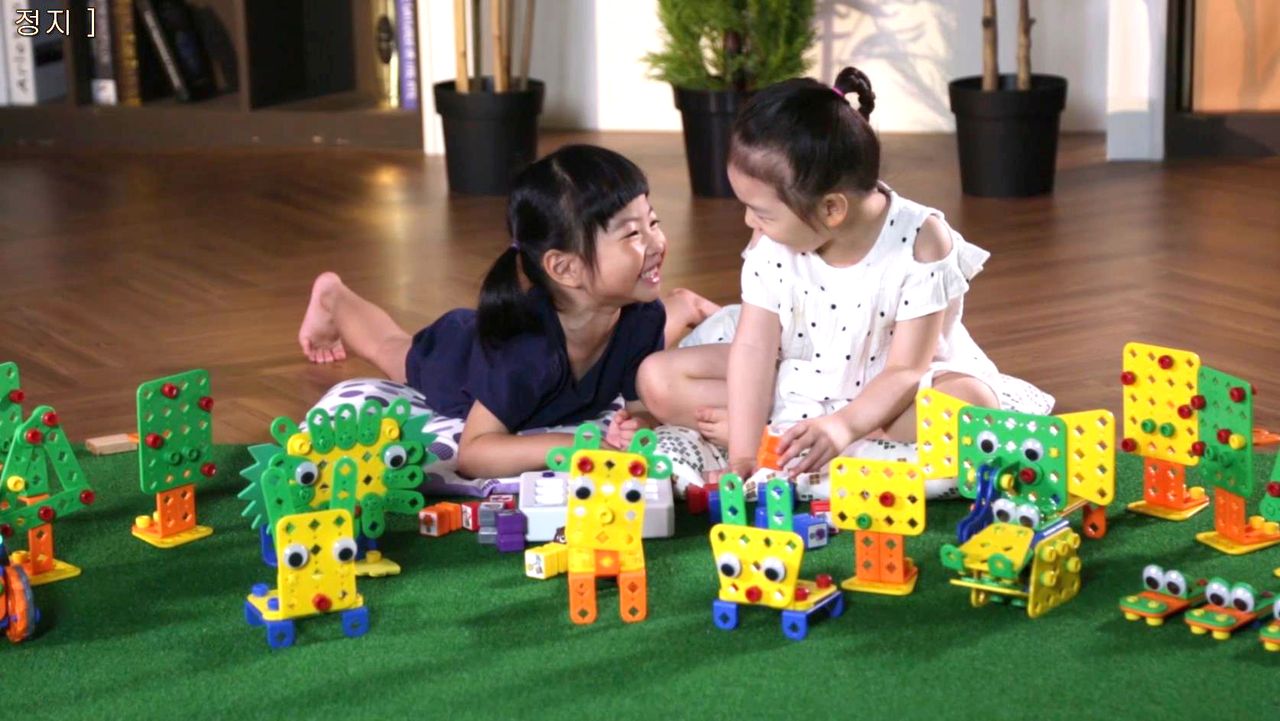
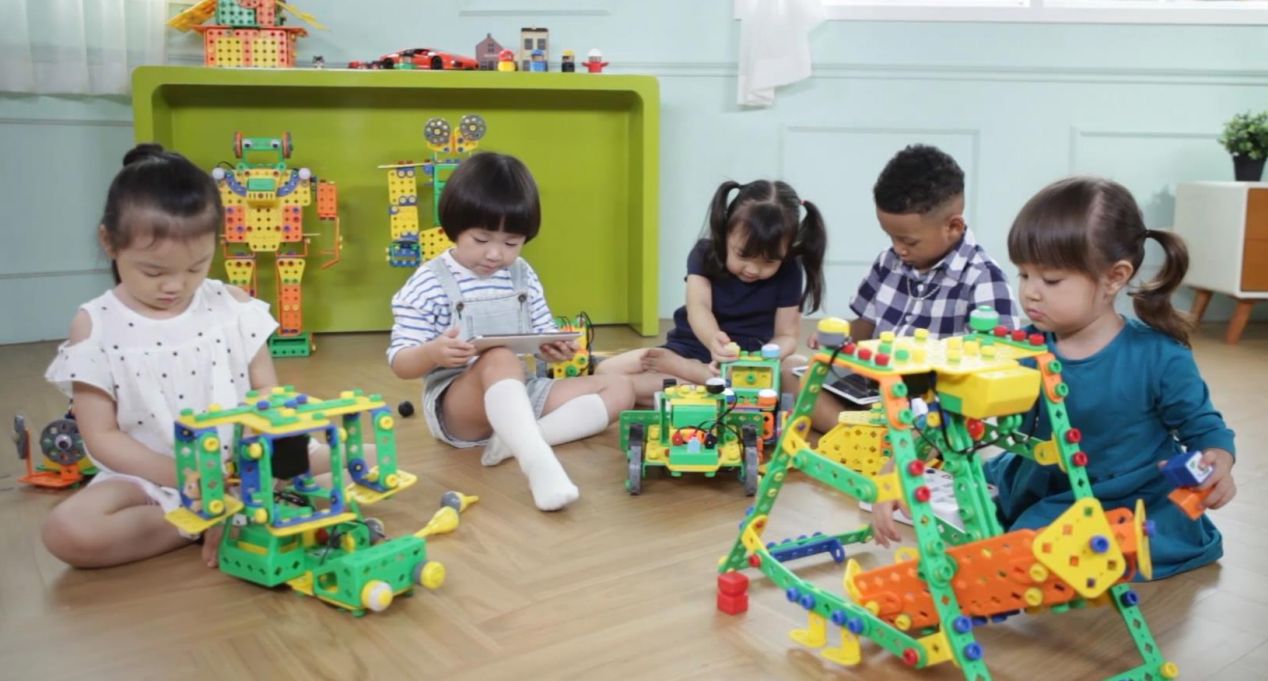
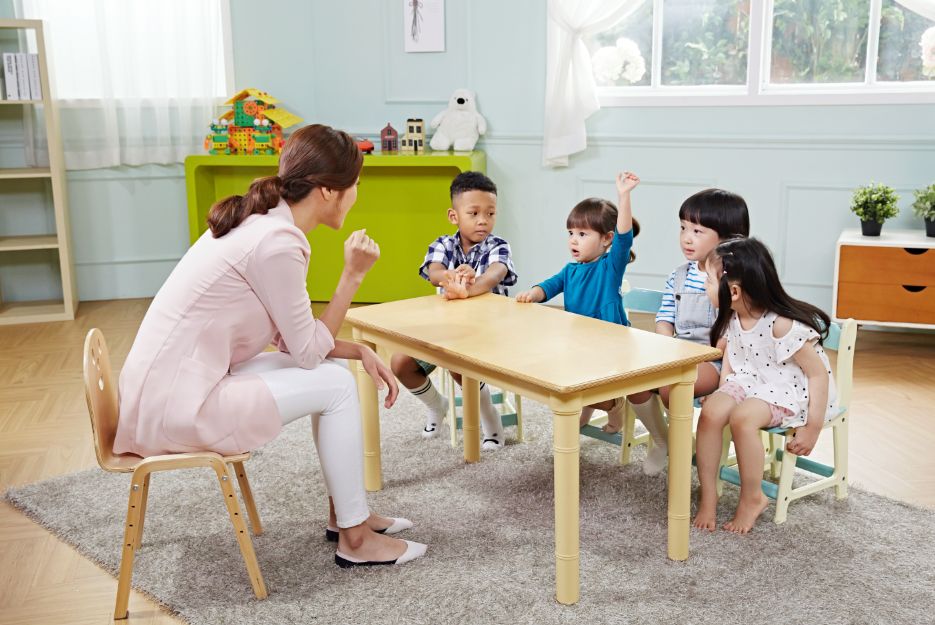
From one butterfly to a whole "robot wonderland," every build is an act of creation.
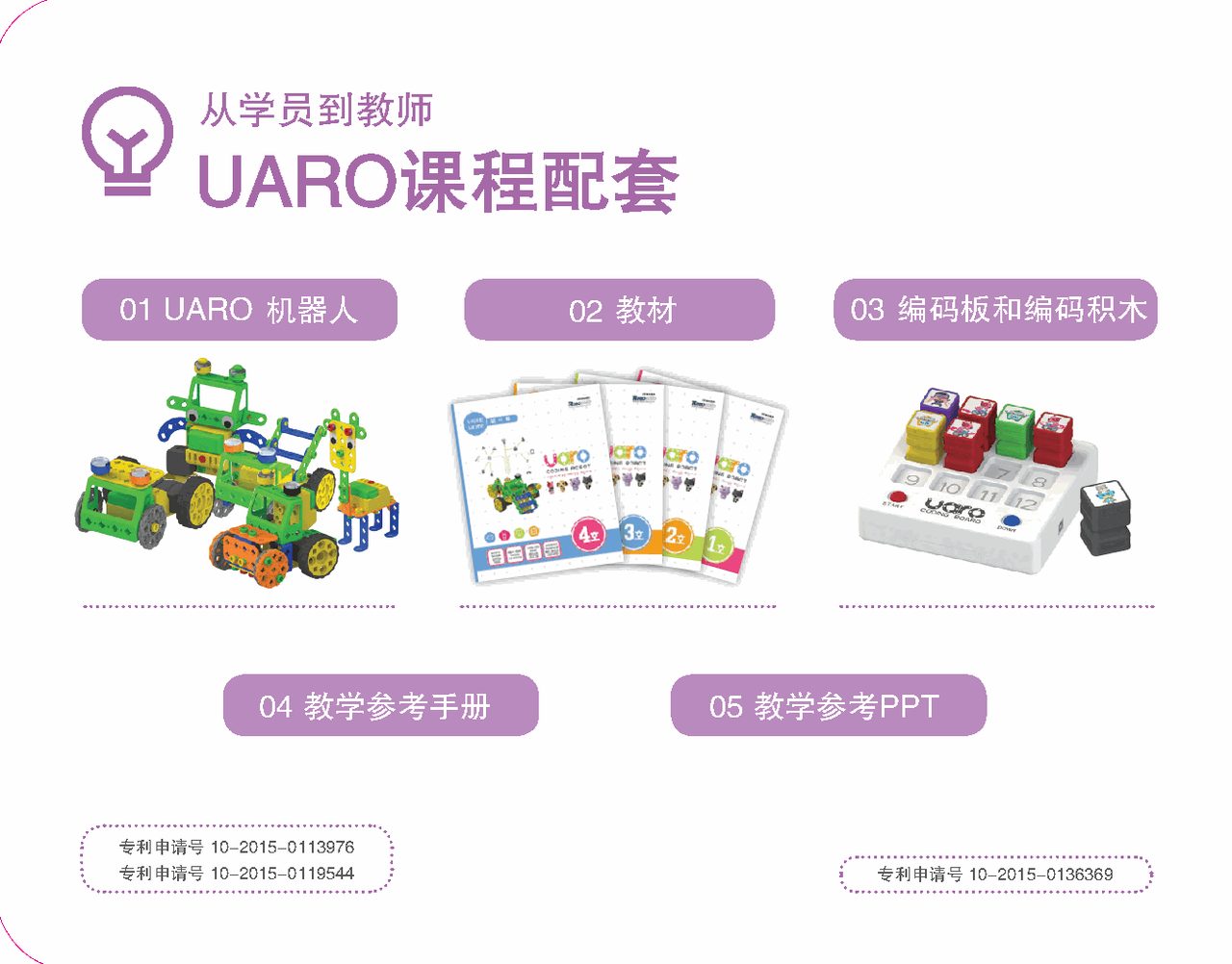
Technical Specifications & Course Kit
Information sourced from the UARO official brochure and teacher education materials; items not listed are subject to the physical product and official documentation.
- Product Name
- Coding Robot UARO (UARO Coding Robot)
- Ages
- Ages 5–7 (product materials); regular course for ages 3–5 (Roborobo curriculum)
- Construction Method
- Patented special bolts + nuts + large building frames
- Programming Method
- Coding Board + coding blocks (no computer needed); LEVEL 4 supports phone / tablet app programming
- Wireless Connection
- Coding Board NFC · App Bluetooth (Bluetooth module) · wireless remote
- Course Levels
- LEVEL 1–4 four-level progression
- Coding Blocks
- 11 types: move / stop / motor / LED (blue) · LED (orange) / time / remote / touch (green) · touch (yellow) / infrared / music
- Smart Accessories
- LED lights · touch (collision) sensor · infrared sensor · music board · remote receiver · Bluetooth module
- Power
- Battery box (battery pack + power switch); remote uses 2 AAA batteries
- Safety Certifications
- CE (EU) / KC certified
- Technology Source
- Technology brand from the Korea Institute of Science and Technology (KIST)
- Official Website
- www.uaroedu.com
In the near future, coding is a superpower!
Bring your child to build a moving robot with their own hands and experience the pride of "my program made it move" for the first time.