ShengTong Education
ShengTong EducationEmpowering the future with technology "Create more, be happier"
Graphical AI Programming Robot Course Kit

ShengTong Roborobo AI
MCU 5.0

Learn Programming with Robots

A 32-bit color-screen controller, motors with built-in encoders, plug-and-play high-precision sensors, and brand-new structural parts for building 3D mechanisms — an advanced robot design and programming kit for elementary students aged 7–10.

Screws and nuts replace the traditional snap-fit blocks, so kids "screw together" every robot like real mechanical assembly. Graphical programming plus AI model training makes robots that can see, hear, and interact. Four stages and 80 regular lessons run through a complete story line — from tightening the first screw to independently designing a full game.

7-10yrsAges
4stagesProgression
80lessonsRegular Lessons
4lessonsTrial Lessons
8lessonsActivity Lessons
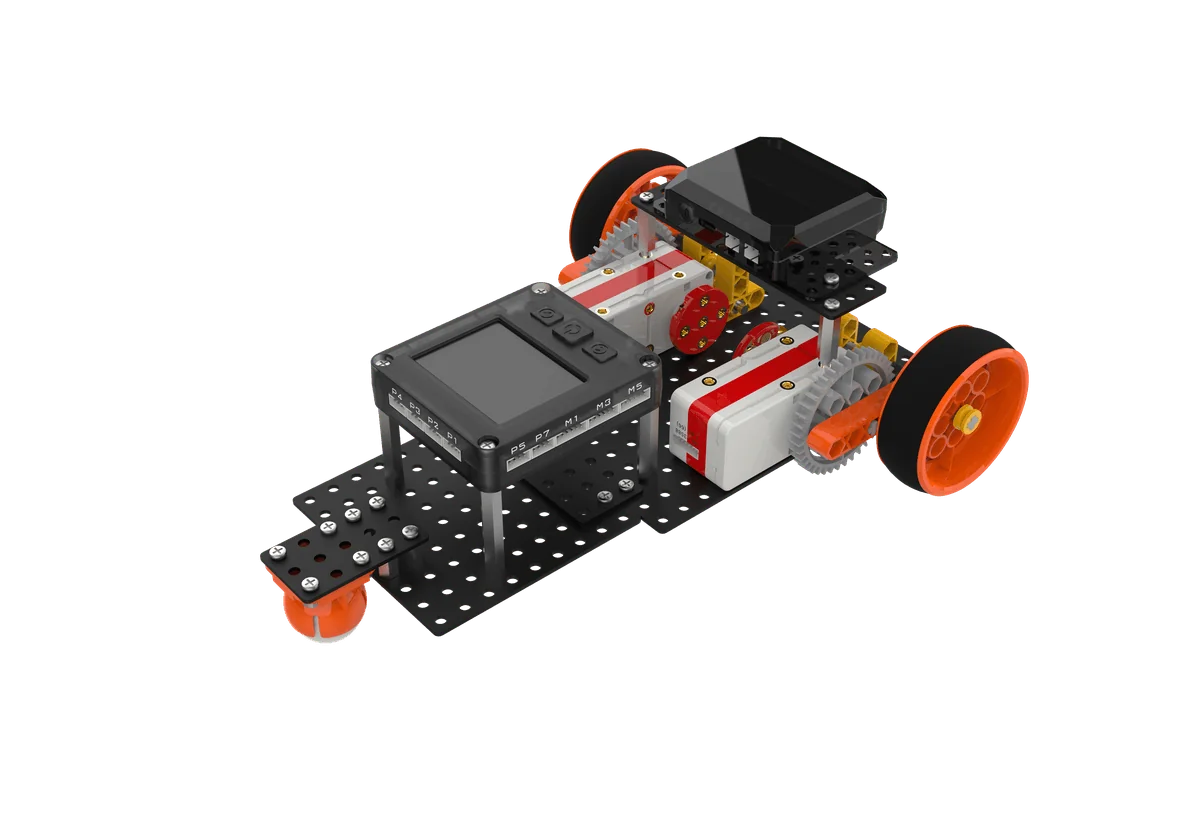
ShengTong Roborobo AI MCU 5.0 super racer project
PRODUCT DEMO

See what MCU 5.0 can do

From the first tightened screw to gears turning and the program running — one video shows the full experience.

ShengTong Roborobo AI MCU 5.0 Product Video

A Robotics Teaching Kit That Kids Really Screw Together

ShengTong Roborobo AI MCU 5.0 is a graphical programming robot course designed for ages 7–10. Students use structural parts, screws and nuts, gears, and electronic components to assemble movable, sensing, programmable robots from scratch, understanding mechanics and logic through hands-on building and debugging.

The hardware is fully upgraded: the controller is upgraded to a 32-bit color-screen processor; motors with built-in encoders support stepless speed control and precise position control; sensors are fully iterated; structural parts have multiplied, with new five-sided beams, building beams, and other 3D components enabling complex mechanical structures such as gear drives and linkages.

The course runs through a complete story line, with a six-step closed-loop teaching method paired with AI interactive courseware. Programming knowledge spirals upward with smoothly increasing difficulty, while the 3STC three-dimensional nine-element framework runs throughout — students learn not only programming, but engineering thinking and comprehensive literacy.

The Interstellar School story line runs through the whole course, so children learn programming by following the plot.

LeleMeimeiGrandpa ShengAI Elf Xiaozhi
Ages
Ages 7–10 No prior experience needed, for lower and middle elementary grades
Duration
4-stage progressive course Stage by stage, flexible pacing
Lessons
80 regular lessons + 4 trial lessons + 8 activity lessons
Structural parts
Five-sided beams, building beams, corner connectors, plates, and 8 types of 3D parts
Color scheme
6 colors Black · White · Gray · Orange · Yellow · Sky Blue
Fastening
Screwdriver + socket wrench + screws and nuts Reusable mechanical assembly
Hardware
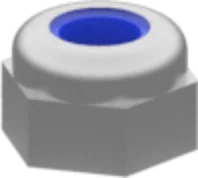
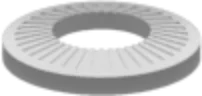
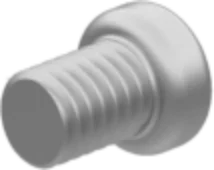
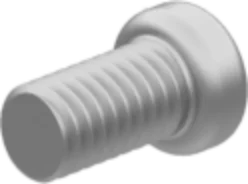
5/7/12/15/20/30mm screws, bracket screws, nuts, lock nuts, washers
Control
Graphical programming (drag-and-drop blocks) + Python code side-by-side, with virtual simulation
ELECTRONIC PARTS

Plug and Play — Forming the Robot’sNervous System

The controller is the brain, motors and servos are the muscles, sensors are the senses, and the lithium battery is the heart. Anti-reverse ports make plugging in foolproof.

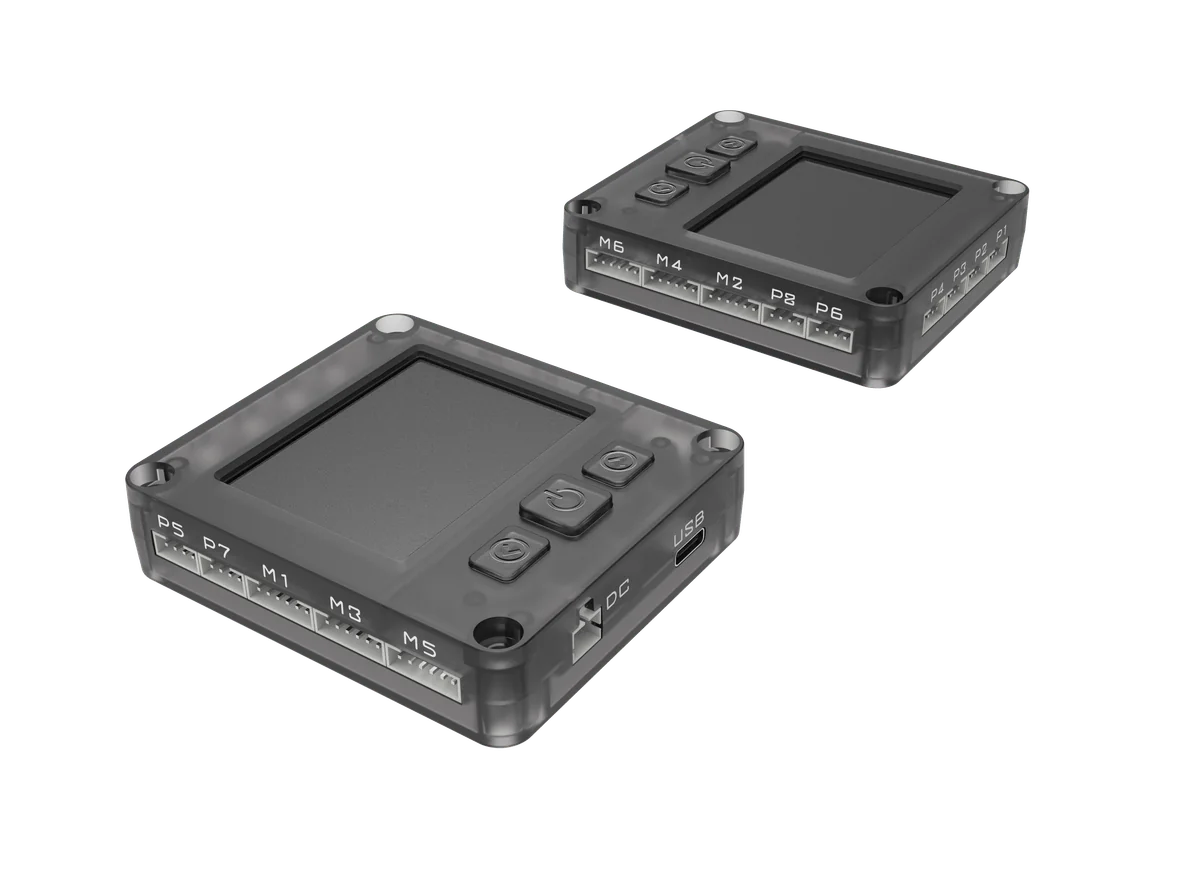
Controller R5-RCU

Controller R5-RCU

High-performance 32-bit processor at 168 MHz with 8 MB RAM for efficient and stable operation; 2.4-inch full-view HD touch screen with built-in Chinese font library, so program status is visible at a glance.

  • 8 sensor ports
  • 6 motor ports
  • 2.4" color touchscreen
  • 8 MB storage
  • Bluetooth / WiFi
  • Type-C download
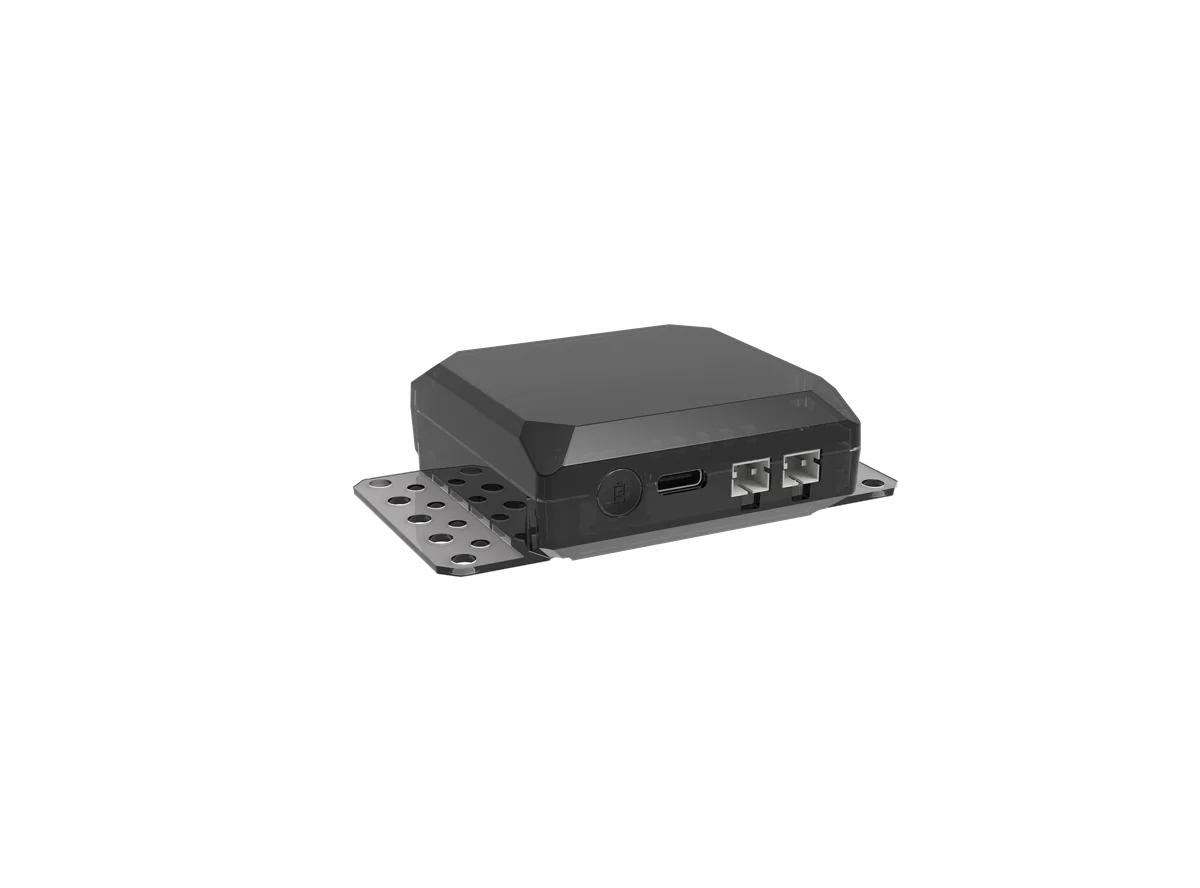
Li-ion Battery Li-5

Li-ion Battery Li-5

Rechargeable lithium battery solution replaces frequent dry-cell replacement. It keeps running lesson after lesson, ensuring battery life and a worry-free classroom.

  • Rechargeable and reusable
  • External XH2.54 port
  • Voltage detection support
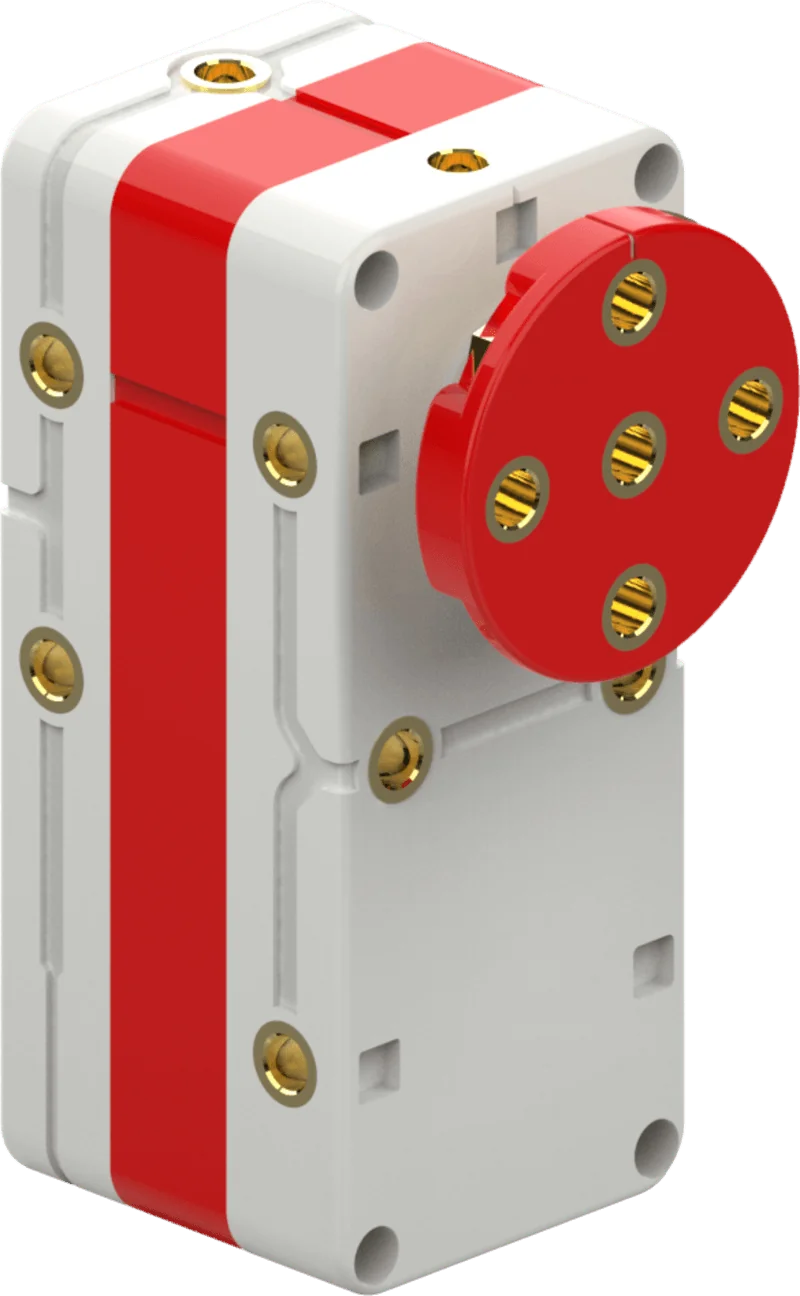
Encoder motor

Motor · Built-in Encoder

Metal-gear high-torque motor supports forward, reverse, and braking. Built-in encoder closed-loop control supports -100 to 100 stepless speed regulation and precise position positioning, resisting damage from stall and reverse.

  • -100 to 100 stepless speed
  • Encoder resolution 360/circle
  • Precise position positioning
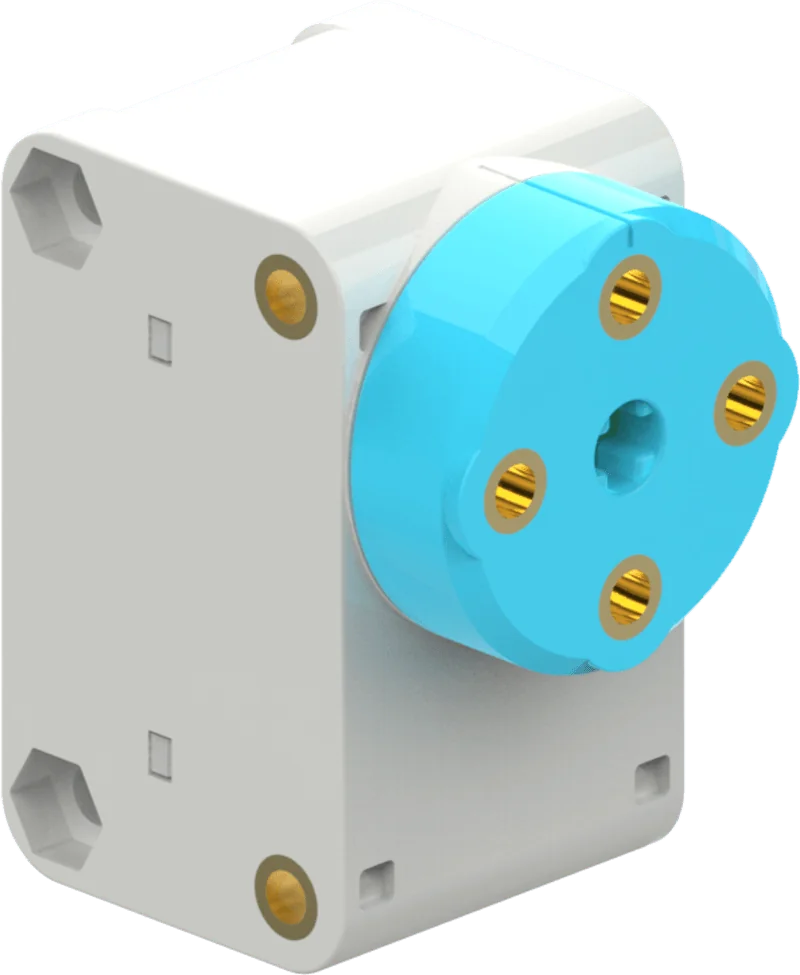
Digital servo

Digital Servo

An integrated servo unit combining motor control, servo drive, and bus communication for robot joints, steering, and angle control, with more precise angles and better durability.

  • Working angle 0-359°
  • Position accuracy ≤3°
  • Three working modes
Photoelectric sensor

Photoelectric Sensor

A line-following sensor that distinguishes light and dark colors, with anti-sunlight interference design and automatic threshold calibration through field scanning — a reliable sensing unit for line-tracking tasks.

  • Return value 0-4095
  • Threshold directly used for judgment
  • Auto white-balance calibration
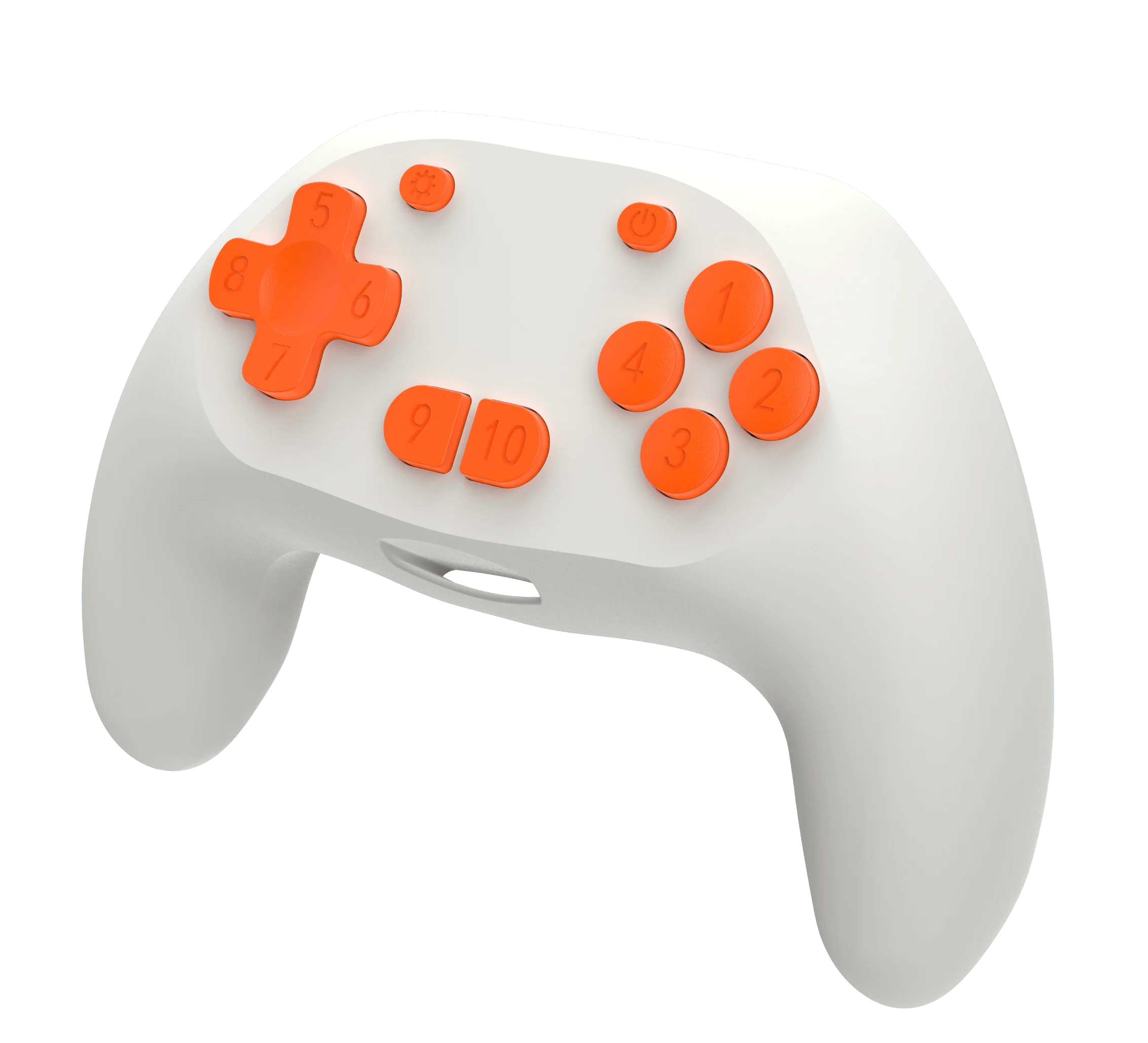
2.4G wireless remote

2.4G Wireless Remote

Pairs with the 2.4G wireless module with one click for long-distance real-time control of your own robot, so competitive and racing games can start anytime.

  • One-click pairing
  • Real-time wireless control
  • Multiplayer battles
Coming SoonPhysical images will be updated after final design

AI Vision Module

Lets robots "see." Supports color recognition, QR code recognition, and other vision tasks. Students can collect samples and train their own recognition models, bringing real large-model AI applications into the classroom.

  • Visual recognition
  • QR code recognition
  • Model training
  • Gesture / face applications
Coming SoonPhysical images will be updated after final design

Voice Recognition Module

Lets robots "understand" sound: supports voice classification and command recognition, so a single spoken command can trigger an action, making human-robot interaction more natural.

  • Voice classification
  • Command recognition
  • Voice-controlled interaction

Other Electronic Components in the Kit

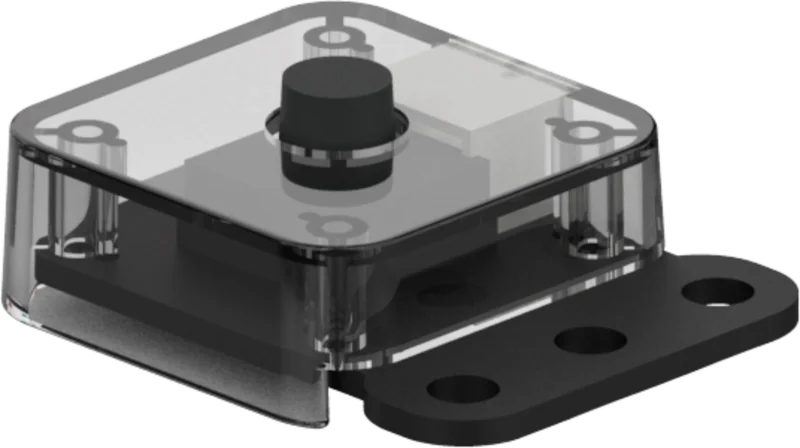
Touch Sensor
Touch Sensor
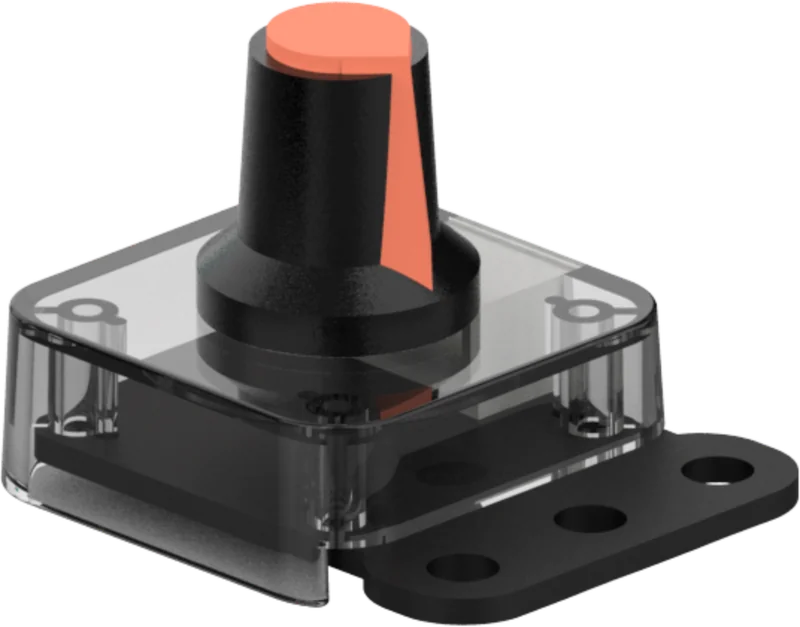
Knob Sensor
Knob Sensor
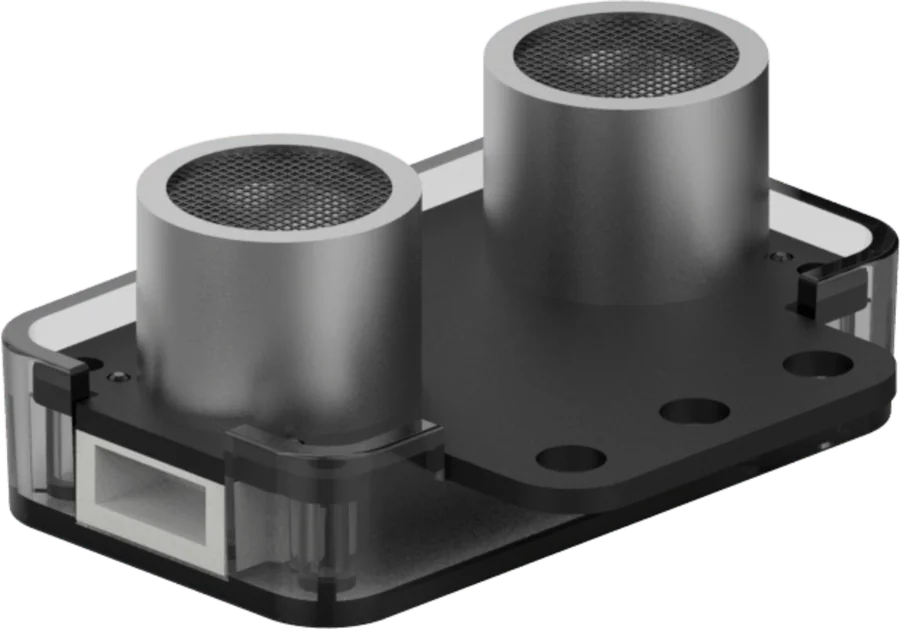
Ultrasonic Distance Sensor
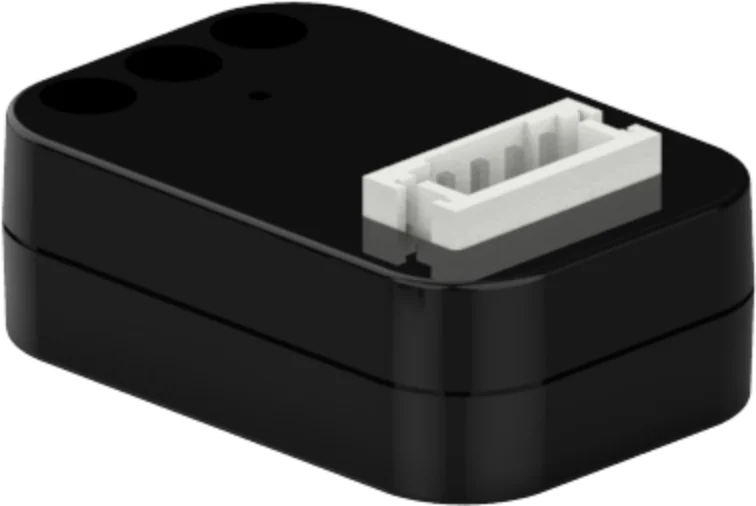
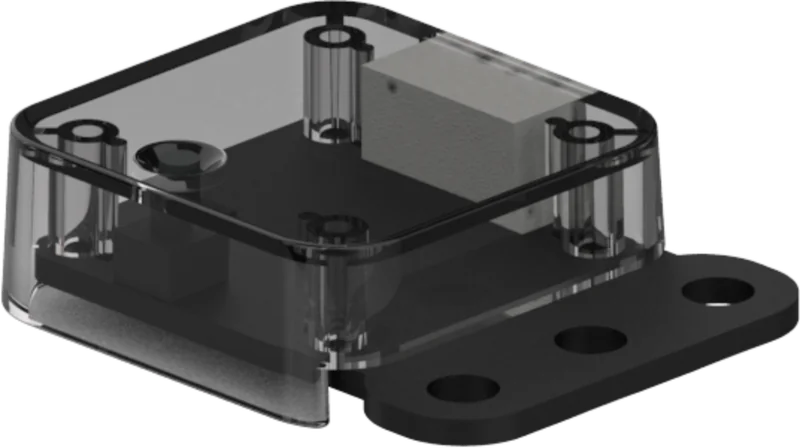
2.4G Wireless Module
Photoelectric Sensor
Color Light ModuleMotor Cable 20/30cmSensor Cable 20/30cmType-C Download Cable
Coming SoonThe following components will be released progressively with advanced courses
Posture SensorTemperature & Humidity Sensor
AI CAPABILITIES

Let RobotsSee and Hear

Ten AI function modules covering visual recognition, voice recognition, and QR code recognition — all hands-on in the classroom.

Students collect samples andtrain models

Collect → Train → Recognize, walking through the complete AI learning process

The course provides more than 10 AI function modules covering visual recognition, voice recognition, and QR code recognition. Students do not just "watch the teacher demo AI"; they collect samples, train models, and test recognition effects themselves, understanding firsthand how AI learns.

01
Visual RecognitionRecognize colors, shapes, QR codes, and scene content, giving robots the ability to "see."
02
Voice RecognitionVoice classification and control command recognition let robots "understand" what you say.
03
Hands-on Model TrainingCollect samples → train model → real-time recognition, so students experience the complete AI learning process.
AI Gesture Recognition · Gesture-Controlled Fan

Train 4 gesture samples and use different gestures to control the fan at low, medium, high speed, or stop.

Model trainingMulti-branch judgmentGear acceleration
Face recognition door classroom photo
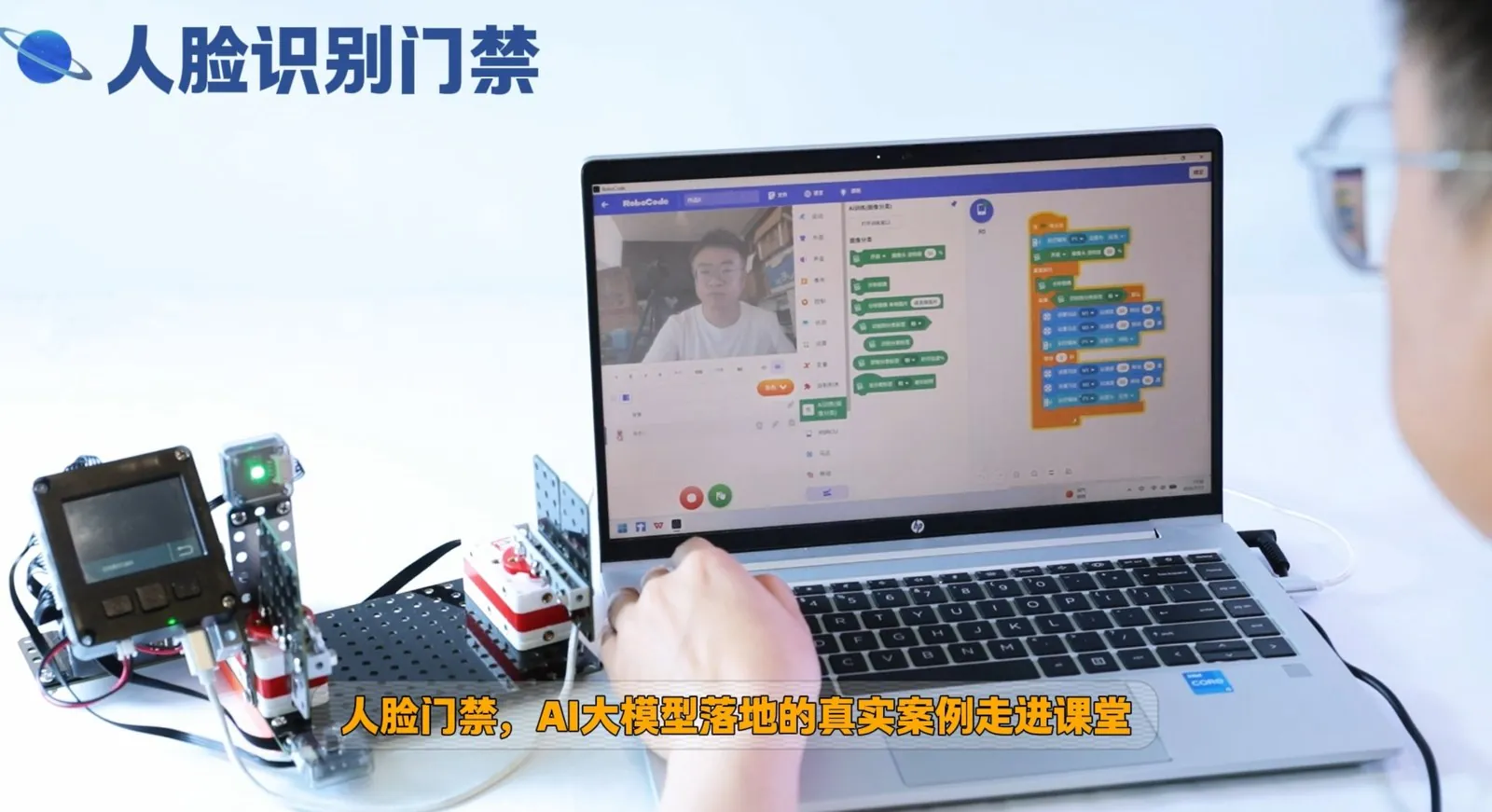
Face-Recognition Door · Your Face Is the Key

Collect faces, train a model, and make the door "know" you — a real large-model AI case study brought into the classroom.

Face collectionModel trainingReal-time recognition
Gesture RecognitionVoice Recognition
More AI Play Awaits

Posture recognition, voice classification, text classification… more AI functions and robot projects are continuously updated.

Posture recognitionVoice classificationText classification
BUILDING METHOD

Not Just Snap-Fit,But Real Screwing

Screwdriver and socket wrench work together to lock structural plates, five-sided beams, motors, and servos step by step into a whole.

Assembly Demo · From Parts to a Spinning Windmill
Socket screwdriver
Screwdriver + Socket Wrench · A Child’s First Tool Set

Aligning holes, holding the nut steady, and controlling force — the very act of tightening screws trains hand-eye coordination and fine motor skills.

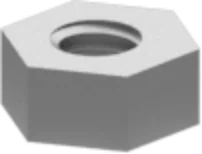
NutNut
Lock nutLock Nut
WasherWasher

Six Screw Sizes at a Glance

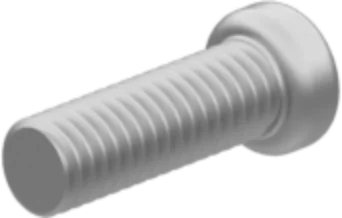
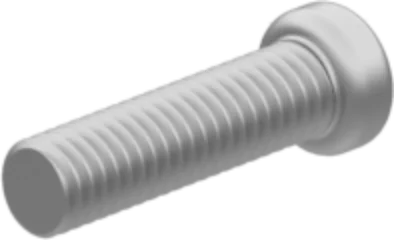
5mm screw5mmConnect plates and motors
7mm screw7mmPlate to plate
12mm screw12mmConnect building beams
15mm screw15mmBeam to beam
20mm screw20mmConnect controller
30mm screw30mmMulti-layer beam stacking

Tightened ConnectionsSupport Drives and Repeated Disassembly

Six screw sizes + tool set, all in one kit

ShengTong Roborobo AI MCU 5.0 uses screw-and-nut fastening. Students use a screwdriver and socket wrench to lock structural plates, five-sided beams, motors, and servos step by step — a closer-to-real engineering assembly method and a real test of manual skill.

01
Tightened Structures Support DrivesGear drives create torque and vibration; only tight connections can maintain precision long-term. Finished works do not loosen or wobble, and run smoothly.
02
Reusable for Real DebuggingUnscrew, adjust, and retighten — students correct structures through repeated disassembly, which is the authentic "iterative optimization" experience in engineering thinking.
03
Manual Skill DevelopsAligning holes, holding nuts steady, and controlling force train hand-eye coordination and fine motor skills in every lesson.

Additional 10 / 15 / 20 / 35 / 55mm bracket screws, nuts, lock nuts, and washers meet fastening needs for plates of different thicknesses.

MECHANICAL STRUCTURES

One Structural System,Build Moving Machines

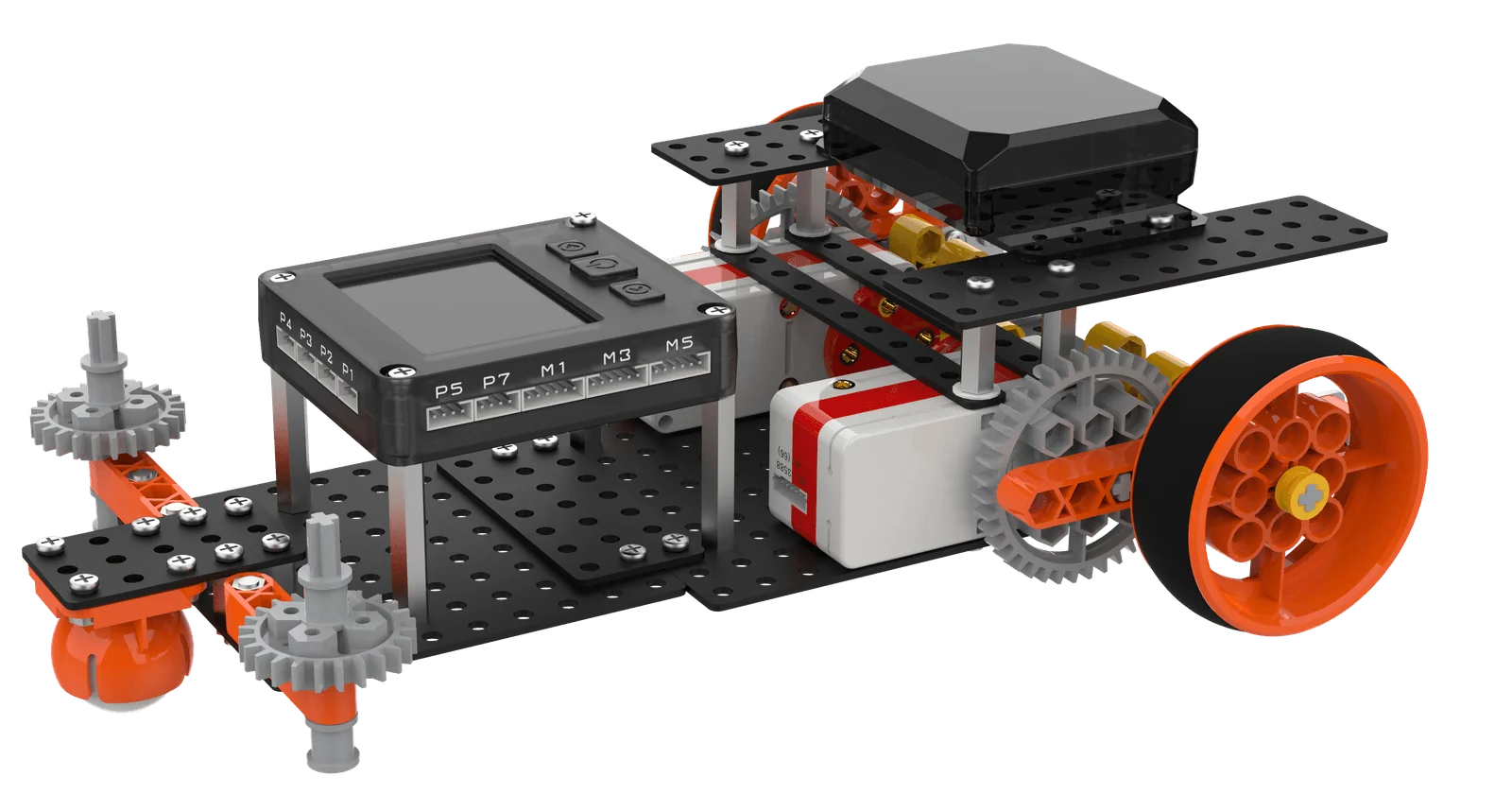
A 3D structural system of five-sided beams, building beams, corner connectors, and gear sets turns projects from square frames into real machines that can drive, walk, and grab.

Gear Drive

Spur gears and double bevel gears combine to achieve acceleration, deceleration, and direction change.

Single / double acceleration

Linkage & Crank-Rocker

Convert rotation into reciprocating and swinging motion — the basis of bipedal walking and robotic arms.

Rotation → Reciprocation

Cam Mechanism

Turns uniform rotation into regular up-and-down bouncing.

Rotation → Lift

Chassis & Locomotion

Tires, caster wheels, and track pieces support both wheeled and tracked chassis.

Wheeled · Tracked

3D Frame

Multi-directional holes on five-sided and building beams form a stable 3D skeleton.

3D · Stable

Shaft & Bushing

Multiple shaft sizes, bushings, and bearing sleeves cover every joint in the drive chain.

Drive precision

Pulley & Force-Saving

Fixed and movable pulleys change force direction and magnitude — the secret of crane force saving.

Force saving · Redirect

Rubber Band Energy Storage

Rubber bands store elastic potential energy and release it instantly — how ejection mechanisms fire.

Elastic potential
PROGRAMMING

Start with Graphics,Logic Visible

Drag blocks to build programs, compare with Python code side-by-side, and verify ideas with virtual simulation.

Drag Blocks to Turn Ideas into
Logic Robots Understand

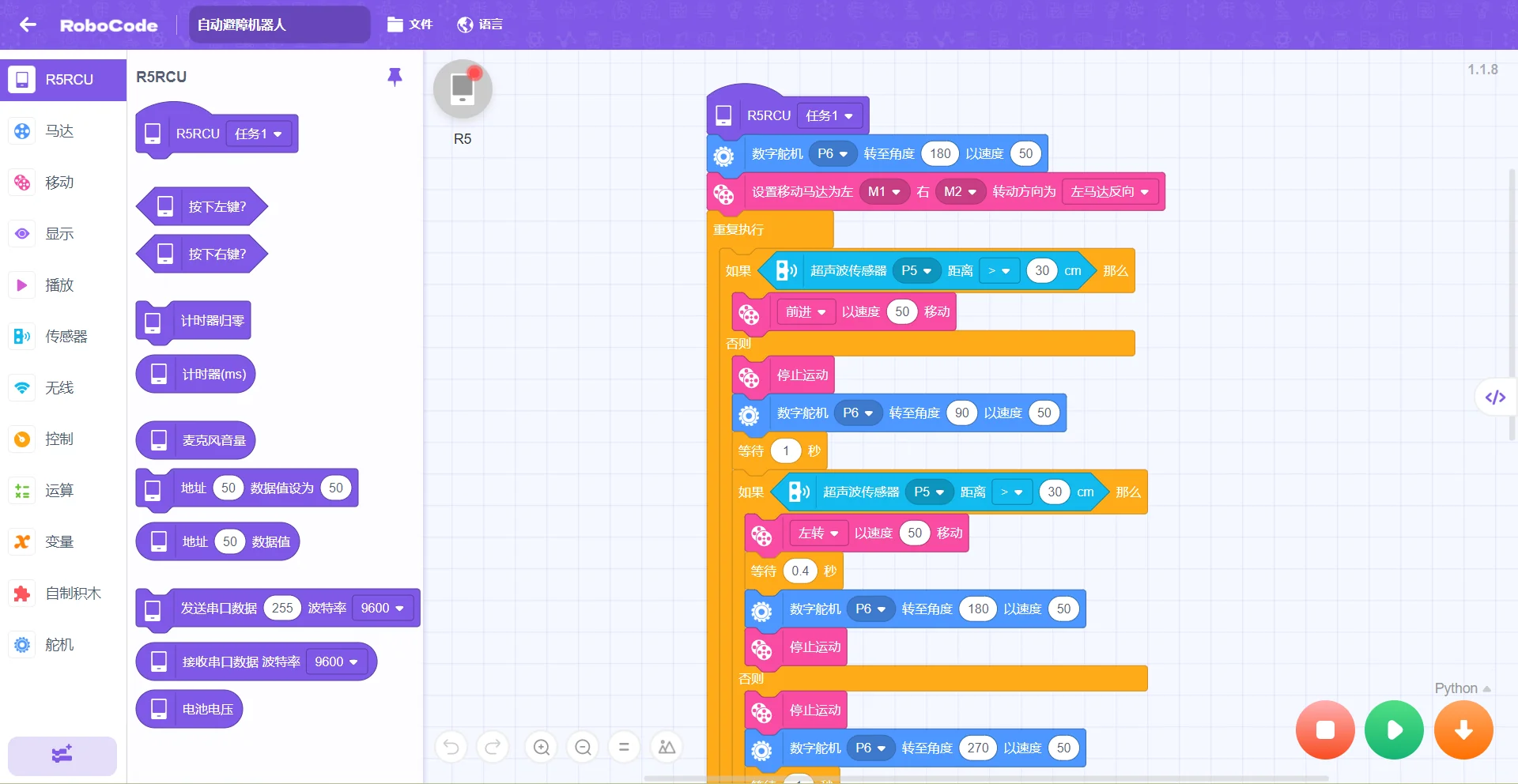
The Scratch-style graphical programming interface is more accessible for elementary students: start from effect analysis, then go through step decomposition, instruction combination, and download-debugging in a complete closed loop. Python code is displayed side-by-side to lay the foundation for future code learning; virtual programming and simulation allow verifying ideas before deploying to hardware.

01
Graphical + Code Dual ViewDrag blocks to program while Python code appears on the right, mapping logic to code one-to-one.
02
USB / Bluetooth Dual DownloadSupports USB cable download and Bluetooth download, hot-pluggable with automatic connection.
03
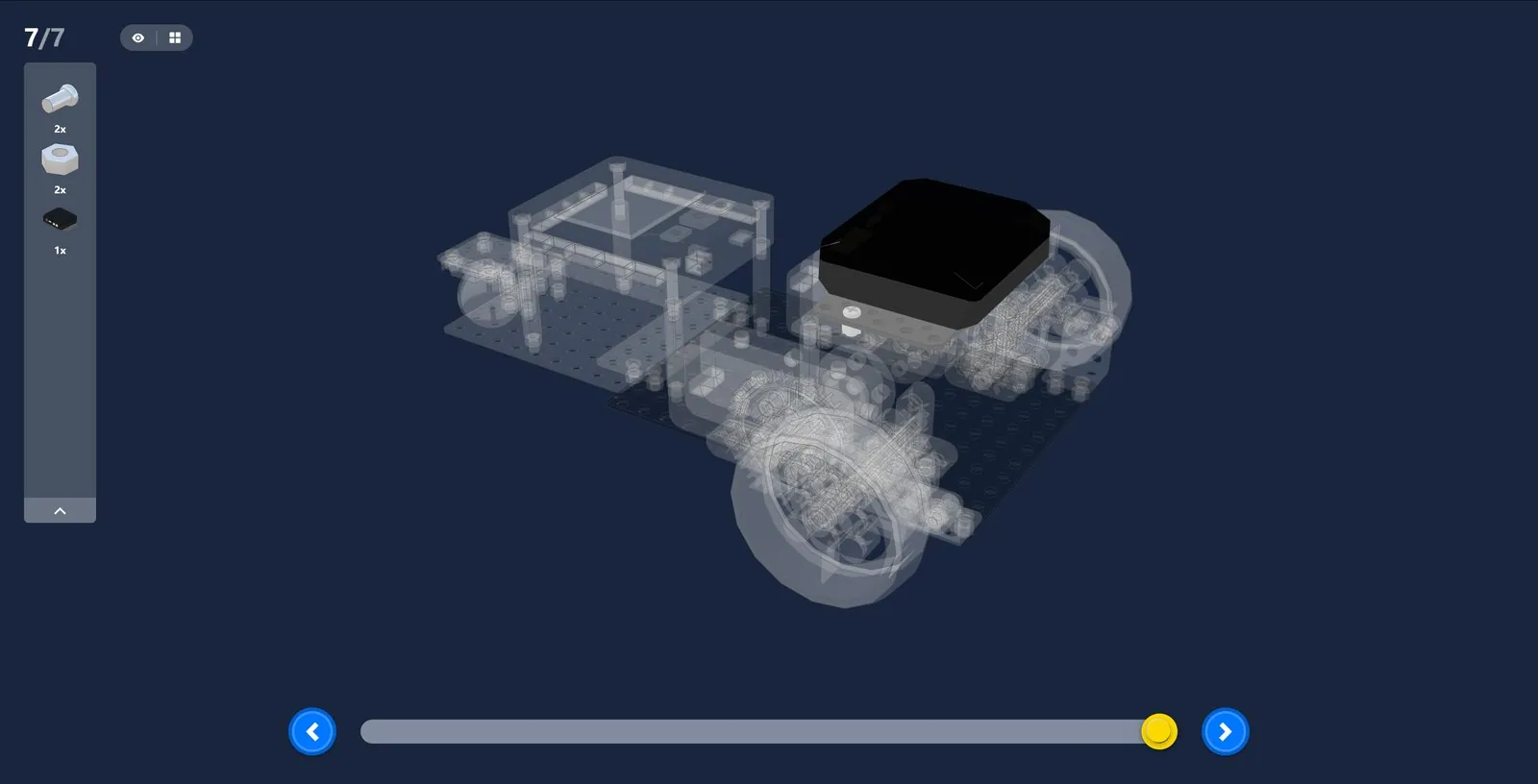
3D Building GuideFreely zoom in a 3D view; step-by-step building diagrams keep every detail clear.
hardwareR5rcu.code.uiAlt
hardwareR5rcu.code.threeDAlt

Stage 1 · Progressive Programming Knowledge

Difficulty rises smoothly step by step: programming knowledge and mechanical principles are taught separately and consolidated in class
Lesson 1Sequential ExecutionUnderstand the basic logic of programming
Lesson 10Single-Branch ConditionIf… then…
Lesson 11Conditional LoopRepeat until condition is met
Lesson 12Nested Single BranchesHandle more complex judgment logic
Lesson 15Multi-Sensor CollaborationTouch + knob + color light joint control
Lessons 17-18AND Logic · Multi-BranchDual touch collaboration, obstacle avoidance algorithm
Lesson 20Game Main LoopIntegrate what you have learned and independently design a game
PARTS COUNT

Plenty of Parts,Creativity Unlocked

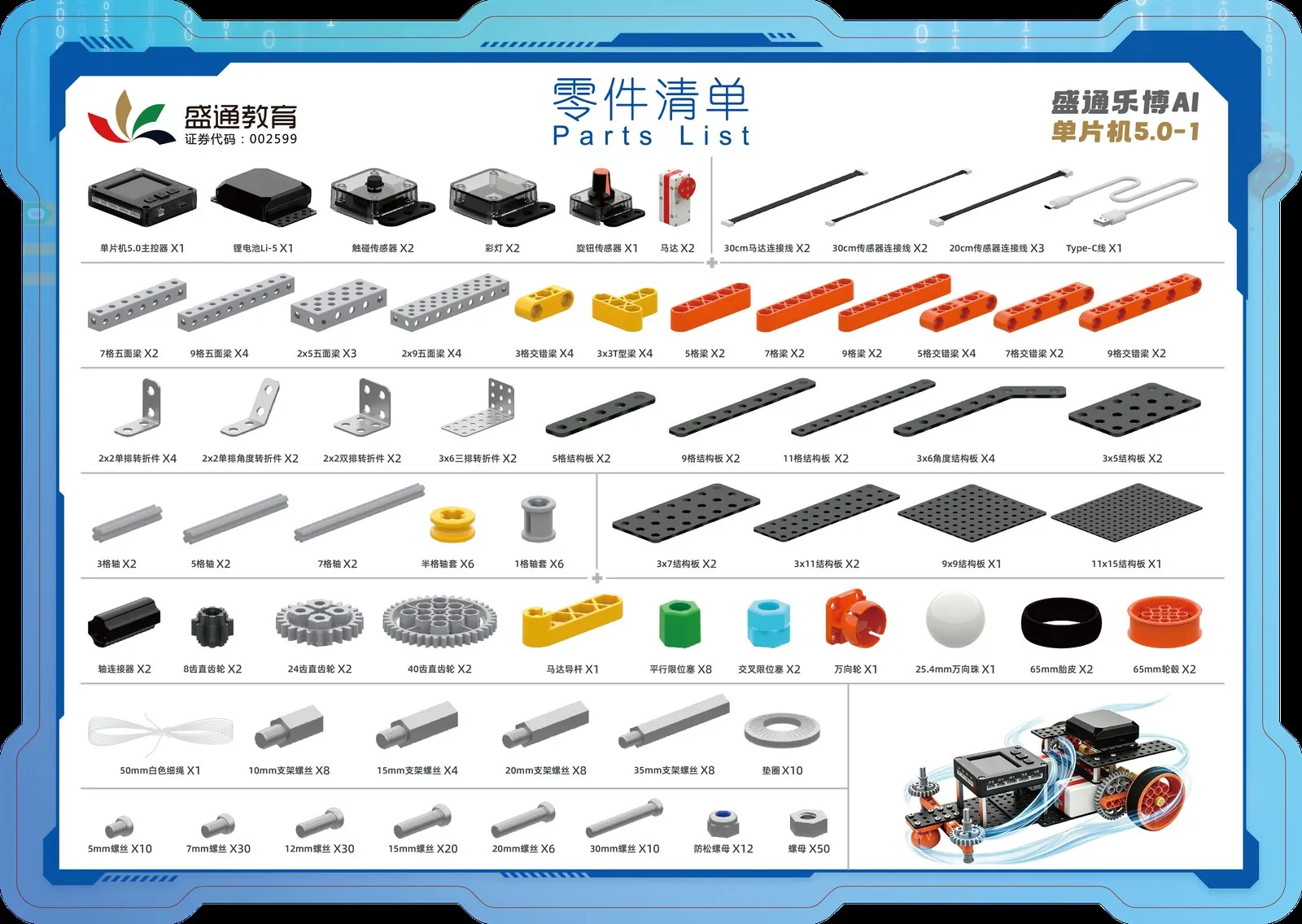
Stage 1 and Stage 2 kits together contain more than 590 parts in 119 specifications, from a single screw to a five-sided beam.

330+pcsStage 1 Parts67 specs
260+pcsStage 2 Parts52 specs
590+pcsStage 1 + 2 Total119 specs
8typesStructural PartsFive-sided beam / building beam / corner…

Stage 1 Parts List

67 specs
330+pcs
Electronics & cables10 types
Structural parts42 types
Hardware & tools15 types
  • Controller R5-RCU · Li-ion Battery Li-5 · Motors ×2
  • Touch sensors ×2 · Color lights ×2 · Knob sensor ×1
  • Five-sided beams 4 types · beams and cross beams 8 types · corner connectors 4 types
  • Plates 9 types · gears 3 types · shafts and bushings multi-spec · tires and hubs
  • Screws, nuts, washers 13 types · screwdriver + socket wrench
Stage 1 parts list card

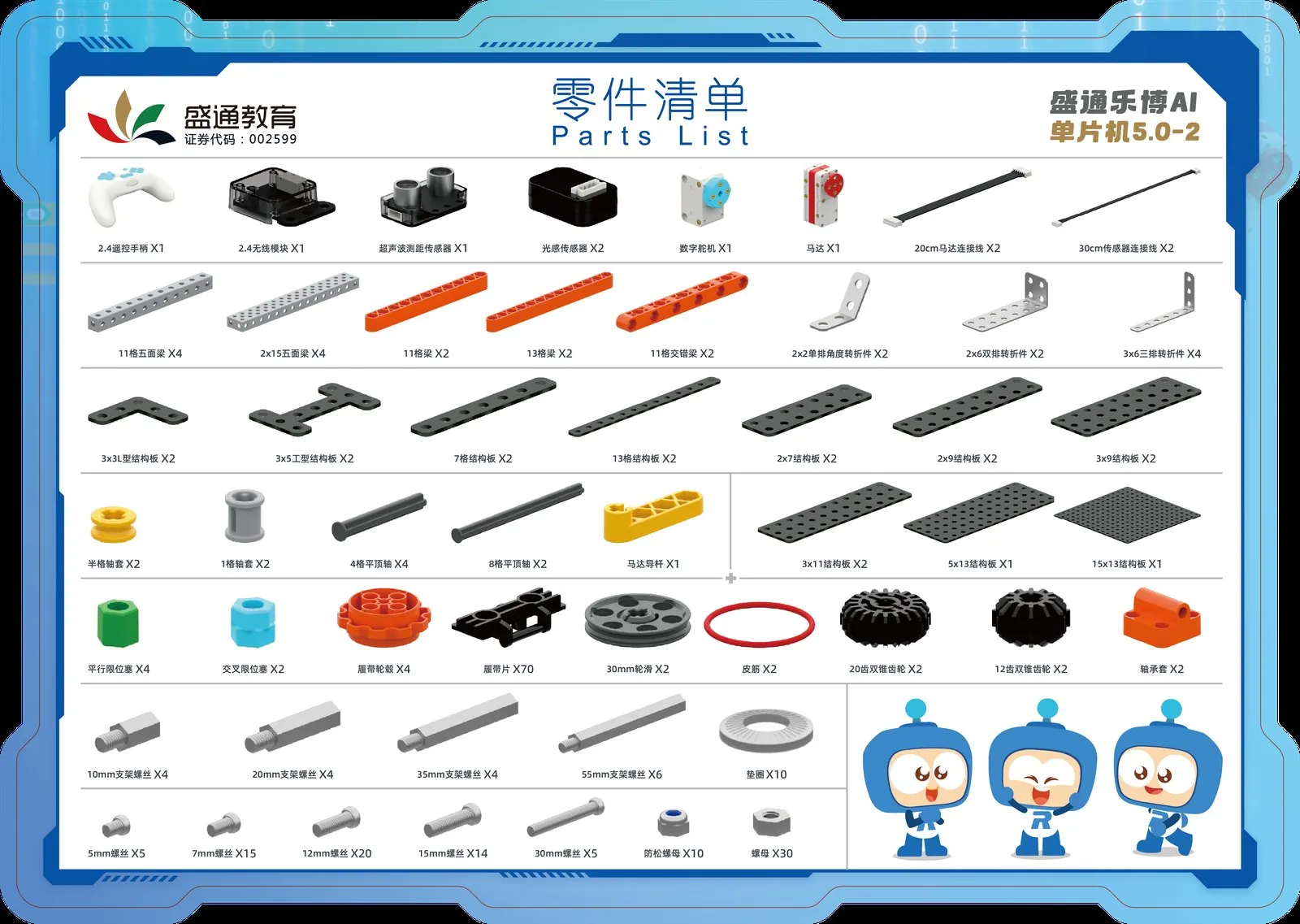
Stage 2 Parts List

52 specs
260+pcs
Electronics & cables8 types
Structural parts32 types
Hardware12 types
  • Digital servo · ultrasonic distance sensor · photoelectric sensors ×2
  • 2.4G wireless module + 2.4G remote · motor
  • Five-sided beams 2 types · beams and cross beams 3 types · corner connectors 3 types
  • Plates 10 types · double bevel gears 2 types · track pieces 70 pcs
  • Flat-top shaft · pulley · rubber band · bearing sleeve · hardware 12 types
Stage 2 parts list card
CURRICULUM

4 Stages, 80 Regular Lessons,Building Skills Unit by Unit

The full course has 4 stages and 80 regular lessons, with 4 lessons per unit and one theme story per unit. The first stage has 5 units and 20 lessons with full outlines below — each lesson clearly states what to build, what to program, and what knowledge is learned. Stages 2–4 are coming soon.

4stagesProgression
80lessonsRegular Lessons
4lessonsTrial Lessons
8lessonsActivity Lessons
Unit 1

Meet the Robot

Sequential execution · Five elements of a robot
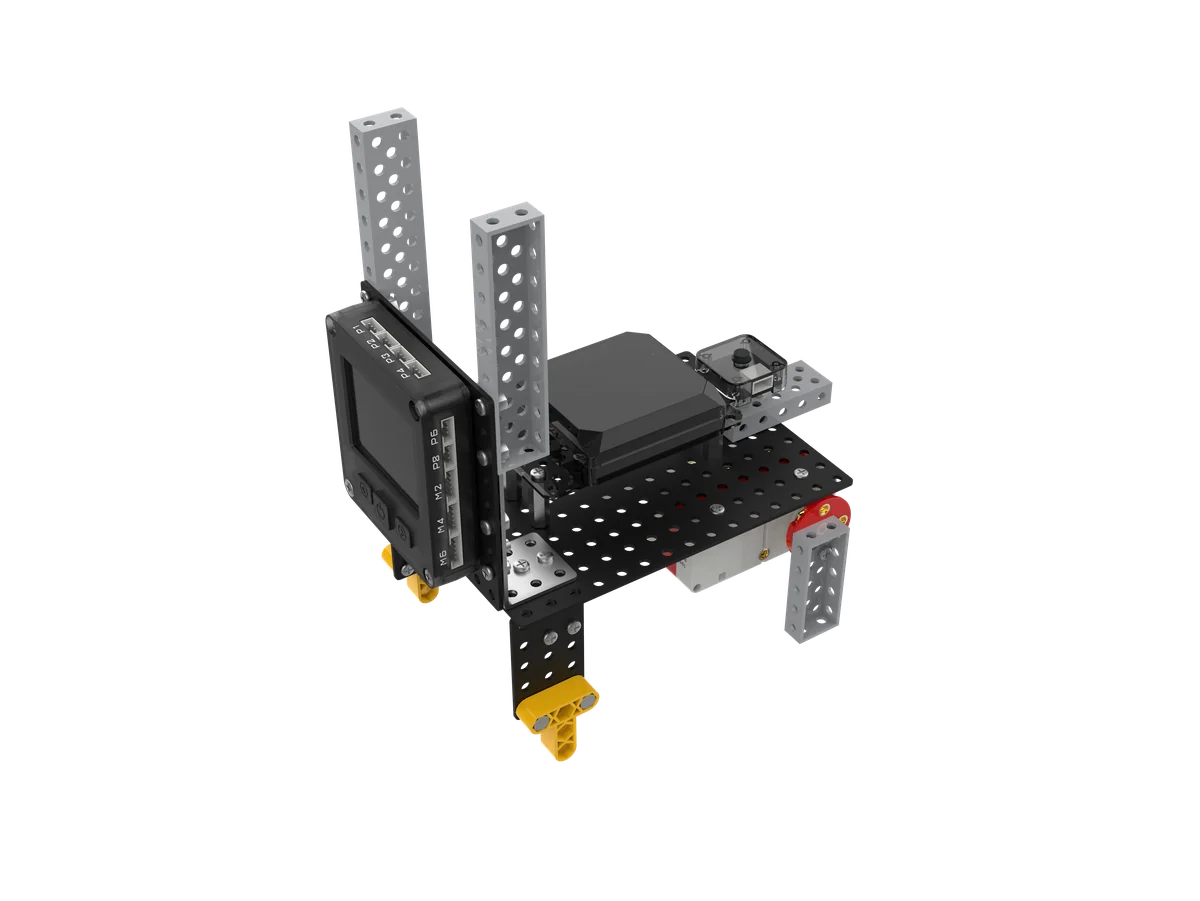
Jumping Elf project
Demo · Lesson 3 "Jumping Elf"

"Jumping Elf" brought cheers. In class, students assembled cams and linkages and used touch to make it jump on press, seeing uniform rotation turned into up-and-down motion by a cam.

L01
Meet the Robot
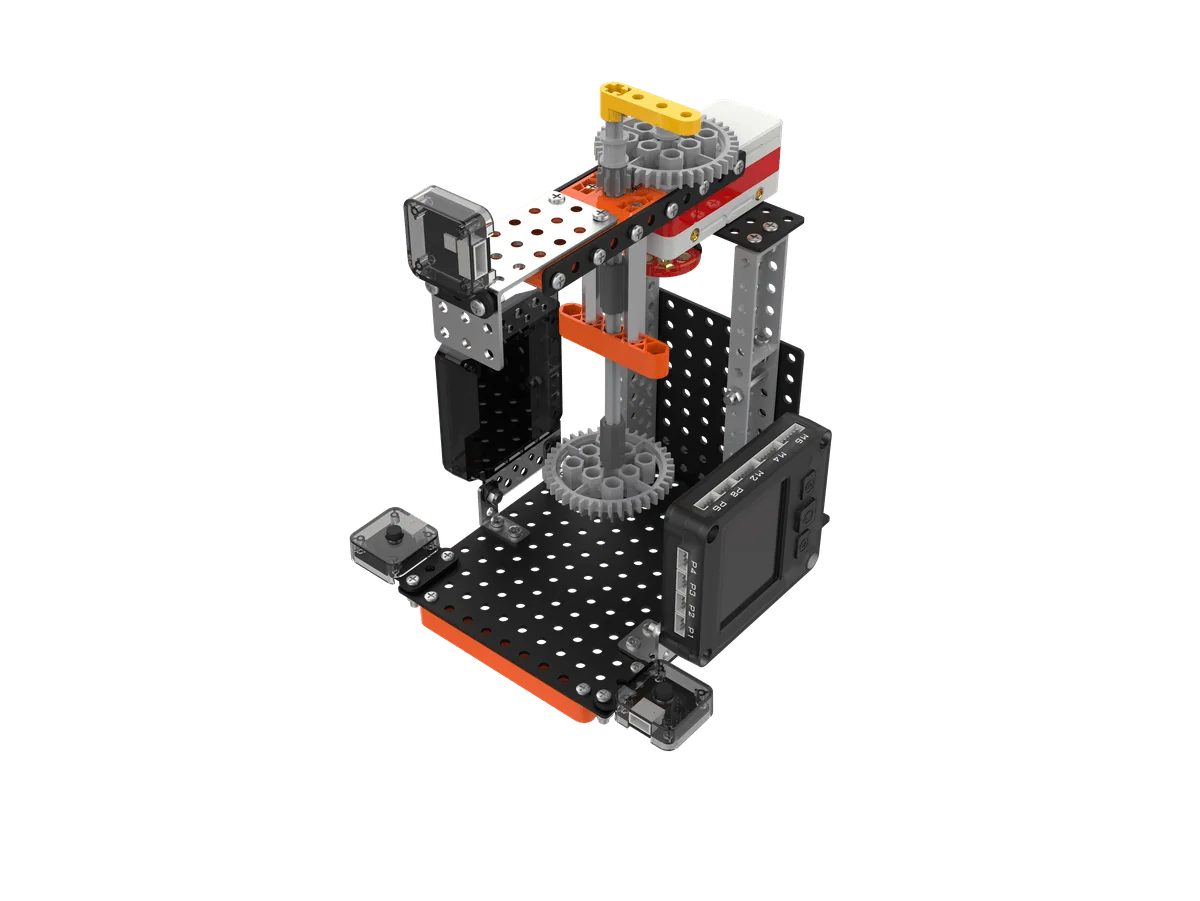
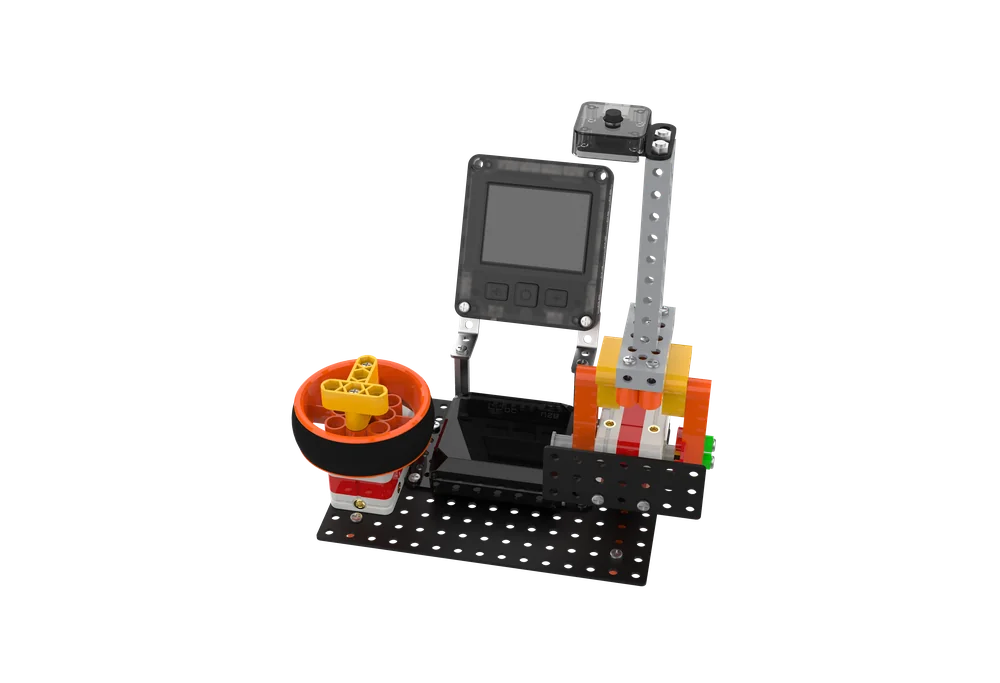
Assemble a rotating display stand and learn P1–P8 color light ports and M1–M6 motor portsUse speed 0–100 motor commands to experience sequential structureLearn the five elements of a robot and their rolesUnderstand robot evolution from ancient puppets to modern intelligence
L02
Space Lighthouse
Build a rotating lighthouse and drive the lamp head back and forth with a motorUse color light commands and infinite loop to make the light blinkUnderstand LED principle: electrical energy released as lightReview history of light sources: torches, oil lamps to LEDs; lighthouses guide ships
Popular
L03
Jumping Elf
Assemble cams and linkages to make a bionic rabbit that jumpsUse touch sensor plus conditional judgment to jump on pressLearn cam mechanism: circular motion becomes up-and-down motionExperience shape determines motion; observe rabbits’ jumping habit
L04
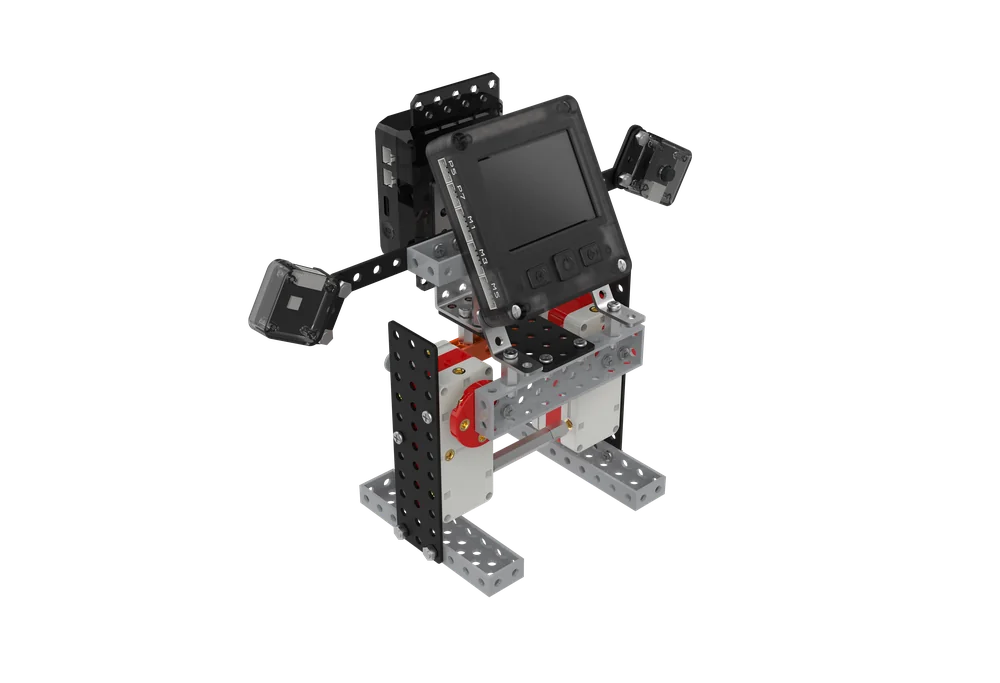
Humanoid Partner
Build a symmetrical biped robot with two motors driving each legUse 0.1s parameter to control rhythm and handle program conflictsLearn ancient bionic machines: wooden ox, string puppetsUnderstand humanoid robots: from WABOT-1 to Unitree H1
Unit 2

Gear Harbor

Single-branch condition · Gear drive principle
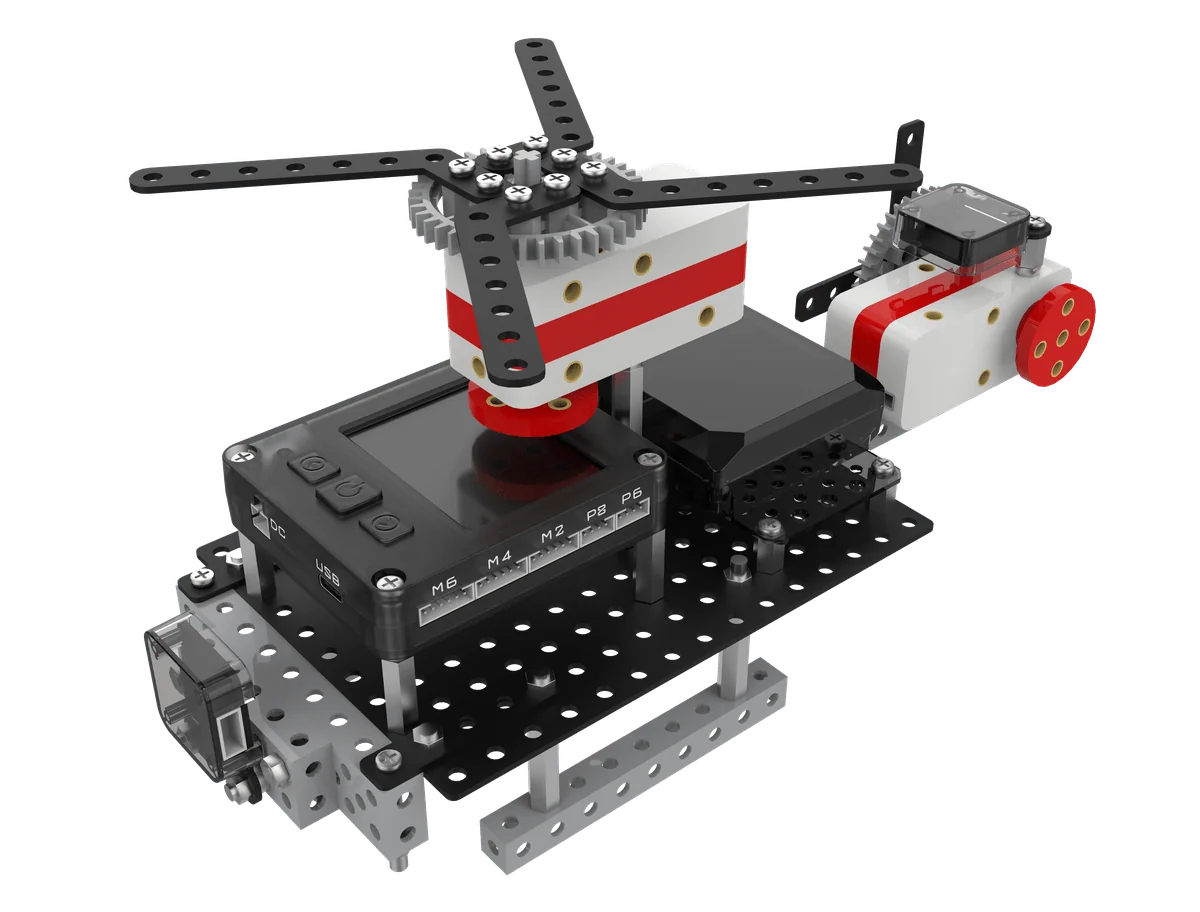
Air Flight project
Demo · Lesson 7 "Air Flight"

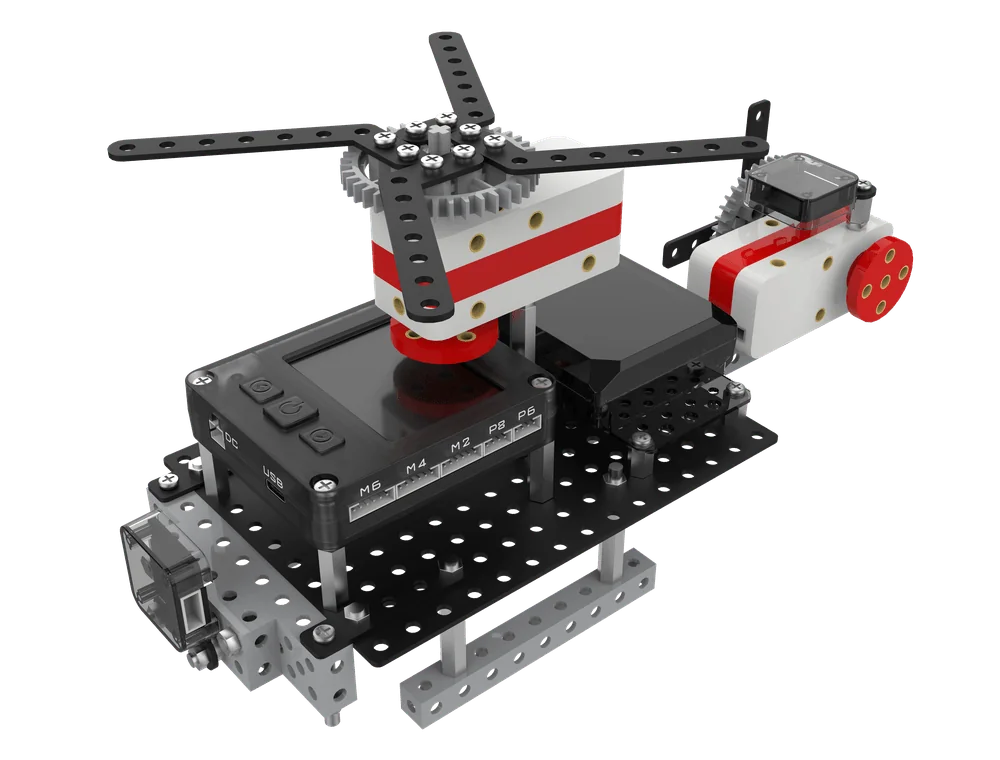
The rotor must spin and the signal light must flash — one program cannot handle both. Students assembled blades and gear sets, used multi-tasking to run both at once, and understood rotor spin creates lift.

L05
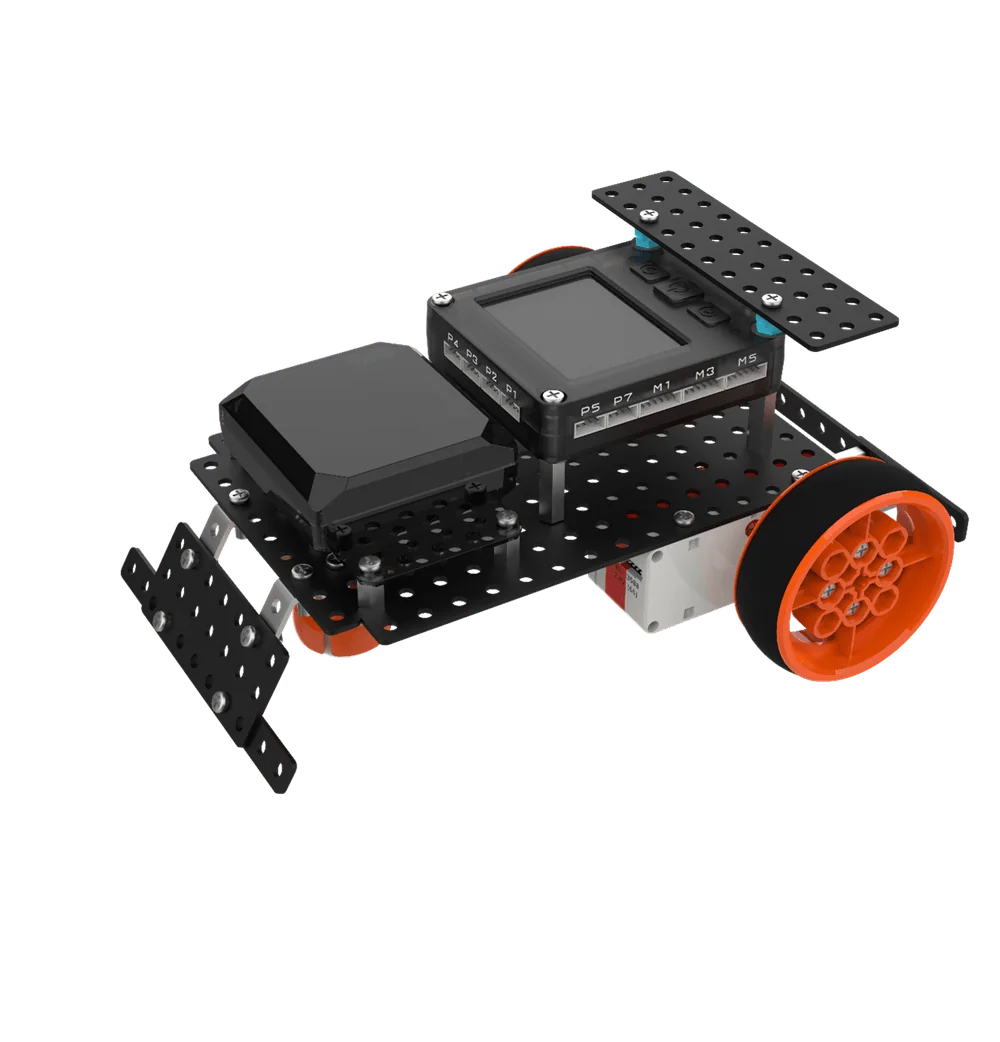
Speed Racer
Build a streamlined racing car: base, tires, bumper, bodyUse differential steering for corners and finite loop to finish the trackKnow the first automobile race in Paris in 1887; distinguish controller, battery, motorRead the route: U-shape = repeat 4 times "forward + left 90°"
L06
Star Craftsman
Build a handheld electric drill and clarify battery, switch, motor control chainUse dual-branch judgment to implement knob 0–100 segmented speed controlLearn the invention of the electric drill — first created by an Austrian in the 19th centuryUnderstand electric drill working principle; know the knob is an analog value
Popular
L07
Air Flight
Build a helicopter: landing gear, cockpit, main rotor, tail rotorUse multi-task programming to run rotor and lights simultaneouslyUnderstand RGB color mixing: red + green = yellow, red + blue = purpleUnderstand rotor spin creates lift and flight basics
L08
Transport Pioneer
Build a truck with front gear drive and rear belt driveUse wait seconds to time loading/unloading rhythm and tripsUnderstand loop equivalence — 1 time 3s = 3 times 1sLearn the four truck families: box, low rail, high rail, flatbed
Unit 3

Star Explorer

Conditional loop · Sensor speed control and flow design
Super Racer project
Demo · Lesson 10 "Super Racer"

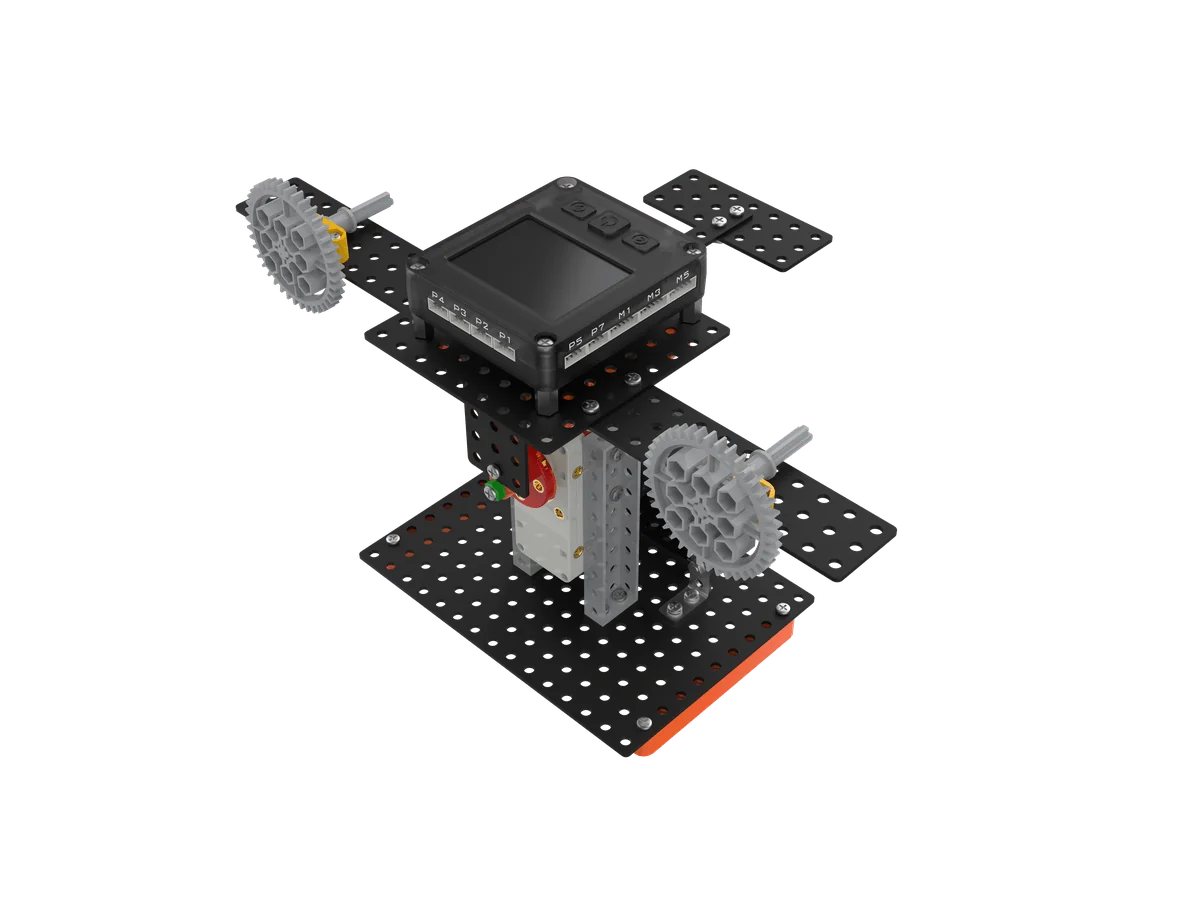
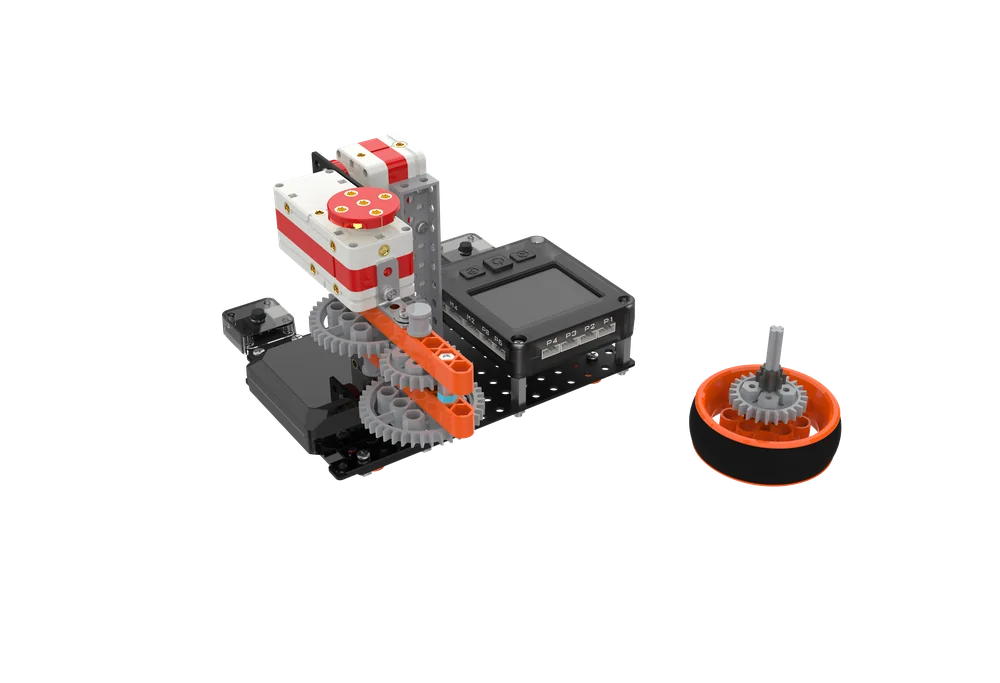
Same motor, why is someone else’s car faster? Students challenged multi-stage gear acceleration box meshing, used conditional loops and motor speed control to transfer power to wheels, experiencing gear acceleration and torque trade-off.

L09
Catapult Launch
Build an aircraft carrier catapult: deck, power machine, sensorUse touch sensor as a physical switch for real-time interactionLearn aircraft carrier classification: by displacement and by powerDistinguish digital and analog values; rotational force becomes linear thrust
Popular
L10
Super Racer
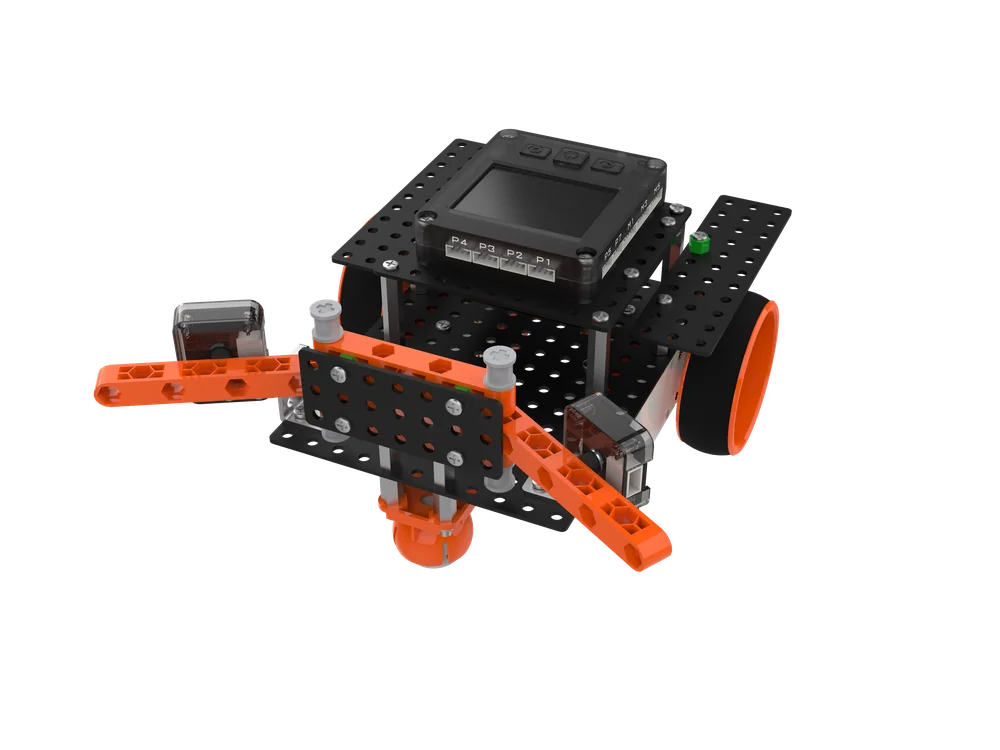
Build a dual-motor racing car with 40-tooth driving 8-tooth high-ratio accelerationDebug direction and speed parameters for dual motors driving in the same directionUnderstand aerodynamics: flat body reduces drag, tail increases downforceCalculate: 40 ÷ 8 = 5×; big wheel one turn = small wheel five turns
L11
Spin Clean
Build a drum washing machine model: outer drum, inner drum, safety doorUse motor forward/reverse alternation (50 and −50) to simulate scrubbingUnderstand centrifugal force from high-speed drum rotation expels waterReview five generations of washing machines: hand wash to AI smart
L12
Cool Fan
Build a head-shaking, speed-adjustable fanUse show number command to display knob 0–100 value and adjust speedConsolidate single-stage gear acceleration; knob equals variable resistorKnow wind speeds up sweat evaporation to cool; draw a flowchart first
Unit 4

Smart Living

Nested branches · Structural reinforcement and multi-sensor collaboration
Automatic Egg Beater project
Demo · Lesson 14 "Automatic Egg Beater"

Whipping egg whites is tiring and delicate. In class, students used gear acceleration to increase speed, reinforced the body, and used nested dual branches to switch between stirring and whipping, understanding the basis of high-speed whipping and low-speed stirring.

L13
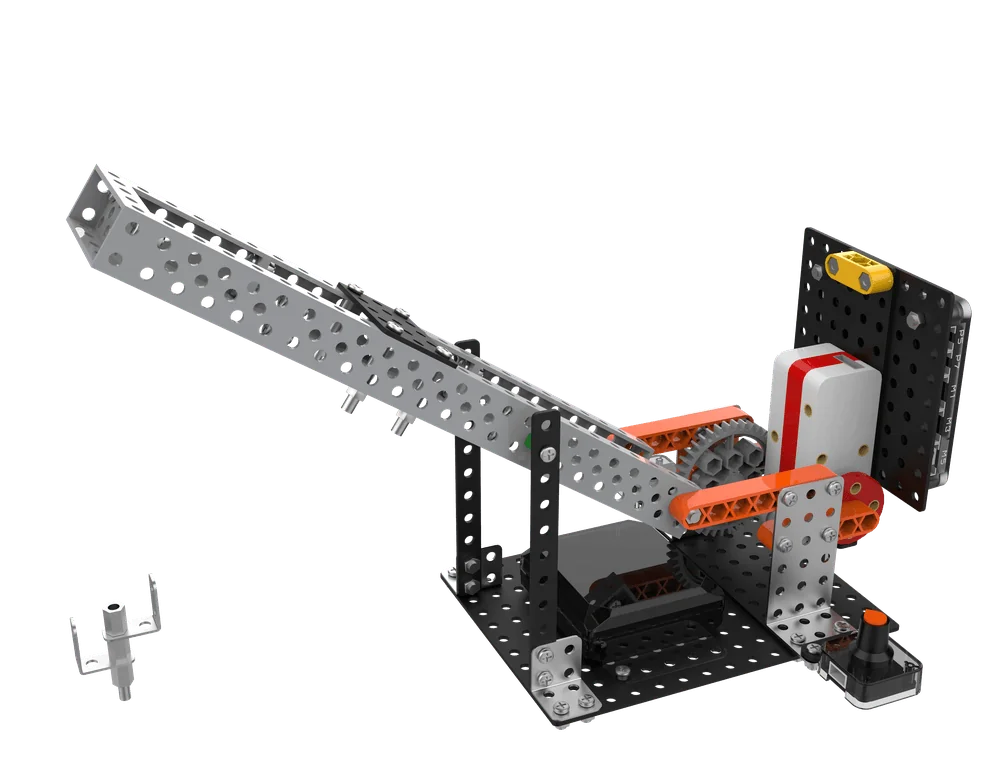
Mighty Crane
Build a crane: base, cab, arm, hookUse knob and branch commands to control lifting; touch stop as limitUnderstand triangle stability: fixed side lengths fix shapeCalculate deceleration increases force: 8-tooth driving 40-tooth reduces speed to 1/5
Popular
L14
Auto Egg Beater
Build an automatic egg beater: whisk, container, lifting mechanismUse dual-branch nesting to switch speed gearsLearn the new structure limit beam — prevents centrifugal force from throwing out ingredientsUnderstand baking basis of low-speed stirring and high-speed whipping
L15
Defense Turret
Build a 360° rotating turret: base, weapon, pitch deviceDistinguish blocking and non-blocking blocks and implement firingLearn elasticity and inertia: rubber band stores energy, projectile flies by inertiaUse three-zone branch algorithm to aim: 30 left, 60 right
L16
Elastic Mechanism
Build a rubber-band elastic mechanism, complete structure and wiringUse single branch for "press to fire", dual branch for resetLearn elastic deformation: deforms under force, returns when force removedUnderstand source of elastic force; compare four launch power types
Unit 5

Smart Challenge

AND logic · Multi-branch algorithm · Game main loop
Star Fighter project
Demo · Lesson 19 "Star Fighter"

Crossing asteroid belts, locking targets, and shooting accurately — a fighter must do three things at once. Students built the body, turret, and wheel set, used a game main loop with multi-branch logic, and mastered encoder distance control.

L17
Spin Duel
Build a gyro launcher in series with two-stage gear accelerationDual touch controls dual motors; multi-task programming synchronizes acceleration and launchLearn the 7,000-year history of gyroscopes; people have played them since ancient timesCalculate acceleration ratio: 24:8 = 3×; two-stage = 3×3
L18
Smart Obstacle Avoidance
Assemble a dual-probe obstacle-avoidance car, left and right touch each manage one sideUse multi-branch judgment plus AND operation to code three avoidance strategiesCompare photoelectric, ultrasonic, touch three sensor typesFrom "walking blindfolded" experience the difference between human and machine obstacle avoidance
Popular
L19
Star Fighter
Build body, turret, and wheel set; motor drives body translationUse motor encoder for distance control; game main loop manages overall stateUnderstand Cartesian coordinate system: X and Y axes positioningReview game screen technology: text, 2D to 3D evolution
L20
Shooting Game
Build a dual-joystick controller; dual motors drive crosshair movementUse variable to store encoder value; multiplication amplifies movement speedLearn variable: a container that stores data and is called by nameUnderstand game carrier evolution: cartridges to digital consoles
Stage 2Coming Soon

Ultrasonic · Servo · Wireless Remote

Starting from autonomous obstacle-avoidance robots, enter steering control, line tracking, and multiplayer competition.

Stage 3Coming Soon

Advanced Mechanics & Integrated Challenges

More complex mechanical structures and mission challenges; courses are continuously being developed.

Stage 4Coming Soon

Integrated Creation & Free Design

Integrate everything learned to complete your own comprehensive project.

TEACHING FEATURES

How Classes Are Taught,Thought Through

From story introduction to presentation and exchange, from in-class quizzes to after-class consolidation, every step has supporting resources.

01Story-Driven Classroom

The complete Interstellar School story line runs through all courses. Lele, Meimei, Grandpa Sheng, and AI Elf Xiaozhi accompany children all the way, so kids learn programming by following the plot, not scattered background settings.

123456

02Six-Step Closed-Loop Teaching

Context introduction → knowledge explanation → building and programming practice → extension and improvement → reflection and summary → presentation and exchange. Explanation plus practice ensures learning and retention.

Accuracy 68%

03AI Interactive Courseware

In-class instant quizzes, real-time accuracy statistics, fun buzzer races and team PK, and automatically pushed targeted exercises let teachers accurately grasp learning status.

SlidesLesson Plan3D ViewExercises

04Complete Supporting Resources

Courseware, verbatim lesson plans, 3D building diagrams, interactive exercises, pre-class preview and after-class consolidation are all included, making teacher preparation easier.

123

053D Building Diagrams

Accurate physical modeling with freely zoomable 3D views; step-by-step building diagrams keep every detail clear.

AutonomyThinkingLiteracyGrowthEvery lesson

06Literacy Grows Together

The 3STC three-dimensional nine-element framework runs throughout; each lesson focuses on at least three literacy dimensions, not just programming.

1Context IntroductionTopics close to daily life introduce the lesson, stimulating interest and active thinking
2Knowledge ExplanationSystematic explanation of programming knowledge and mechanical principles + in-class consolidation
3Build & ProgramStructure analysis → step-by-step building → wiring → writing and debugging
4ExtensionChallenge tasks and fun games encourage optimization and innovation
5ReflectionReview knowledge points and guide students to summarize gains independently
6PresentationIntroduce their own works to practice expression and let teachers grasp learning status

3STC Literacy Framework · Three Dimensions & Nine Elements,Pervading Every Lesson

Autonomy is the foundation, thinking is the method, literacy is the output
Autonomy
DRIVE
  • Self-directed learning
  • Self-decision
  • Self-management
Thinking
METHOD
  • Engineering thinking
  • Computational thinking
  • Design thinking
Literacy
ACTION
  • Cultural understanding
  • Communication & collaboration
  • Critical & creative thinking
Classroom footage · students building, quizzing, and showcasing projects
PROJECT MODELS

Every Lesson Has aWorking Project

From speed racer to star fighter, eight representative projects from Stage 1.

Speed Racer
Speed RacerDifferential drive · corner steering
Mighty Crane
Mighty CraneTriangle reinforcement · gear deceleration
Air Flight
Air FlightMulti-task programming · dual motors and dual lights
Spin Duel
Spin DuelTwo-stage gear acceleration · AND logic
Humanoid Partner
Humanoid PartnerDual-motor collaboration · bipedal jumping
Smart Obstacle Avoidance
Smart Obstacle AvoidanceMulti-branch judgment · obstacle avoidance algorithm
Star Fighter
Star FighterGame main loop · encoder distance control
Shooting Game
Shooting GameVariable storage · dual-joystick control

Learn Programming with Robots

ShengTong Roborobo AI MCU 5.0 · Graphical AI Programming Robot Course Kit for Ages 7–10